User Manual 66
Utilities
Maintenance
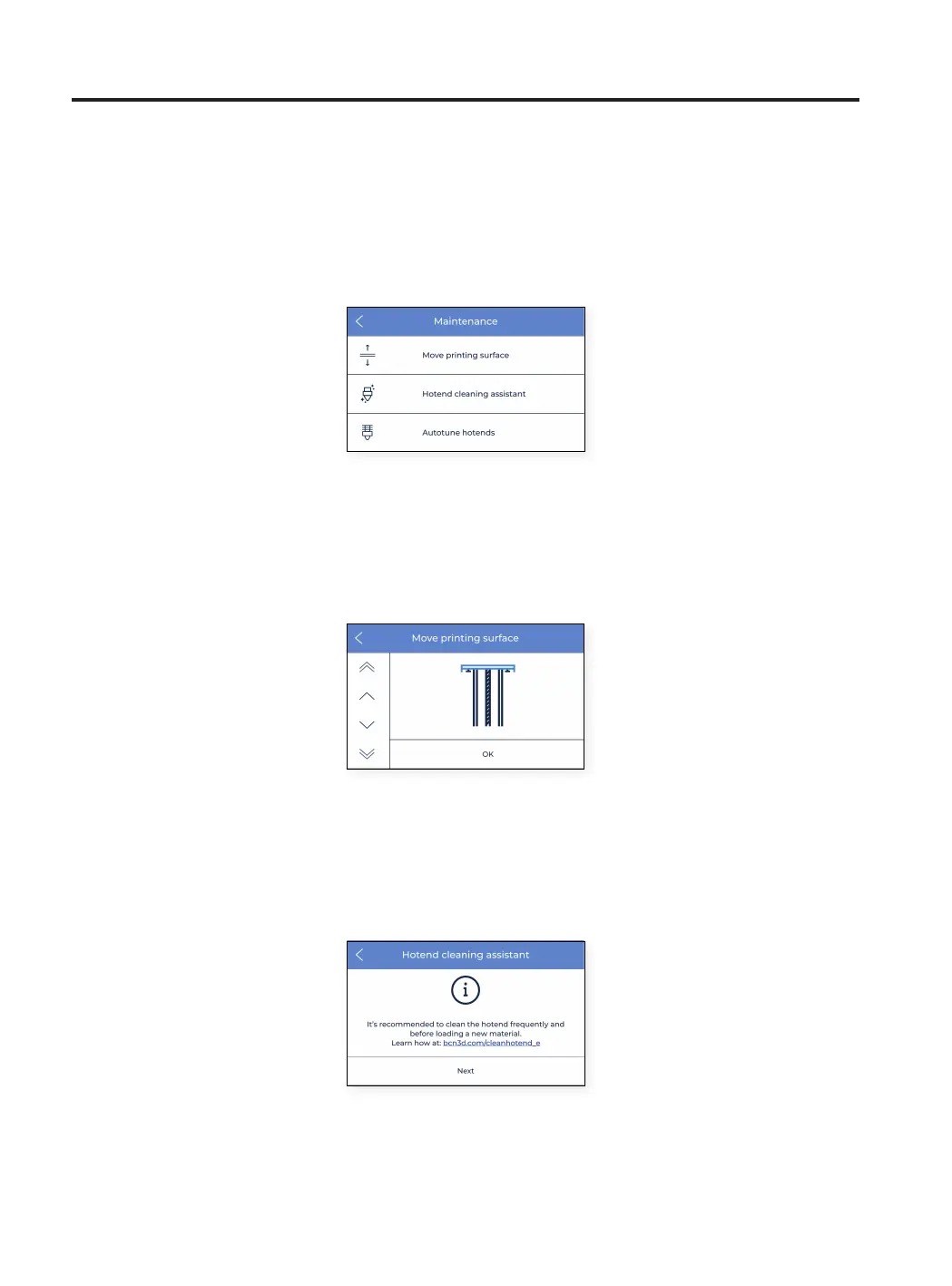
This menu contains several operations to use when the user is performing maintenance tasks. For more
information about maintenance processes and recommended frequency, refer to the Maintenance section in this
document.
1. Move printing surface: it is used when it is needed to lower or raise the printing platform. This is a very simple
operation and it is very useful to separate the printing platform from the print heads.
2. Hotend cleaning assistant: this procedure is meant to remove the rests of dust and previously used material
from inside the hotend. It is recommended that this operation is performed regularly or when the nozzle is
clogged. Follow the instructions on the screen or take a look at section Cleaning hotend to know more about
how to perform this operation.



 To Next Page