User Manual 59
Print
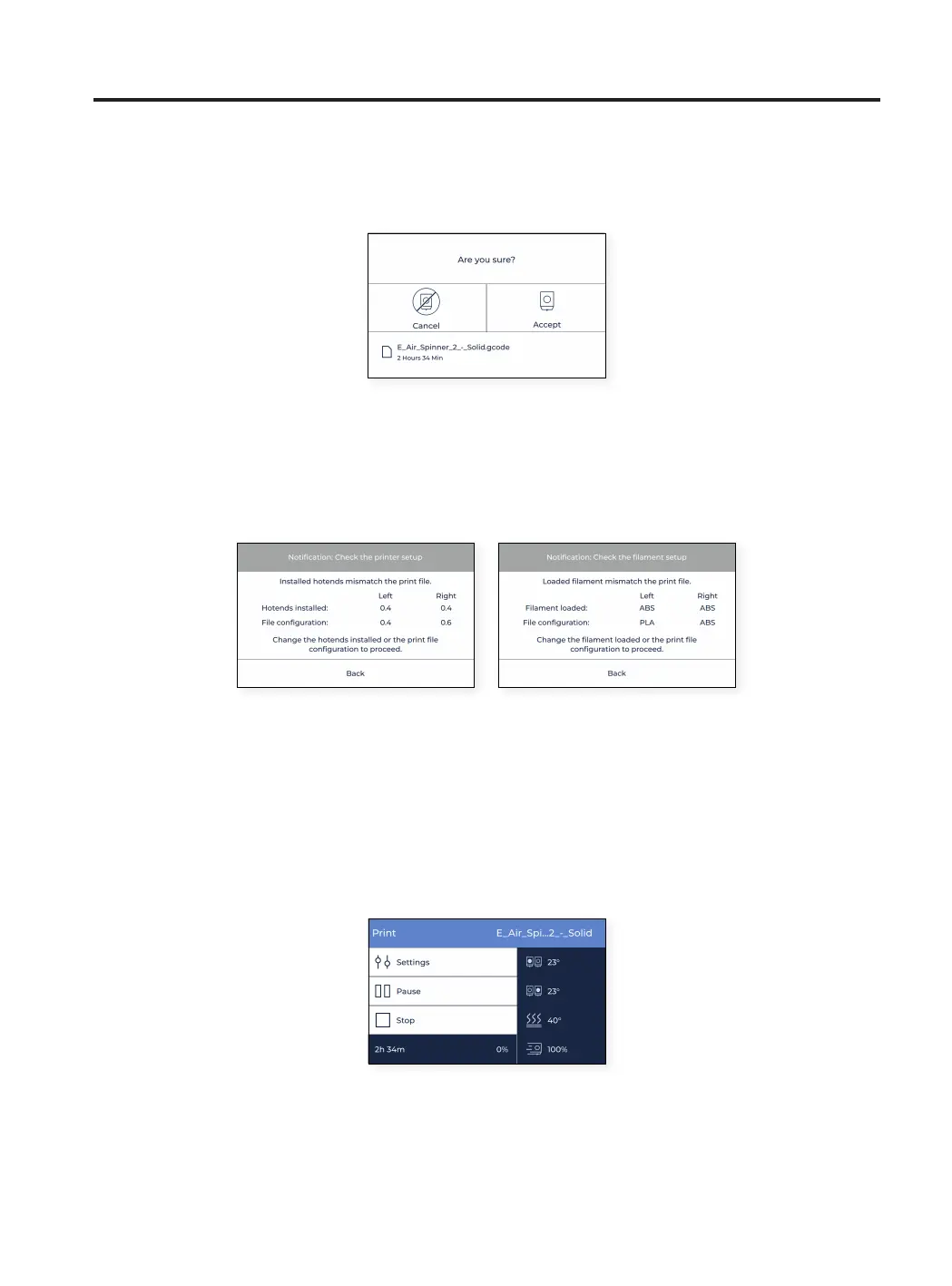
When selecting the element on the list, a confirmation message appears to ensure that the file was not selected by
mistake.
It’s possible that a message shows up on the screen indicating that the combination of materials and/or hotends
currently inserted on the printer do not match the combination selected on the print job.
In this case, please proceed with the needed operation: change hotend or unload and load material.
While printing
Once the print job starts, the temperatures adjust to the ones indicated on the slicer program. During the entire
printing process, this is the menu shown on the screen:



 To Next Page