User Manual 60
Print
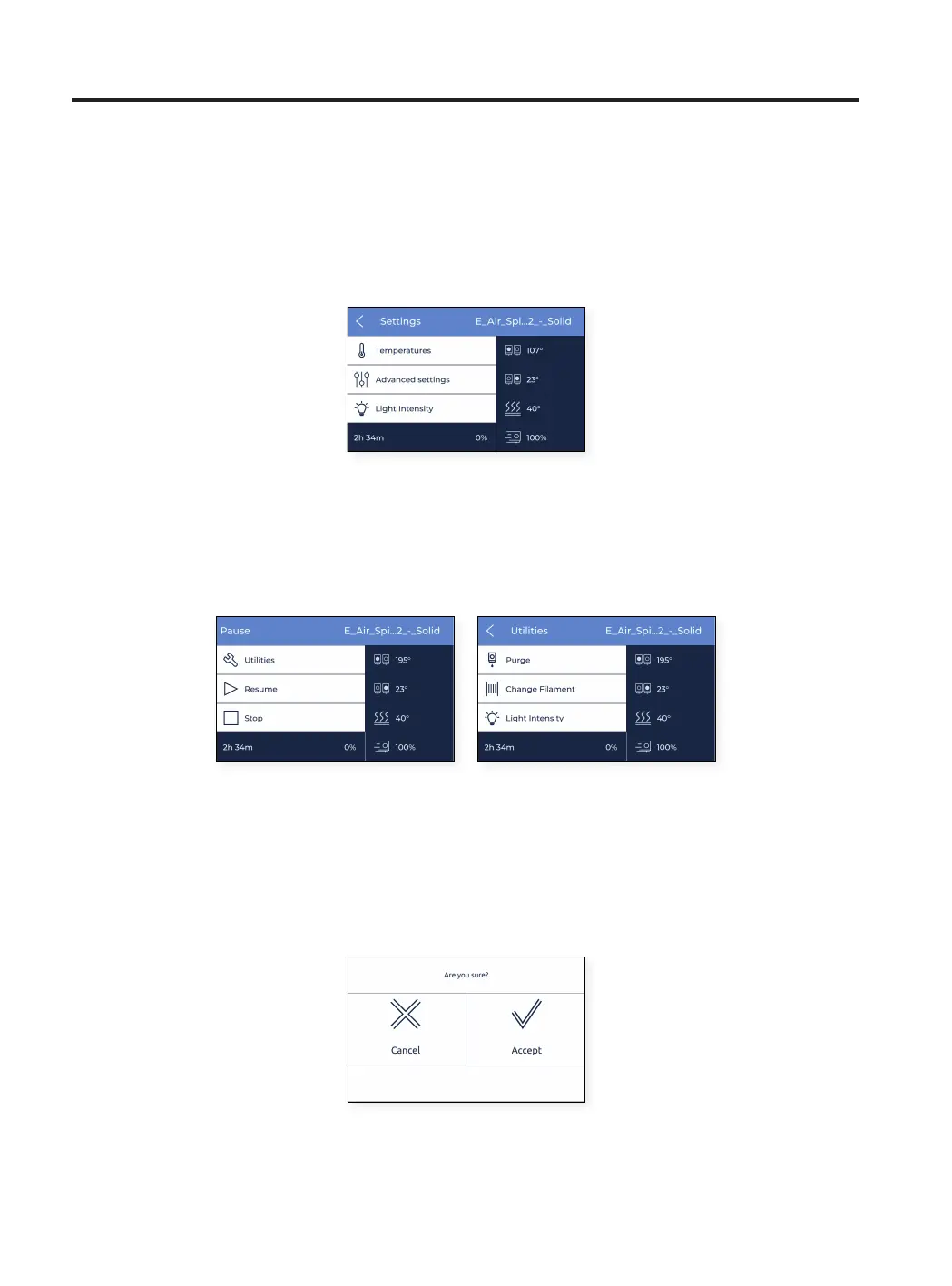
In this menu, users can perform several actions:
1. Settings: access to several parameters that can be tweaked during a print: adjust build plate and hotend
temperatures, cooler fan speed, flow rate, print speed or light intensity.
2. Pause: pause the current print. Printheads automatically move to their home position.
At this point, several operations are available to perform, such as purge, change filament or adjust light
intensity.
After finishing operating the printer, tap on resume to continue printing or stop to end the print job.
3. Stop: finalize the current print. The printer stops printing and the printheads automatically move to their home
position.
Before stopping, a confirmation message appears on the screen to ensure that tapping on the stop button
was not a user mistake.



 To Next Page