User Manual 24
A. Ethernet connection
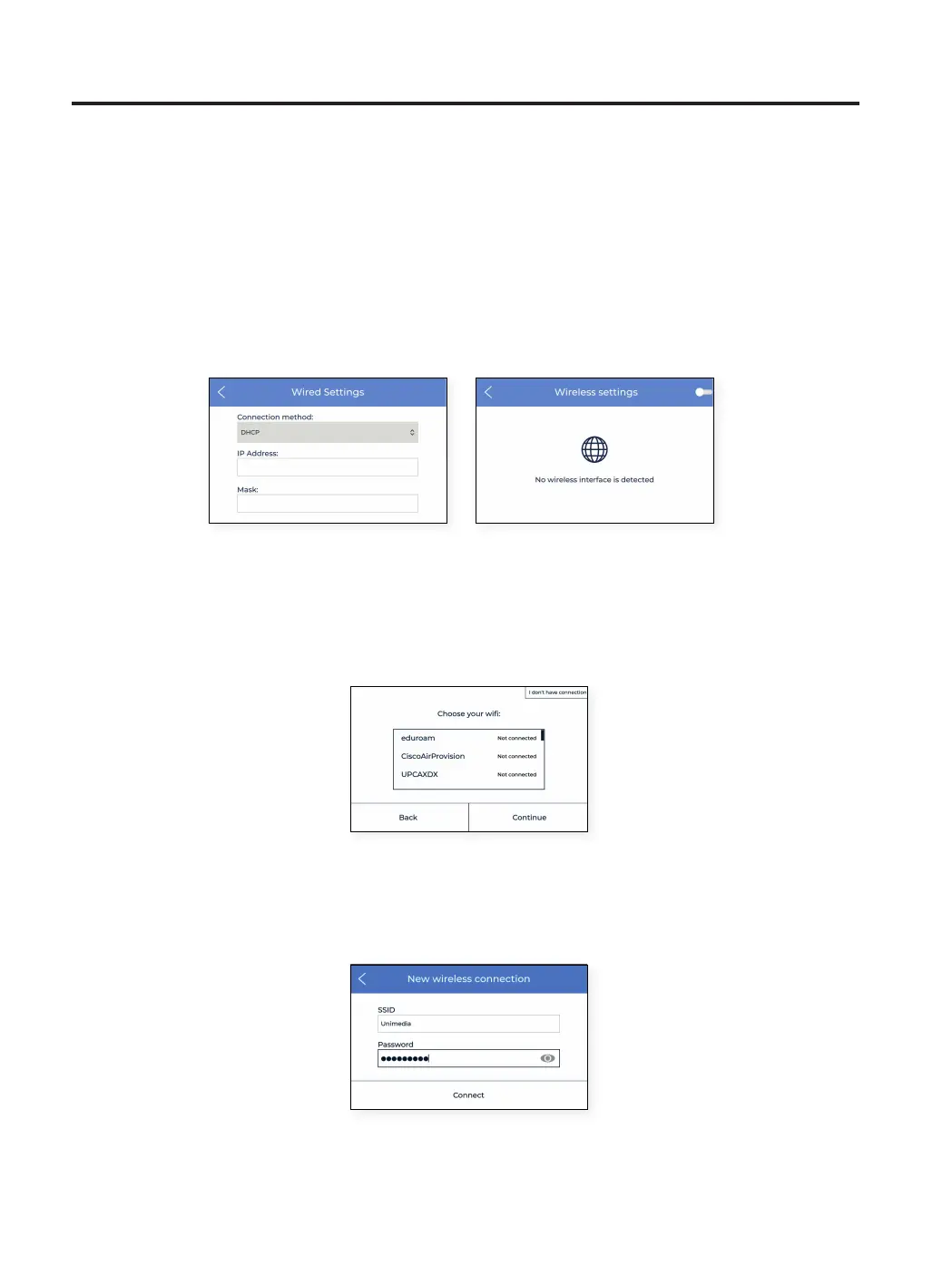
In order to use this option, the ethernet cable must be connected as indicated in Ethernet cable connection.
Connect the other end of the cable to a network source. If the cable is well connected and the LAN (Local Area
Network) uses DHCP, then the next screen shows up, indicating that the printer has been connected successfully.
If the network does not use DHCP, the connection cannot be set up automatically. To configure the network
connection manually, follow the instructions described in the Printer setup section.
B. WiFi connection
When the wireless option is preferred, the USB WiFi Dongle must be connected, as indicated in the section WiFi
connection. At this point, a screen similar to the one below appears:
A list of detected wireless networks appears. Select the preferred wireless network from that list. In case a
password is needed, please type the password and tap Connect.
Welcome setup



 To Next Page