User Manual 30
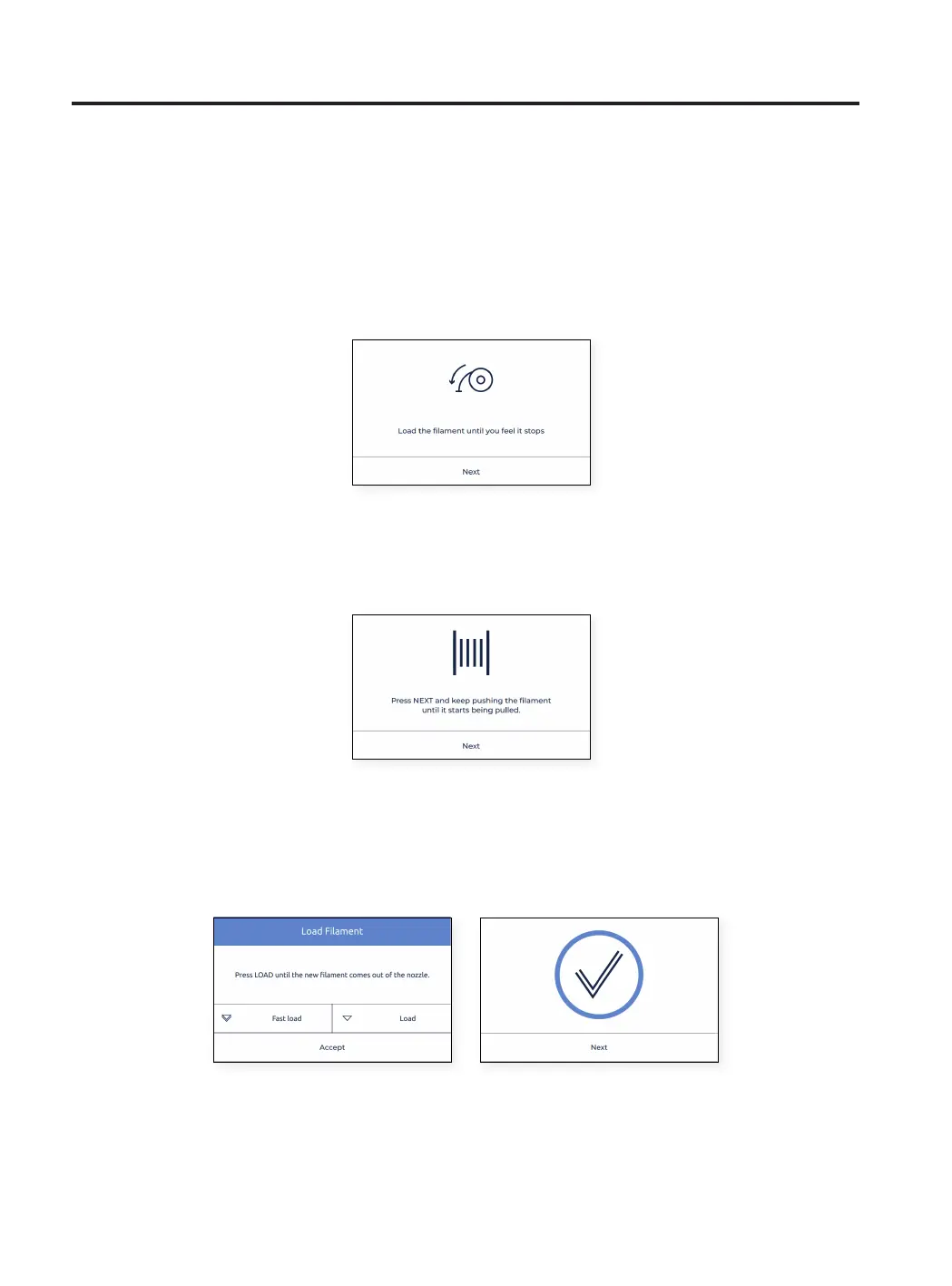
• Follow the instructions on the screen to finish the operation. The Next button on the screen should be enabled.
In case the button is still grayed out, that means that the filament hasn’t passed through the FRS. If that is the
case, push the filament further until the button is enabled and you feel it stops at the extruder.
• In case the filament hasn’t reached the nozzle, but it is in the upper bowden tube, tap and hold the “Load”
button on the screen in order to move more filament towards the end of the tube, until there is fused filament
coming out of the nozzle. Then, press “Accept”
• Repeat the process for the second extruder.
Setup Assistant
• Push the filament gently through the tubes until it arrives at the extruder. Notice that the filament may get a
bit stuck in the Filament Run-out Sensor (FRS). The filament should be pushed through the FRS until it doesn’t
move forward because it arrives at the extruder.
HINT: Taking a look at the back of the printer may also help
to know if the filament is in the correct position.



 To Next Page