User Manual 63
Utilities
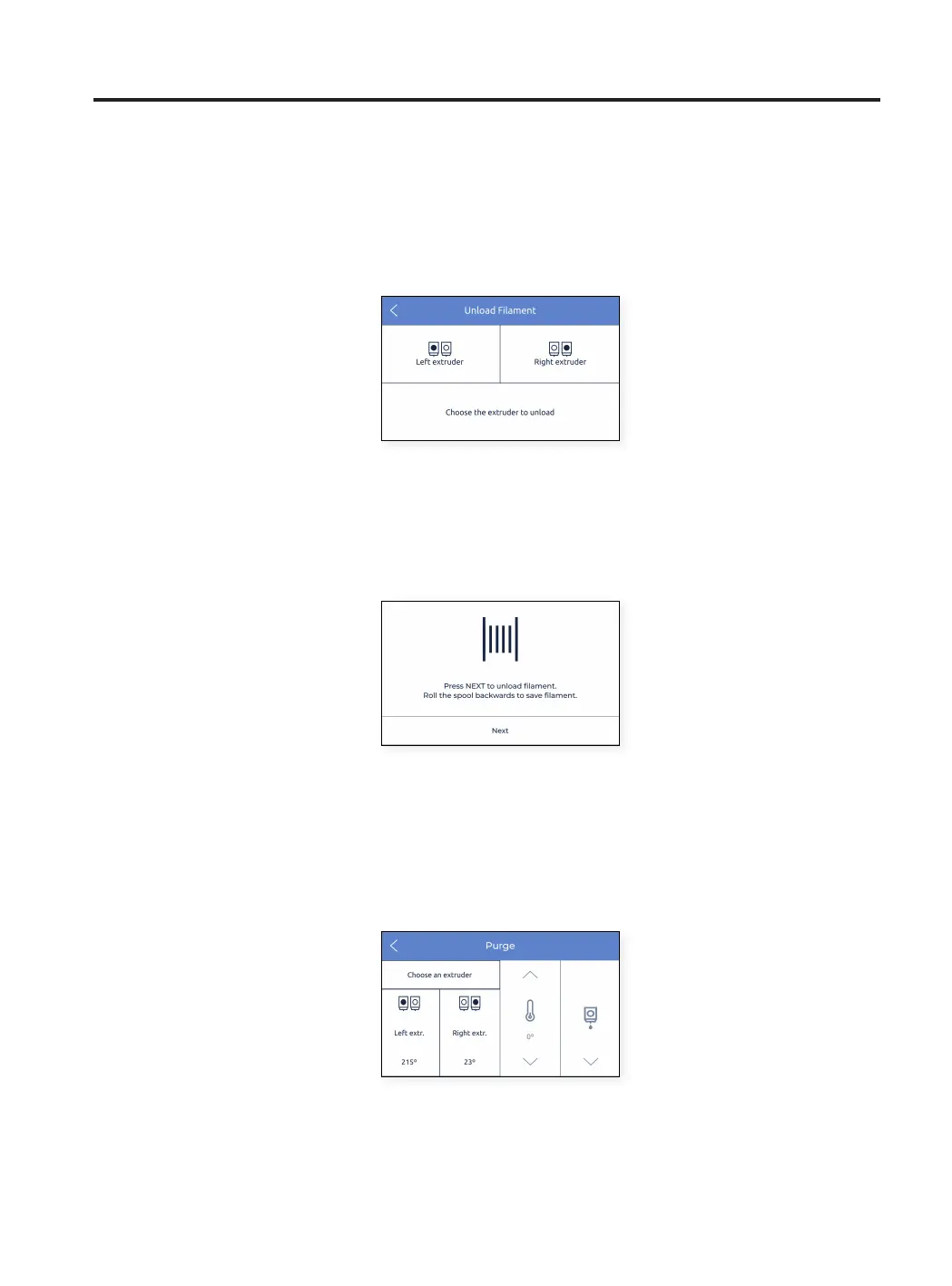
2. Unload: this process guides the users through the operation of removing a material filament from the hotend.
It’s normally executed before inserting a new material.
• Select the extruder the material will be removed from.
• As soon as the nozzle reaches the correct temperature, press Next and the material will automatically
purge a little bit before moving backwards. Be sure to roll the spool back and pull the filament out of the
tubes.
3. Purge: this procedure is used to move filament towards the nozzle in order to ensure that there is filament on
the tip before starting a print.



 To Next Page