User’s Guide84
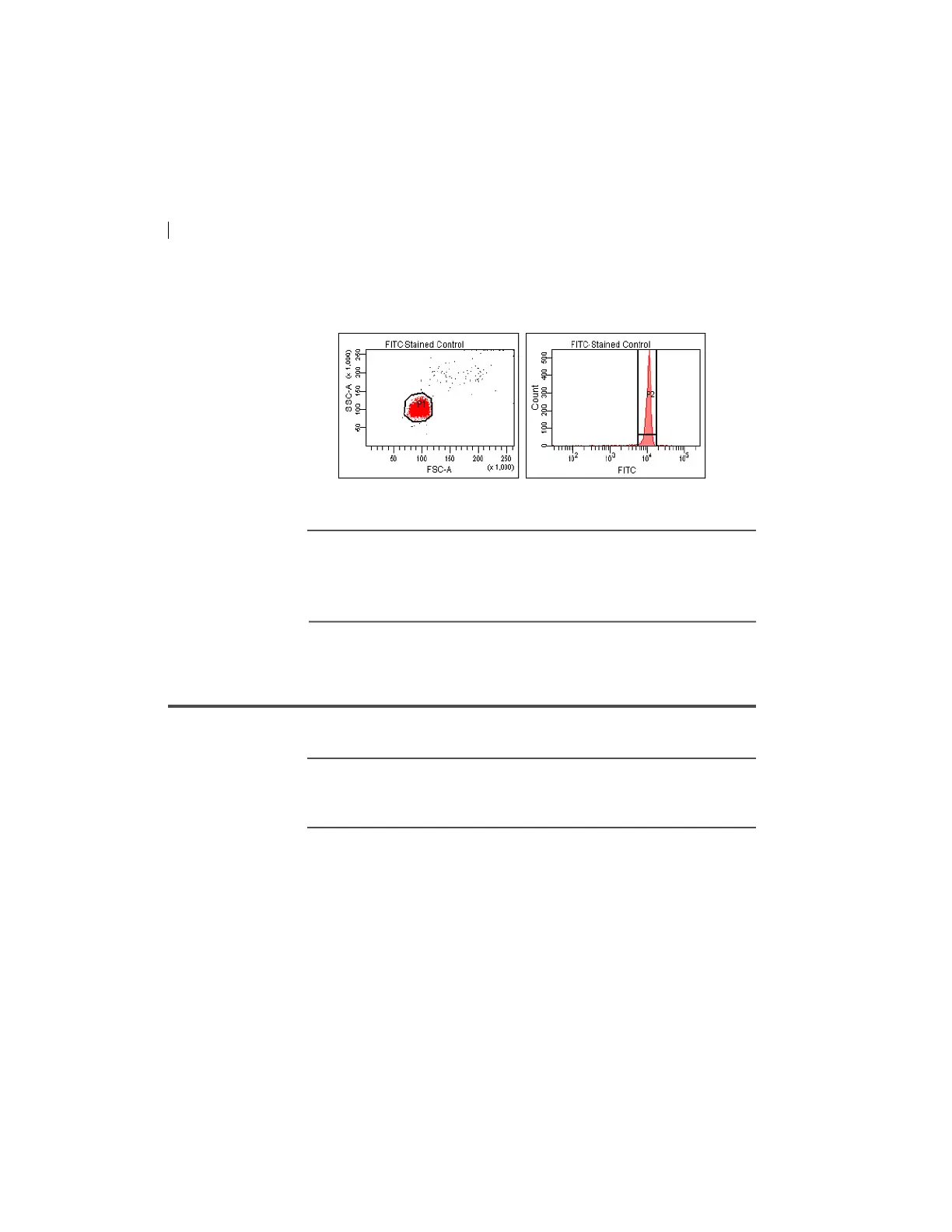
13. Verify that the snap-to interval gate encompasses the positive
population.
14. Repeat steps 12 and 13 for the remaining compensation tubes.
Next step After you have recorded
data for each single-stained control,
calculate compensation as described in Calculating compensation
(page 84).
Calculating compensation
Introduction This topic describes how to calculate compensation.
Before you begin Before you can calculate compensation, you need
to record the
data for each single-stained control.
Procedure To calculate compensation:
1. Select Exp
eriment > Compensation Setup > Calculate
Compensation.
Note: If
the calculation is successful, a dialog prompts you to
enter a name for the compensation setup. The default name is
year/month/day/time.



 To Next Page