User’s Guide20
Control panel
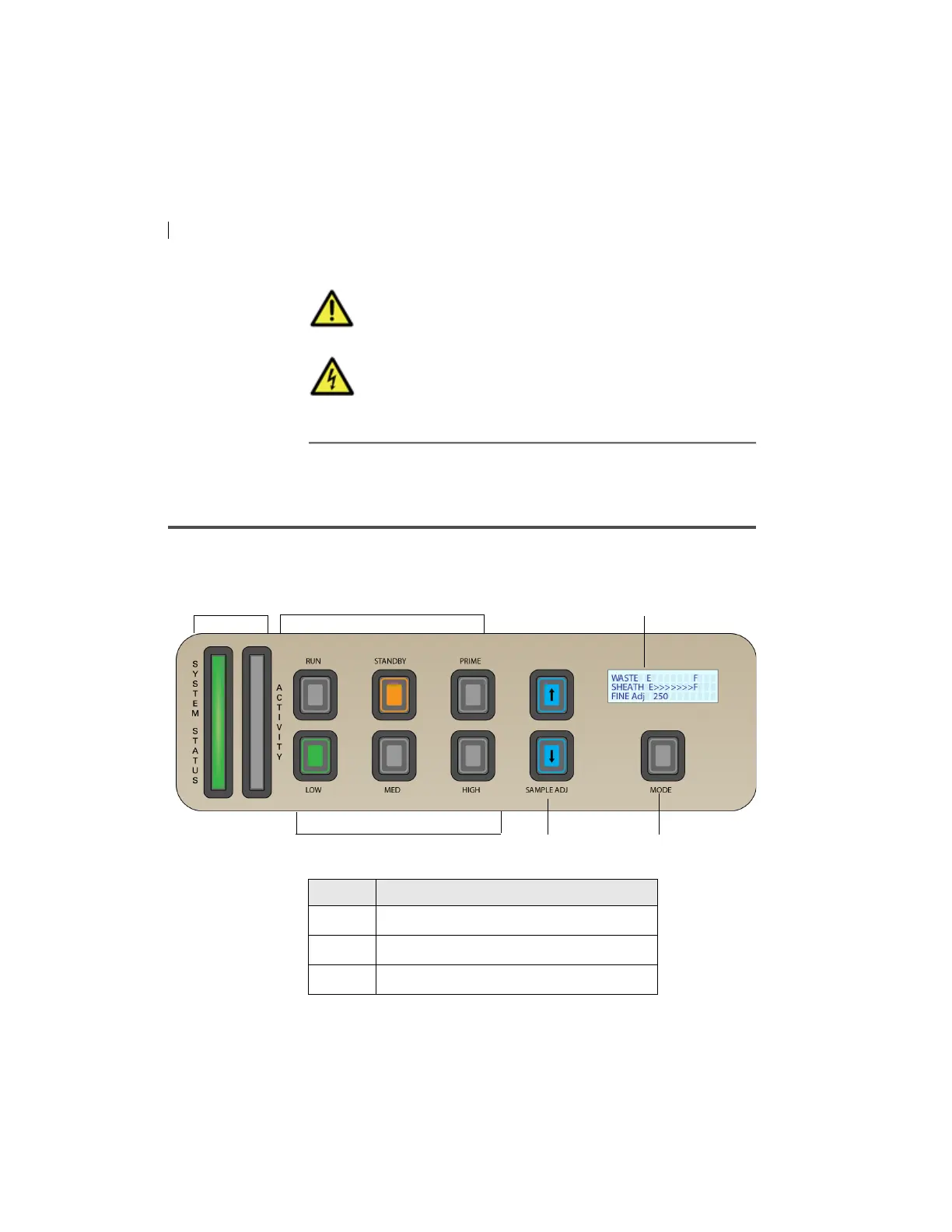
Overview The following figure shows the components in the control panel,
which are listed in the table.
Caution! Do not place any objects on top of the
instrument. Blocking the ventilation may cause the
instrument to overheat.
Caution: Electrical Hazard! Do not place liquids on top of
the instrument. Any spill of liquid into the ventilation
openings could cause electrical shock or damage to the
instrument.
Number Component
1 System indicators
2 Fluid control buttons
3 Sample flow rate buttons



 To Next Page