Chapter 5: Optimizing cytometer settings 81
Recording compensation controls
Introduction This topic describes how to create and record compensation
controls using the Compensation Setup feature of BD FACSDiva
so
ftware and an experiment with optimized settings.
Creating
compensation
tubes
To create compensation control tubes:
1. Select Exp
eriment > Compensation Setup >
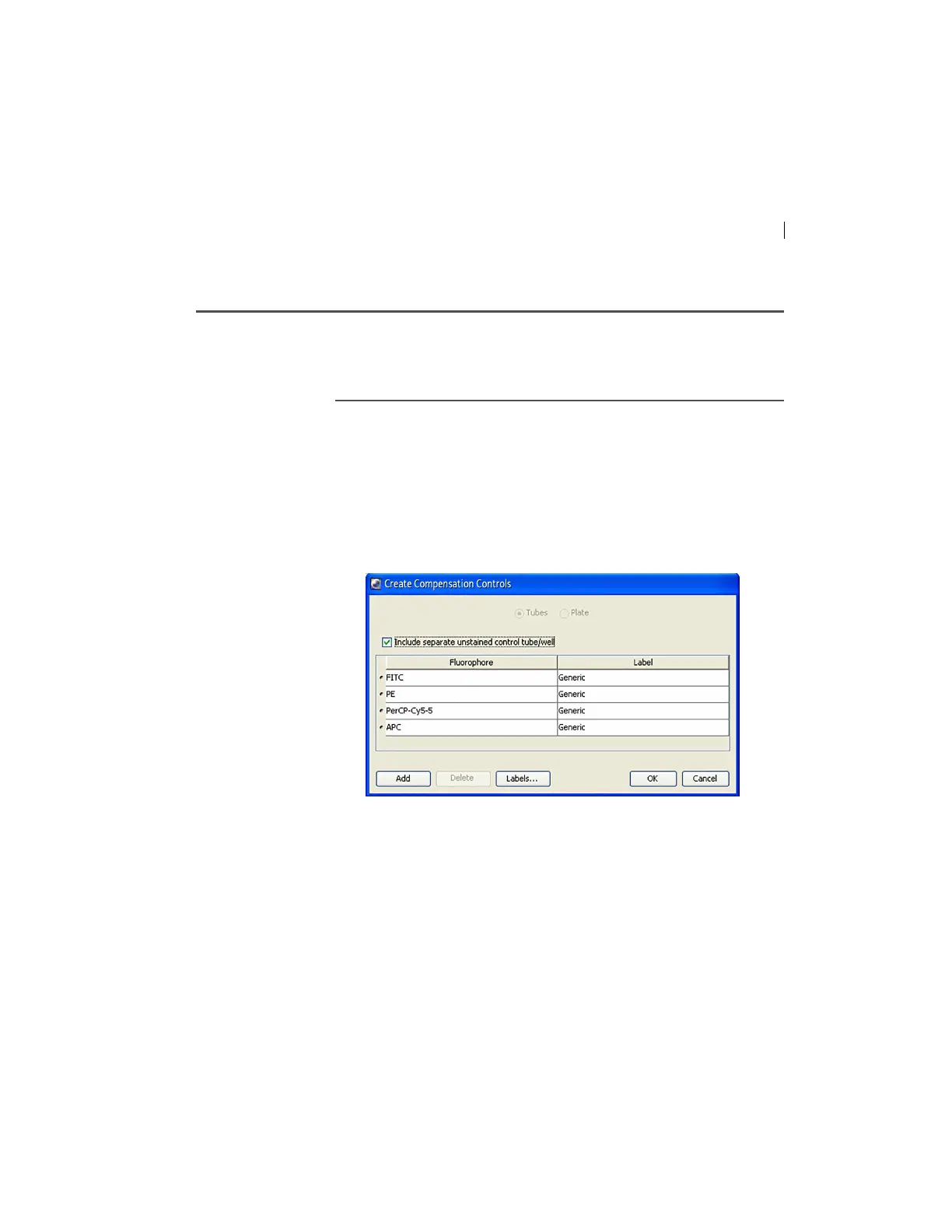
Create Compensation Controls.
The Create Compensation Controls dialog opens.
For this bead example, you do not need to provide non-generic
t
ube labels.
2. Click OK.



 To Next Page