Chapter 3: Cytometer setup 35
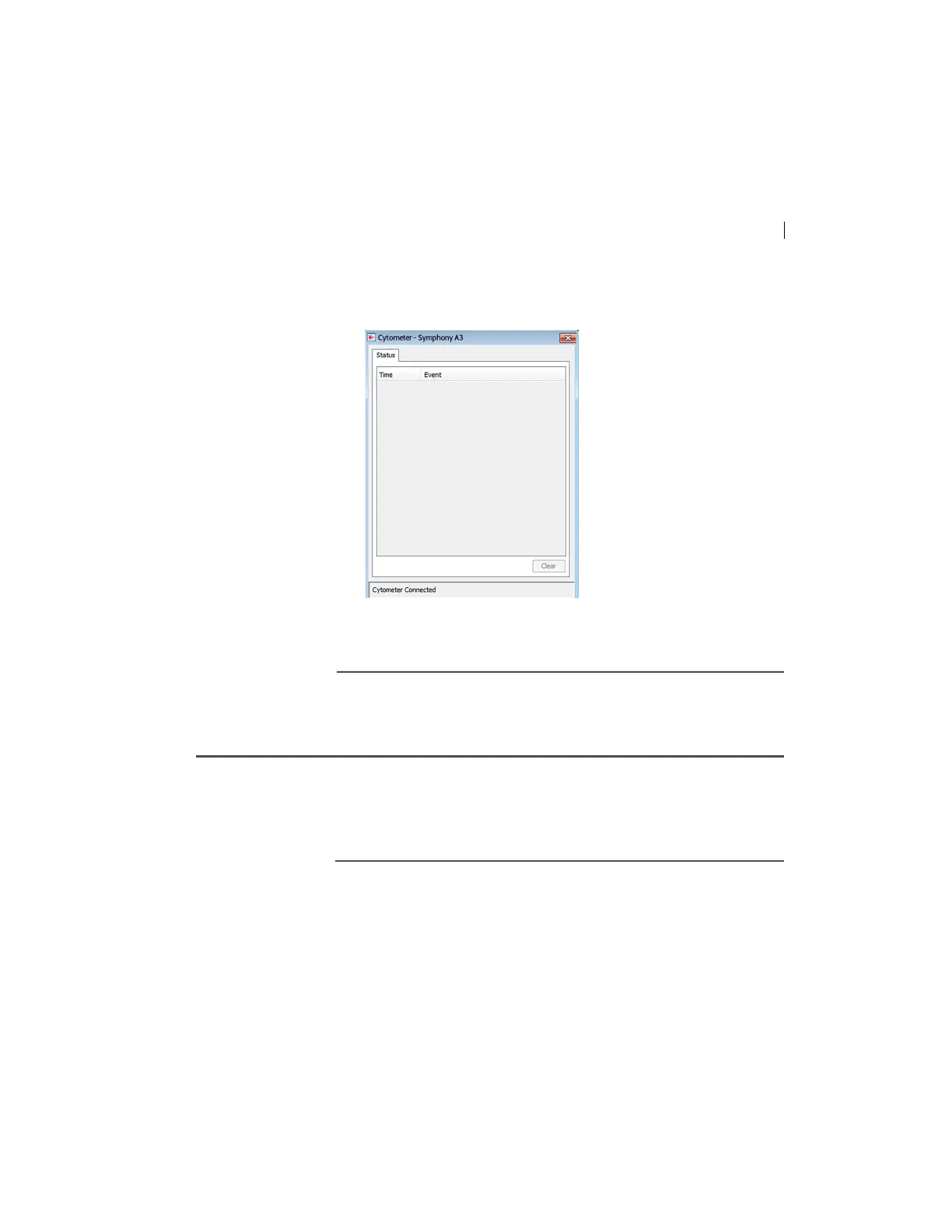
area of the Cytometer window. When connection completes,
the message changes to “Cytometer Connecting.”
If the message “Cytometer Connecting” displays, see
Electronics troubleshooting (page 110).
Preparing the sheath container
Introduction This topic describes how to prepare the sheath container.
Note: If
your system is using the FFSS, see the documentation
provided with your system.
When to check the
sheath container
Check the fluid levels in the sheath container every time you use
the cytometer. This ensures that you do not run out of sheath fluid
during an experiment.



 To Next Page