75.5753.15 LZR-MICROSCAN T 20180720 Page 3 of 1675.5753.15 LZR-MICROSCAN T 20180720 Page 3 of 16
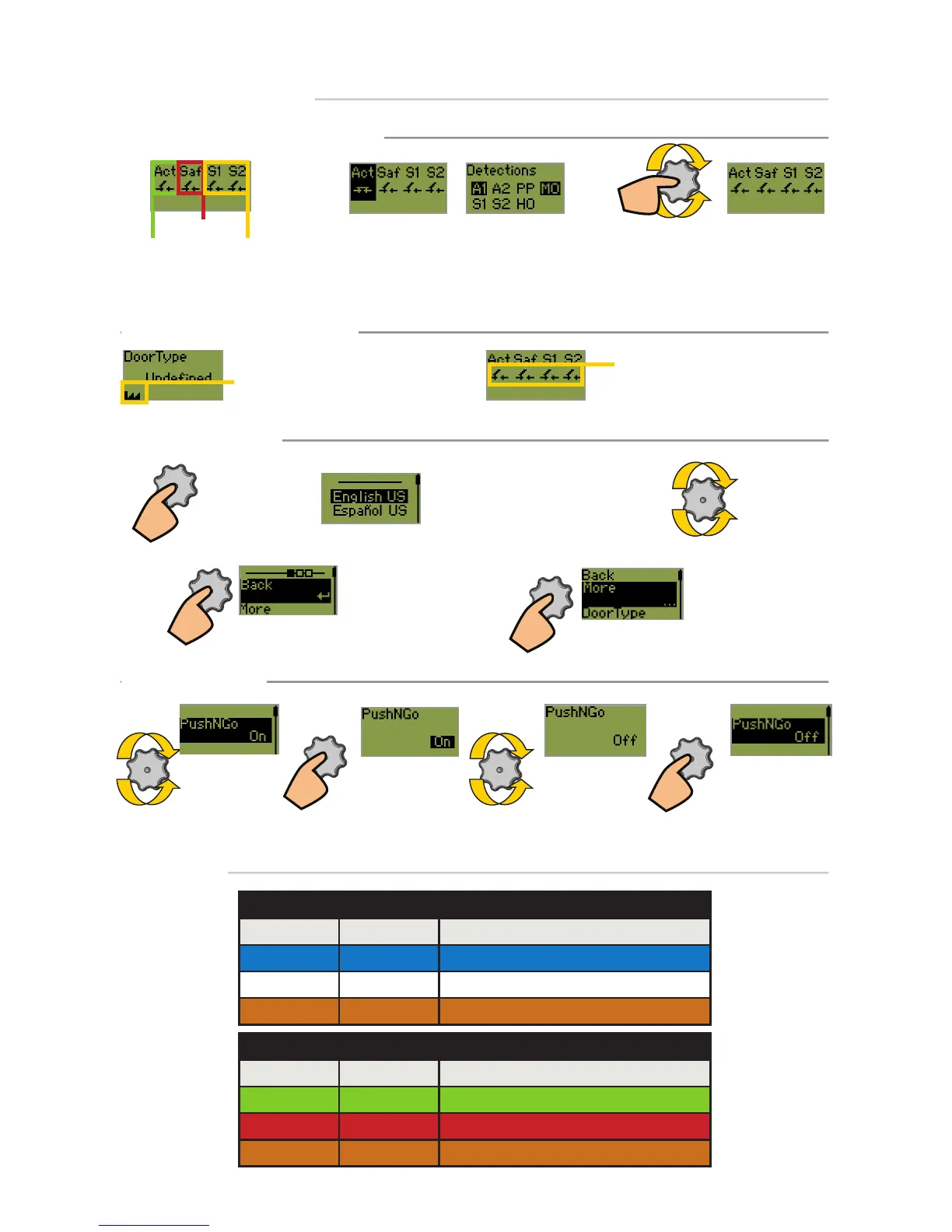
HOW TO USE THE LCD
DISPLAY DURING NORMAL OPERATION
Activation
Safety
Negative display = active output To adjust contrast, push and turn the
gray button simultaneously.
During normal operation only.)
Stall
(door 1 & 2)
Opposite for reverse logic
FACTORY VALUE VS. SAVED VALUE
displayed value = factory value
displayed value = saved value
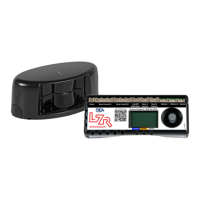
HUB LED
COLOR SIGNAL DESCRIPTION
Blue Learn Learn in progess or Learn required
White Tracking Door position & detection zone tracking
Orange Home Switch Home Switch closed (door/doors closed)
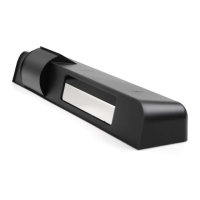
SENSOR LED
COLOR SIGNAL DESCRIPTION
Green Operational Sensor operational
Red Detection Sensor in detection / Sensor monitoring
Orange* Error Sensor in error...reference hub LCD
CHANGING A VALUE
SCROLL MENU
UP/DOWN
PUSH
TO SELECT
PARAMETER
SCROLL VALUES
UP/DOWN
PUSH TO SAVE
NEW VALUE
current value is
displayed
more values are
displayed
new value is
displayed
NAVIGATING IN MENUS
Push to enter
the LCD menu
Select your language before entering
the first LCD menu.
Available for the first 30 seconds after
power-on of the hub.
Scroll menu
items
Select Back to return
to previous menu or
display.
Select More to go to
the next level:
- basic
- advanced
- diagnostics
LED STATUS
READ BEFORE BEGINNING INSTALLATION/PROGRAMMING/SET-UP
* see TROUBLESHOOTING section for descriptions of orange LED error indications


 To Next Page