Password
X
X X X
75.0034.03 ULTIMO 20220120 Page 7 of 20
READ BEFORE BEGINNING PROGRAMMING/SET-UP
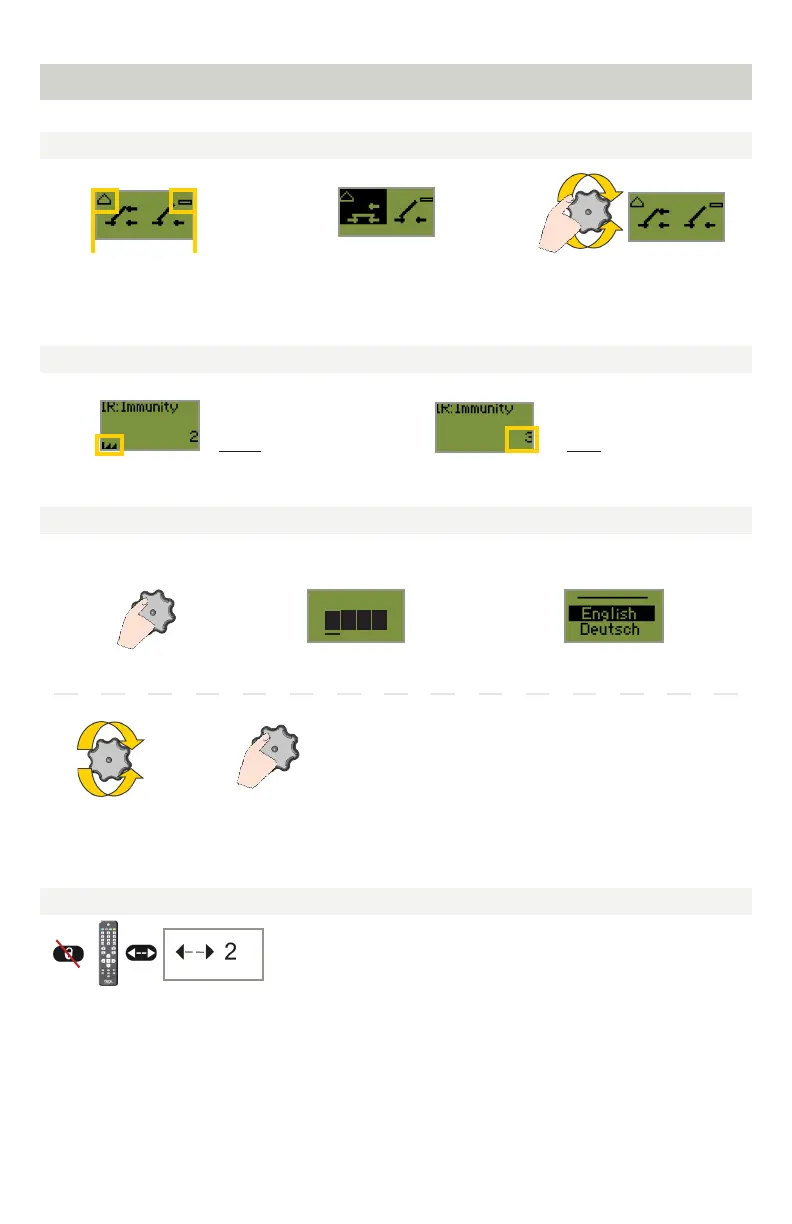
Pressing a parameter symbol on your remote control displays the saved value
directly on the LCD screen. Do not unlock first.
To adjust contrast, push and turn
the gray button simultaneously.
During normal function only.
negative display = active output
= scroll = select
3) Select language before entering the first LCD menu.
Select Back to return to previous
menu or display.
Select More to go to next level:
- IR menu
- Radar menu
- Outputs & Diagnostics menu
1) Push to enter the LCD menu.
displayed value
=
factory value
displayed value
=
saved value
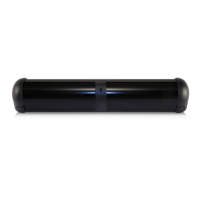
motion AIR
2) Enter password, if necessary.
Not during the first minute after
power-on of the sensor.
HOW TO USE THE LCD
DISPLAY DURING NORMAL FUNCTION
FACTORY VALUE VS. SAVED VALUE
NAVIGATING IN MENUS
VALUE CHECK WITH REMOTE CONTROL


 To Next Page