4
+
2x
Page 14 of 20 75.0034.03 ULTIMO 20220120
SETUP
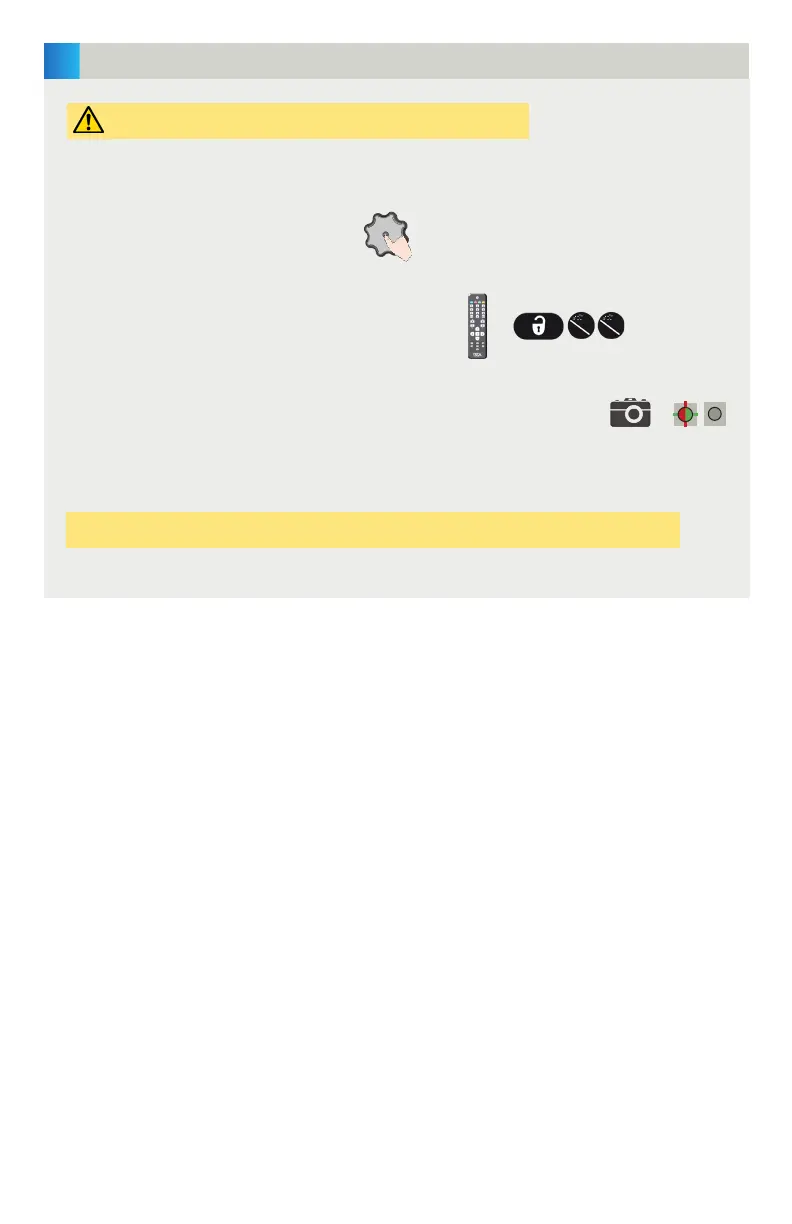
The sensor can be set up using either the push button or the remote control:
During setup, the LCD will display the camera icon and the LED will slowly
flash red/green and then turn off.
slow
flash
PUSH BUTTON:
Press the gray knob twice.
REMOTE CONTROL:
Use the following remote control button sequence:
Ensure that the infrared field is clear of any obstructions.
Test the proper operation of the system installation before leaving the premises!


 To Next Page