FBXXX Field Temperature Block
Prog Menu
24
4.2 Prog Menu
Figure 11
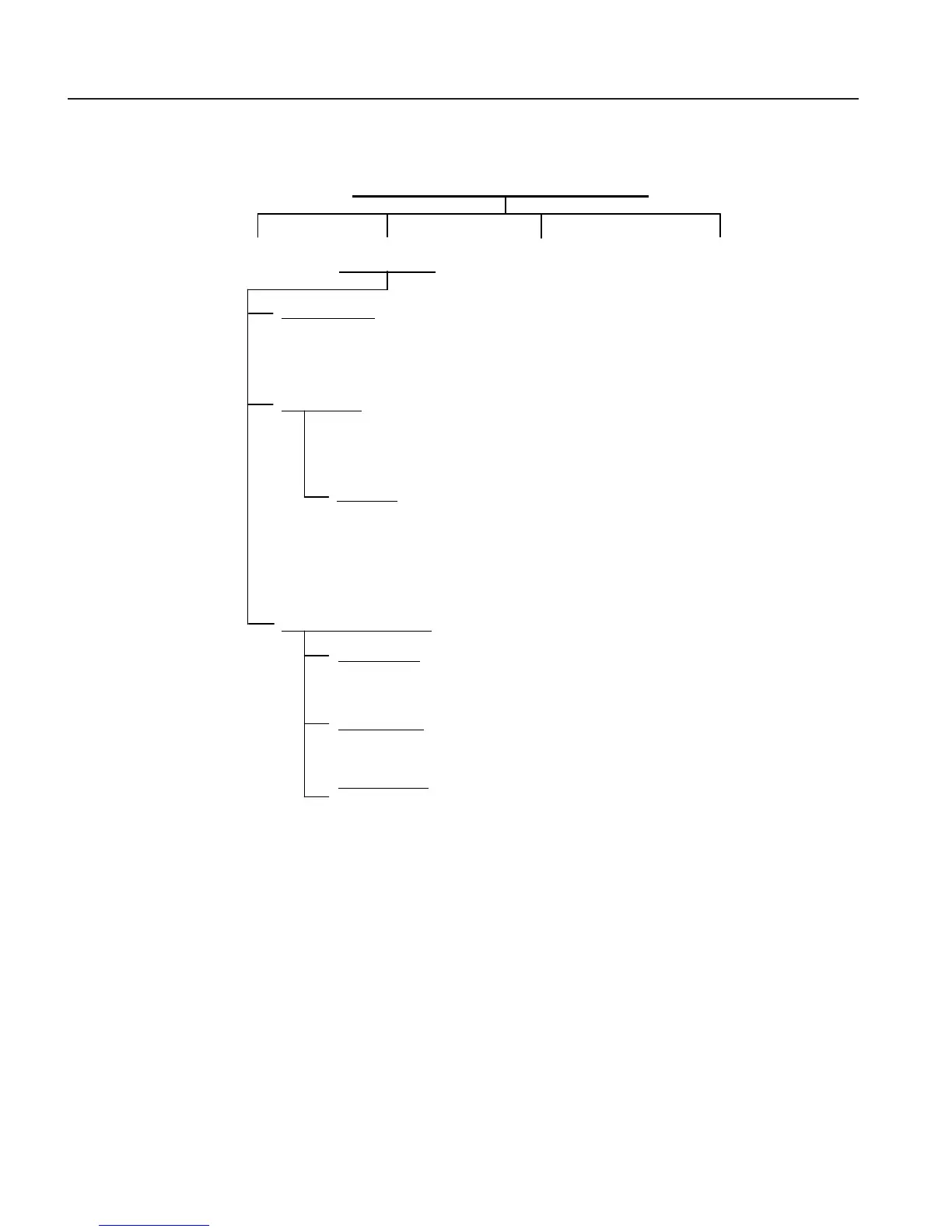
FB150/ FB350/ FB660 MAIN MENU
F1 F2 F3 F4
TEMP SETUP PROG MENU SYSTEM MENU INPUT SETUP (-R ONLY)
F1 RUN PROGram
TEST STATUS: < OFF, RUN><select> Changes status of current test
RUN TEST: < RAMP/SOAK > Runs selected test
RECORD DATA: <YES/NO> <select> (-R Only) Records data for ramp/soak
TEST ID: (Text, 16 char, English ASCII only > (-R Only) Alpha-numeric identification for test
F2 Ramp & Soak
No. of SETPOINTS:<1-8><select>
SOAK TIME: <Minutes><edit> Length of time in minutes at which the Block remains at the set point temperature
Number of CYCLES: <1 – 99> <edit> Number of times the Block repeats the ramp/soak program
DIRECTION: < → ,( Down arrow)> <select>
PASS TOLERANCE: <edit> (-R only) Pass/Fail criteria for the ramp/soak program
F1 SET POINTS
SETPOINT 1: <edit> °C
SETPOINT 2: <edit> °C
SETPOINT 3: <edit> °C
SETPOINT 4: <edit> °C
SETPOINT 5: <edit> °C
SETPOINT 6: <edit> °C
SETPOINT 7: <edit> °C
SETPOINT 8: <edit> °C
F3 TEST RESULT (-R Only)
F1 VIEW TESTS
DISPLAY TEST: <1 - 16><Select> Displays test results
DATE: <view only>
TIME: <view only>
F2 PRINT TESTS
PRINT TEST: <NO, YES><select> Print all test data to to RS-232 port
F3 ERASE TESTS
Erase Tests: <No, Yes><select>, Erases all tests
Main Menu - Prog Menu



 To Next Page