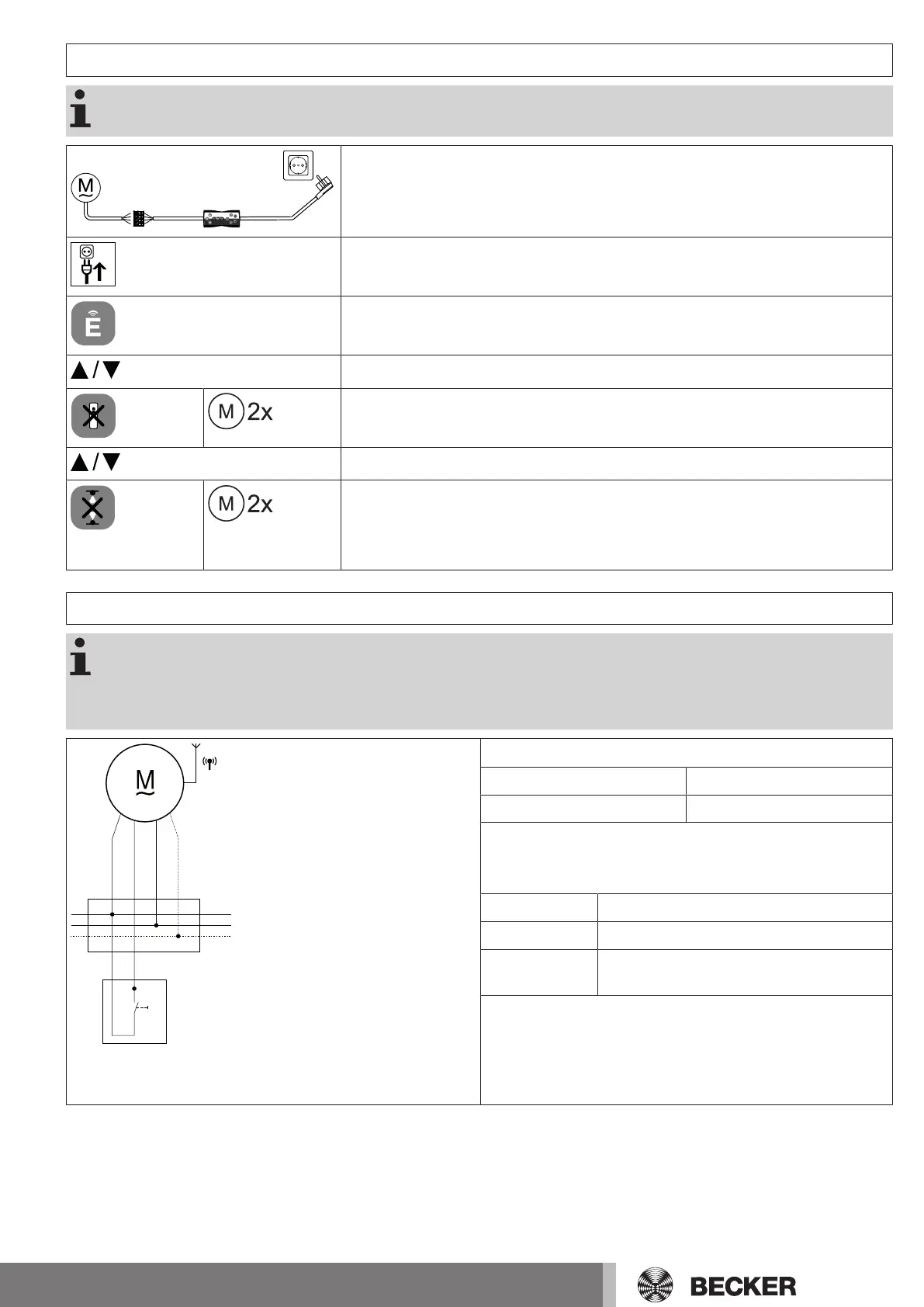
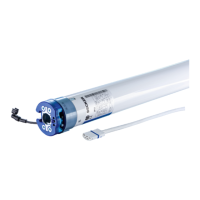
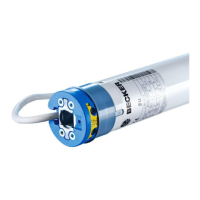
Restoring the factory settings of the tubular drive
The factory settings can only be restored via the universal programming unit (Item no.
4935 000 001 0).
Connect the wires of the tubular drive to those of the same colour in the programming
unit.
Connect the programming unit to the mains supply.
Now press and hold the button "Tubular drive with electronic limit switching and ra-
dio".
Move the tubular drive to a point between the limit positions.
10s
Then press the "Delete transmitter" button for 10 seconds.
▻
The tubular drive confirms.
Execute a short drive command.
Now press the button "Delete limit position(s)".
▻
The tubular drive confirms.
►
The factory settings of the tubular drive have now been restored.
Local operation with a single button
Only use a single button (normally open). Only connect one drive for each push-button.
The length of cable between the tubular drive and the push-button must not exceed 20m.
The push-button must not be operated during the first five seconds after the mains voltage
has been switched on.
Connection
1 = black 2 = brown
3 = blue 4 = green/ yellow
Button commands
Operation proceeds in this sequence: "Travel-Stop-Travel-in-
the-opposite-direction-Stop".
< 1 second Moves in maintained operation
> 1 second Moves in dead-man mode
Double-tap < 1
second
Moves to the intermediate position (in altern-
ation if both are programmed)
29-en


 To Next Page