42
Installation BRS20/22/30/32/40/42/50/52
Release
12
01/2022
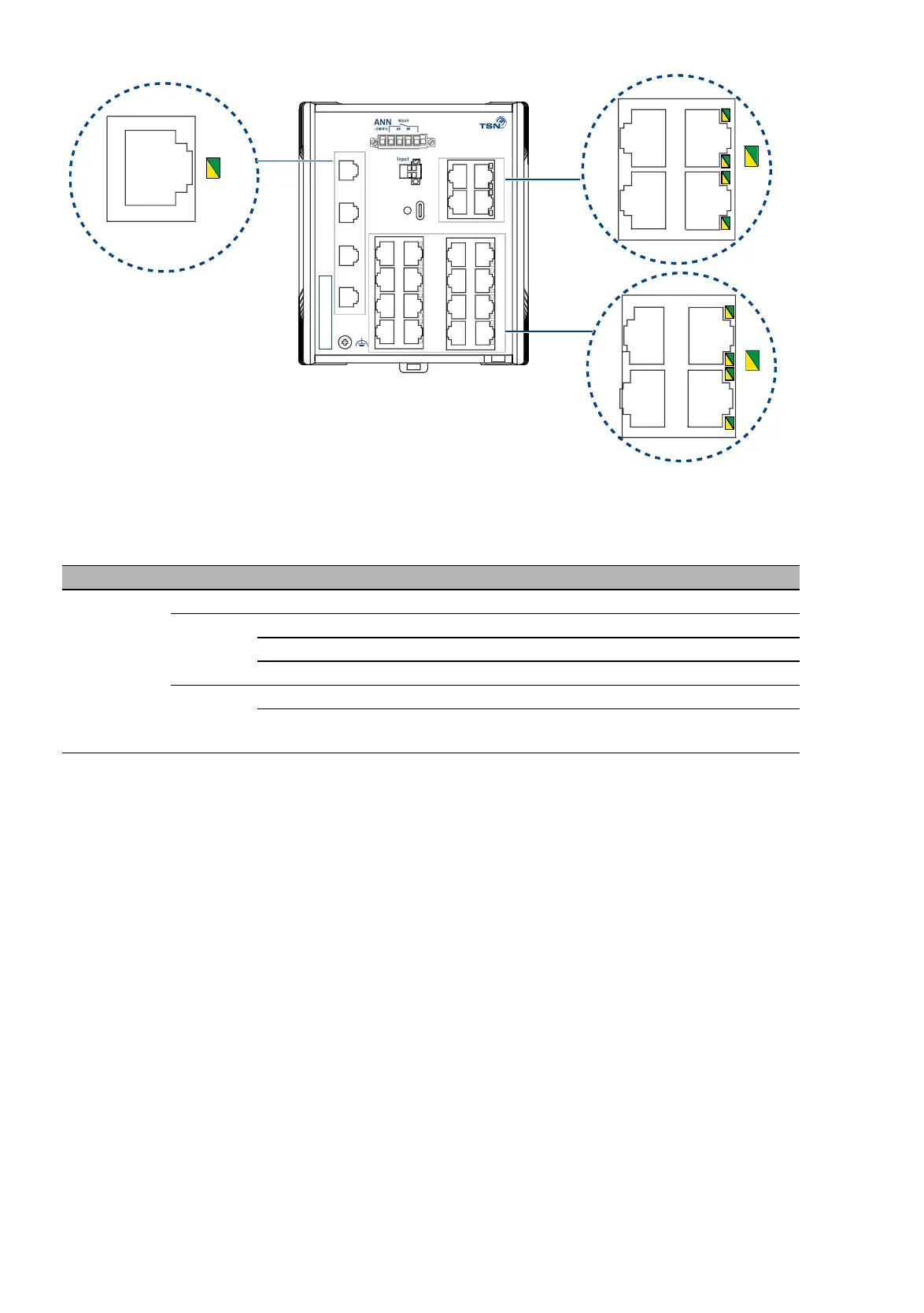
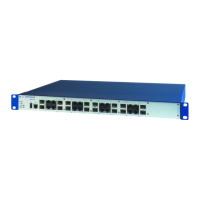
Figure 5: LED display elements for a high port device variant with SFP slots and
20 × RJ45 sockets
Display Color Activity Meaning
LS/DA
Link status
Data traffic
— none Device detects an invalid or missing link
green lights up Device detects a valid link
flashes 1 time a period Port is switched to stand-by
flashes 3 times a period Port is switched off
yellow flashing Device is transmitting and/or receiving data
flashes 3 times a period The device deactivates the relevant port
(auto-deactivation).
Table 5: Meaning of the port display elements
Input
+
-
IP-ADDRESS
5
7
6
8
9
10
11
12
USB
z
0V 0V+24V(P1) +24V(P2)
z
RELAY
x y
17
19
18
20
21
22
23
24
13
15
14
16
1
2
3
4
ACA
Stat.
Power
LS/DA
LS/DA
LS/DA



 To Next Page