44
Installation BRS20/22/30/32/40/42/50/52
Release
12
01/2022
1.7.2 USB-C interface
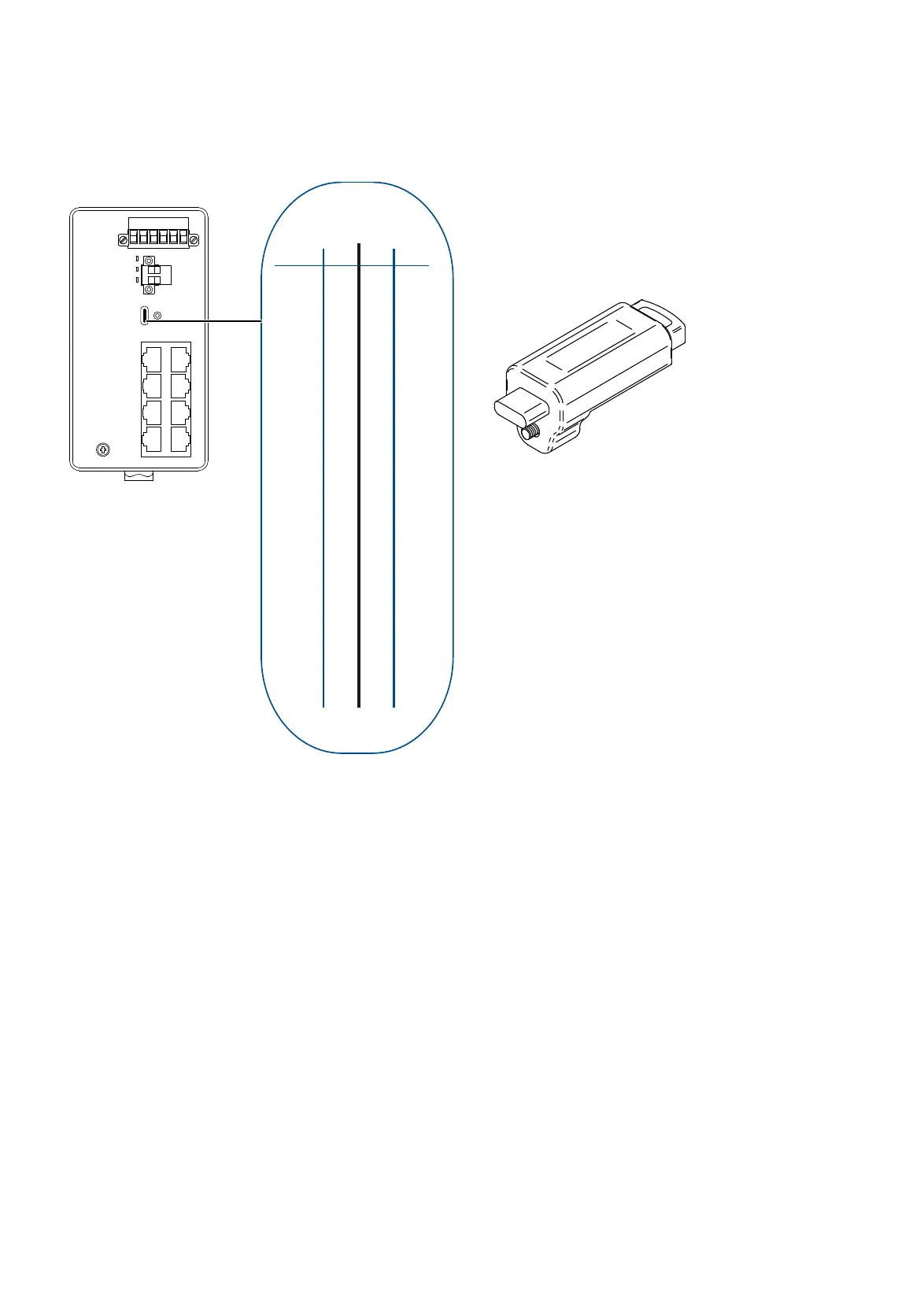
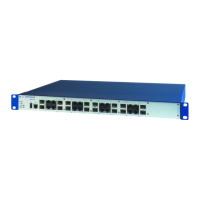
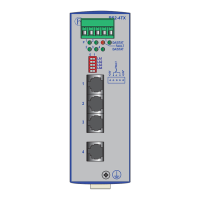
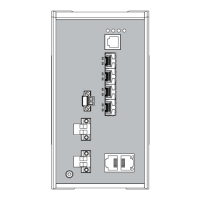
Figure 7: (1) Position of the USB-C interface on the device, (2) pin assignment of
the USB-C interface, (3) view of the ACA22-USB-C (EEC).
The USB-C interface allows you to connect the AutoConfiguration Adapter
ACA22-USB-C (EEC) storage medium. It is used for saving/loading the
configuration data and diagnostic information, and for loading the software.
You have the option to configure your device using the USB-C interface. You
find detailed information in the software user documentation. You find the
software user documentation as PDF files on the Internet at http://
www.doc.hirschmann.com
The USB-C interface has the following properties:
Supports the USB master mode and slave
Supports USB 2.0 (data rate max. 480 Mbit/s)
Connector: type C
Supplies current of max. 500 mA
GND
-
-
V BUS
-
D-
D+
CC2
V BUS
-
-
GND
Name
Name
Pin
Pin
B12
B11
B10
B9
B8
B7
B6
B5
B4
B3
B2
B1
A1
A2
A3
A4
A5
A6
A7
A8
A9
A10
A11
A12
GND
-
-
V BUS
CC1
D+
D-
-
V BUS
-
-
GND
12 3
ACA22-USB-C (EEC)



 To Next Page