7.2 Connecting the power supply
Set up the B.Box Evo so that the cables from the Power Supply (or Car Adapter), applicators, and
application modules are not under tension and lie flat on the floor without creating tripping
hazards. Do not position the B.Box Evo in a manner that makes it difficult to disconnect the unit
from the mains. Organize a suitable place for the treatment.
―
Connect the mains adapter to the B.Box Evo Power Supply.
―
Connect the B.Box Evo Power Supply to the B.Box Evo.
7.3 Connecting the applicators and application modules
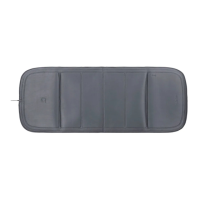
The applicators and application modules are connected to the B.Box Evo at ports (1) and (2) as follows:
―
Guide the connector (3) into the desired port (1) or (2); the magnetic retainers ensure a secure
connection and correct polarization.
7.4 Switching on the B.Box Evo
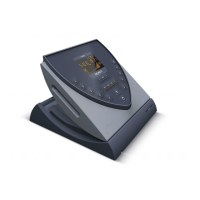
The main switch is located on the top-right of the B.Box Evo and is used to place the device in
the operating state. After pressing the main switch, the device performs a self-test within 15 sec-
onds and then displays the start screen. The entire start-up process can take up to 30 seconds.
z Press <main switch>.
LED indicator lights up white.
(It lights up green as soon as the B.Box Evo Battery Stand is connected and charging.)
An audible start signal sounds.
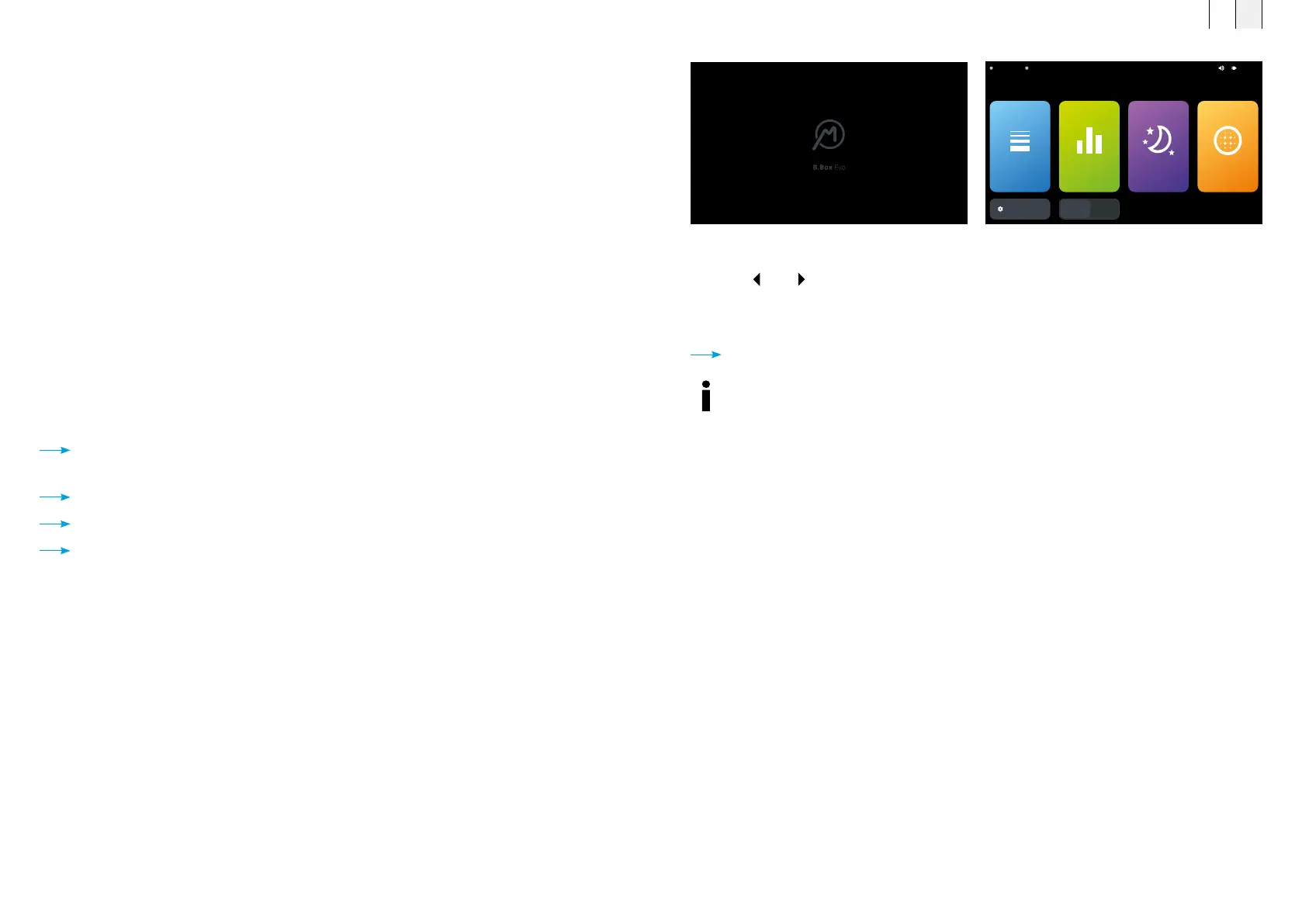
The B.Box Evo start screen is loaded.
After approx. 30 seconds, the language settings screen appears.
z Press <
> or < > to set the user language.
z Select the user language <English>.
z Press <Save> to save your settings.
The B.Box Evo main menu is displayed in the selected language.
A1
SETTINGS
A2
21:13A2 B.PadA1 B.Body
INTENSITY PROGRAMS SLEEP LIGHT
B.Box Evo main menuB.Box Evo start screen
In the operating state, the B.Box Evo control unit can be set to energy saving mode by
briefly pressing the main switch. In energy saving mode, the device is not completely
turned off and can be “woken up” again by touching the display. A long press turns the
device off completely.
FR EN
6160



 To Next Page