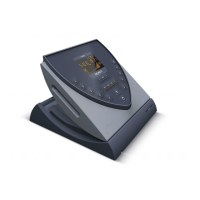
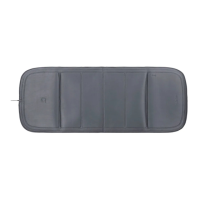
9.1 Cleaning
9. Cleaning and care
Material damage due to use of unsuitable cleaning agents or cleaning procedures
The use of detergents or cleaning procedures that have not been approved by the
manufacturer may result in damage to the BEMER Therapy System Evo.
z Do not use sharp or abrasive objects. These could damage the display of the B.Box
Evo or the housings of the devices included with the BEMER Therapy System Evo.
z When cleaning the glass surfaces, only use microfiber cloths that are suitable for
this purpose.
z To clean the system components, use only commercially available, non-abrasive,
non-aggressive detergents. Follow the manufacturer’s instructions.
z Do not use sharp objects or aggressive detergents to clean the application surface
of the B.Light Evo applicators. Doing so could damage the surfaces and diminish or
impair their effectiveness.
z Replace the light application module if the treatment surface is damaged
(scratched, cloudy, etc.).
BEMER Int. AG recommends the following procedure for private users:
z If the same device is used by multiple private users, clean the applicators before
each use.
z Clean and disinfect the BEMER therapy system every four weeks if it is only used
by one user.
NOTE
Risk of infection due to transmission of disease carriers
Shared use of the application modules can lead to the transmission of diseases.
z Between each use, clean the applicators using the cleaning and disinfecting
agent recommended by the manufacturer.
WAR NING
Select light intensity
21:13A2A1 B.Light Clear
Light – Select intensity
LOW MEDIUM HIGH
BACK
A1 A2
z Select
1
<Music> on/off.
z Press
2
<Start> to start the therapy.
z Press
2
<Stop> to end the therapy prematurely.
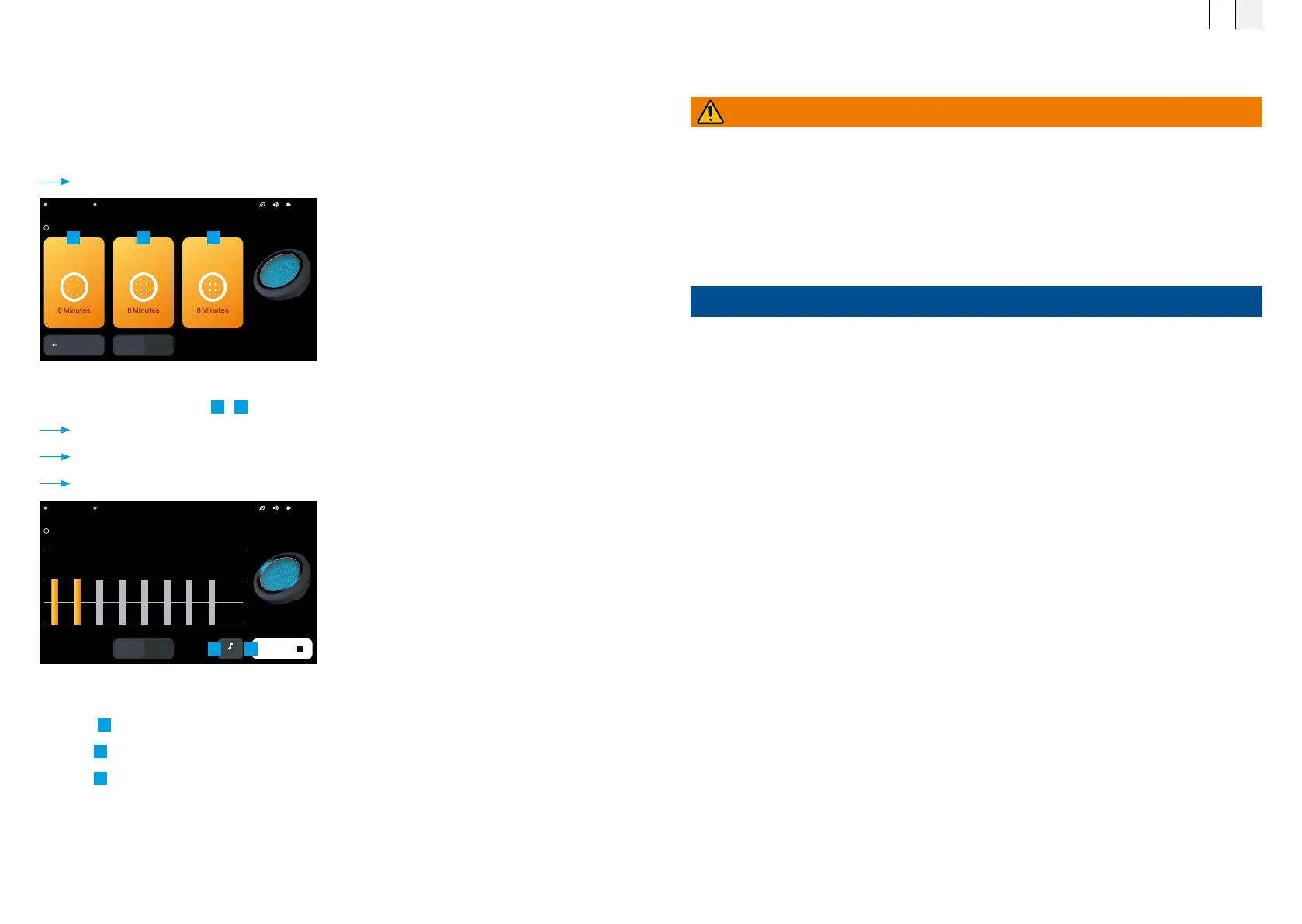
8.3.4 Light therapy
Once the “Light” therapy type has been selected, it is possible to choose one of three different light
intensity levels and then start the treatment.
z Press <Light>.
z If necessary, switch the connected port to A1/A2.
Light – Select intensity opens.
z Select the intensity level.
1
-
3
Intensity – <Intensity level> opens.
The time sequence for the therapy and the intensity is shown.
The connected application module is displayed.
Ongoing light treatment
A2A1 B.Light Clear
Light – Medium
1 2 4 5 6 7 8
HIGH
MEDIUM
LOW
A1 A2
MUSIC
STOP
1 2
1 2 3
FR EN
7574



 To Next Page