Before starting the treatment:
z Select <plus Signal> on/off.
z Select <Music> on/off.
z Press <Start> to start the therapy.
z Press <Stop> to end the therapy prematurely.
8.3.2 Program mode
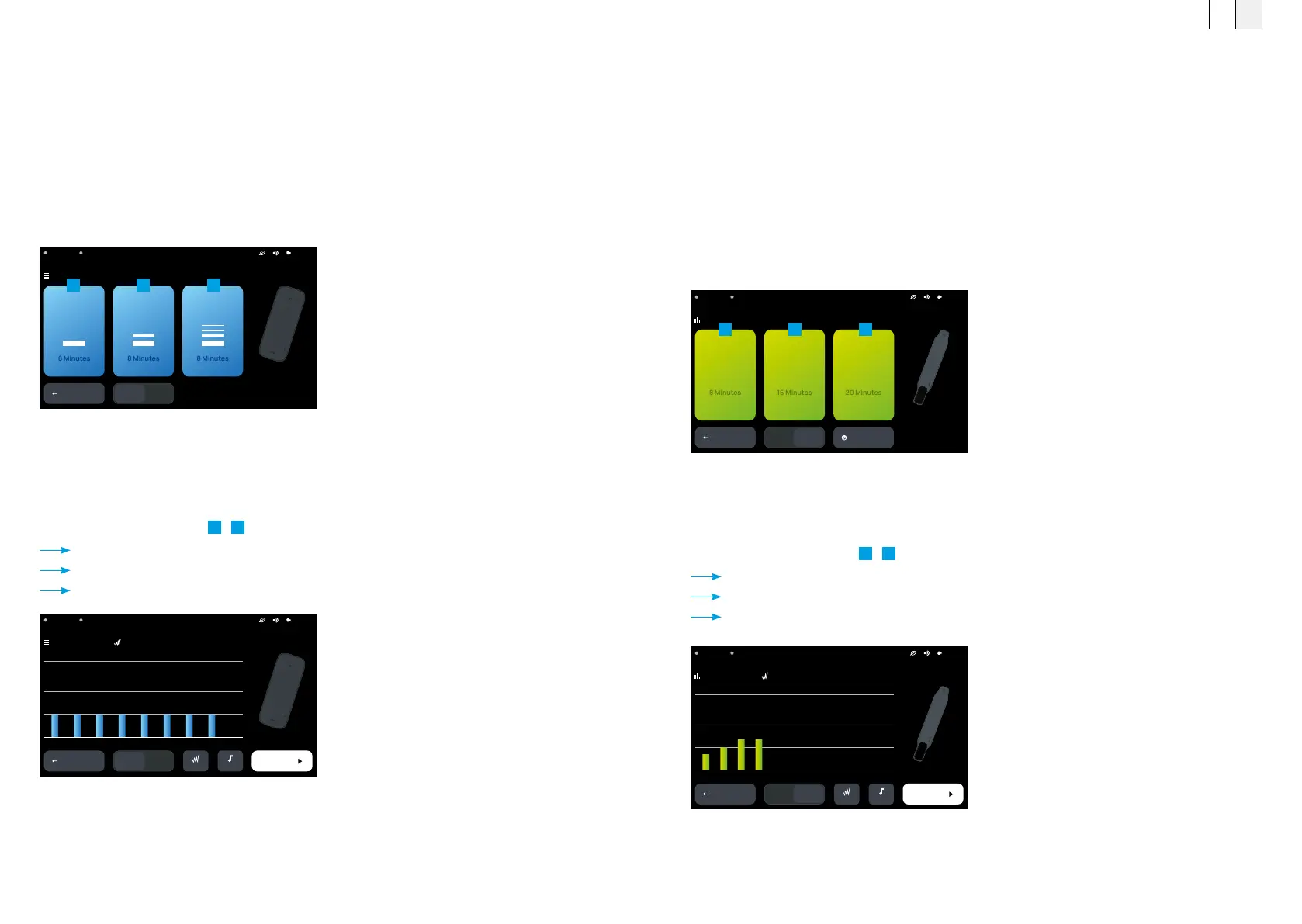
After selecting the “Program” therapy type, you can choose between three different intensity levels
and then start the therapy. The three different programs differ in terms of the treatment duration
and intensity.
z Press <Programs>.
z If necessary, switch the connected port to A1/A2.
z Select the program level.
1
-
3
Program selection – <Program name> opens.
The time sequence for the therapy and the intensity is shown.
The connected application module is shown.
Select program P1, P2 or P3
BACK
A1 A2
Programs – Program selection
P1
P2
P3
EXPERT
MODE
A2 B.PadA1 B.Body 21:13
Overview of the program sequence
BACK
MUSICPLUS
START
A1 A2
HIGH
MEDIUM
LOW
Programs – P1 –
08:00
2 4 6 8 10 12 14 16 18 20
21:13A2 B.PadA1 B.Body
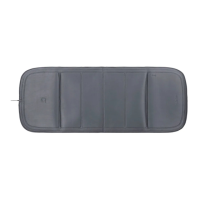
z Choose the application module.
z Select port A1/A2.
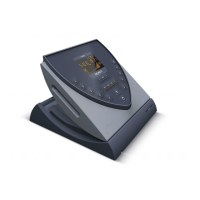
z Connect the applicator or the application module (see chapter 7.3).
z Select the appropriate program (see chapter 6).
8.3.1 Intensity mode
After selecting the “Intensity” therapy type, you can choose between three different
intensity levels and then start a therapy.
z Press <Intensity>.
z If necessary, switch the connected port to A1/A2.
z Select the intensity level.
1
-
3
Intensity – <Intensity level> opens.
The time sequence for the therapy is shown.
The connected application module is shown.
Choose the intensity level for the
connected applicator
21:13A2 B.PadA1 B.Body
BACK
A1 A2
Intensity – Select intensity
LOW MEDIUM HIGH
User interface for the -Low- intensity mode with
“Plus” and “Music” controls
BACK
MUSICPLUS
1 2 3 4 5 6 7 8
START
Intensity – Low –
A1 A2
21:13A2 B.PadA1 B.Body
08:00
HIGH
MEDIUM
LOW
1
1
2
2
3
3
FR EN
7170



 To Next Page