Menu operations 35
• Press on the remote control or click a blank area outside the menu to exit the
menu.
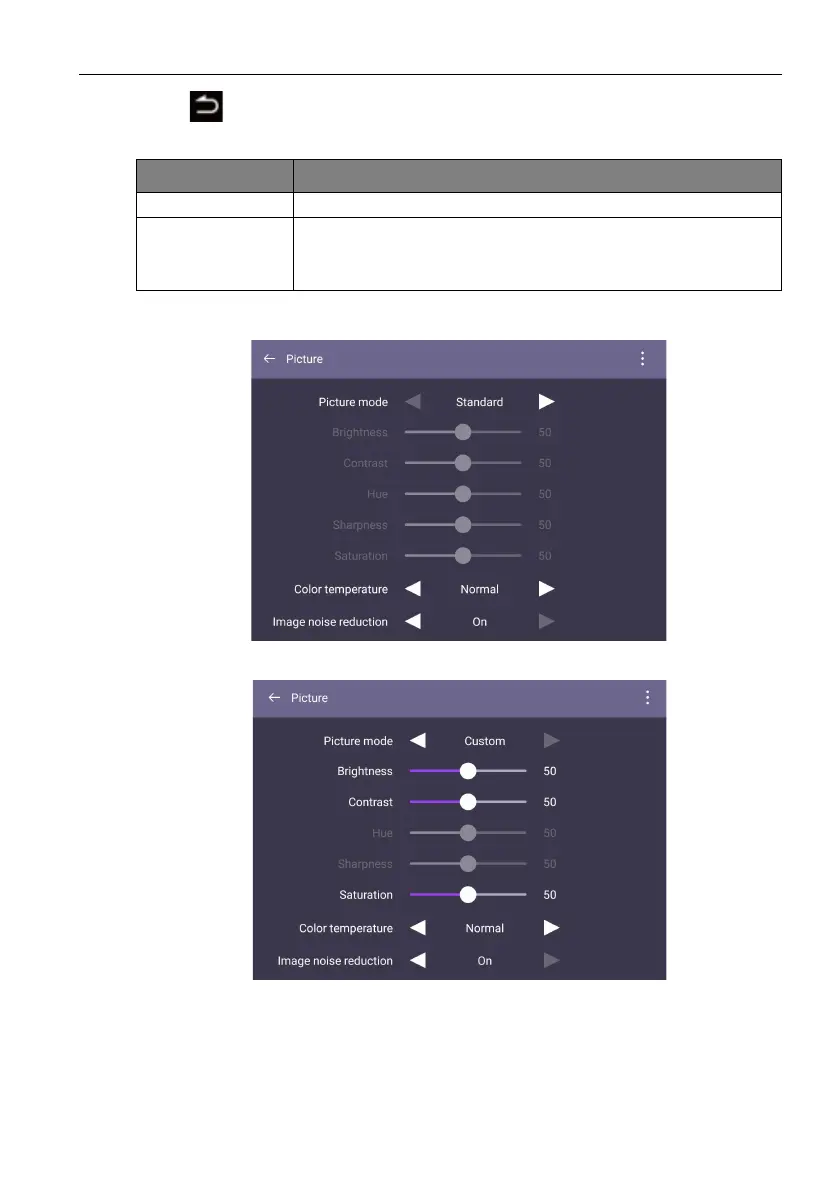
Picture settings
• Press /// on the remote control and press OK to confirm or directly click an
item.
Menu Description
Balance Press /on the remote control to adjust Balance.
Sound Mode • Choose a preset sound environment. Options are Standard,
Movie, Meeting, or Custom mode.
• Under Custom mode, you can adjust Treble and Bass.



 To Next Page