Connection20
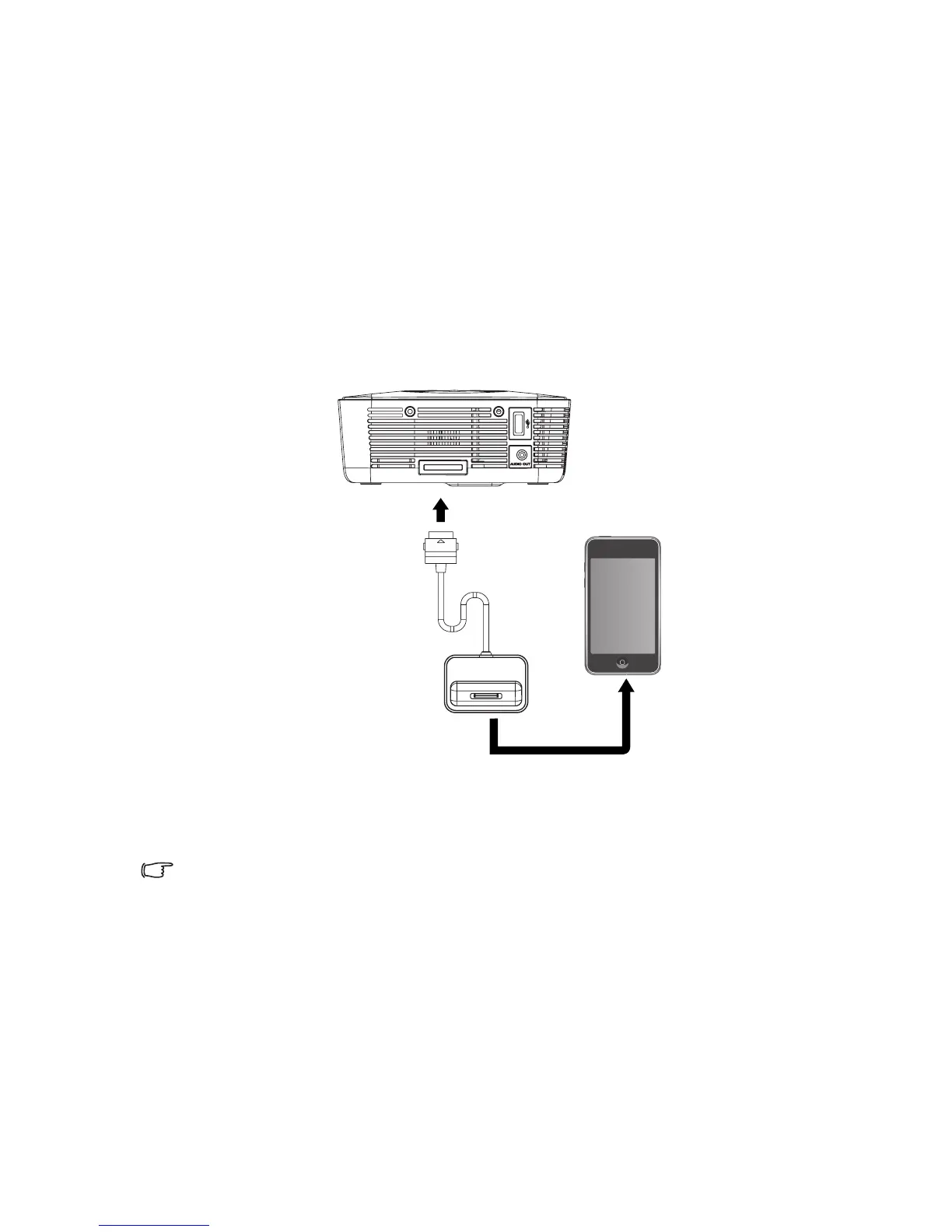
Connecting an iPod Dock device (Optional
Accessory)
Read this chapter if the model you purchased is included with iPod Dock.
To connect the projector to an iPod Dock source device
1. Dock your iPod to fit the iPod connector.
2. Connect the iPod Dock cable into the multi-input socket on the projector.
The final connection path should be like that shown in the following diagram:
•See "Projection with iPod Dock (Optional Accessory)" on page 51 for details.
iPod Dock device



 To Next Page