Presenting From a USB Reader 47
Description of each menu
FUNCTION
(default setting/
value)
DESCRIPTION (default setting/value)
1. Photo
Setting
menu
Interval Time
(10 Sec.)
Sets the length of time for display of each image.
Transition Effect
(No Effect)
Sets the transition effect as images change.
Show Type
(Full Screen)
Selects "Full Screen" display or "Fit Screen" display for photo
mode.
Slide Mode
(Normal)
Selects slide playing mode.
2. Auto Play
menu
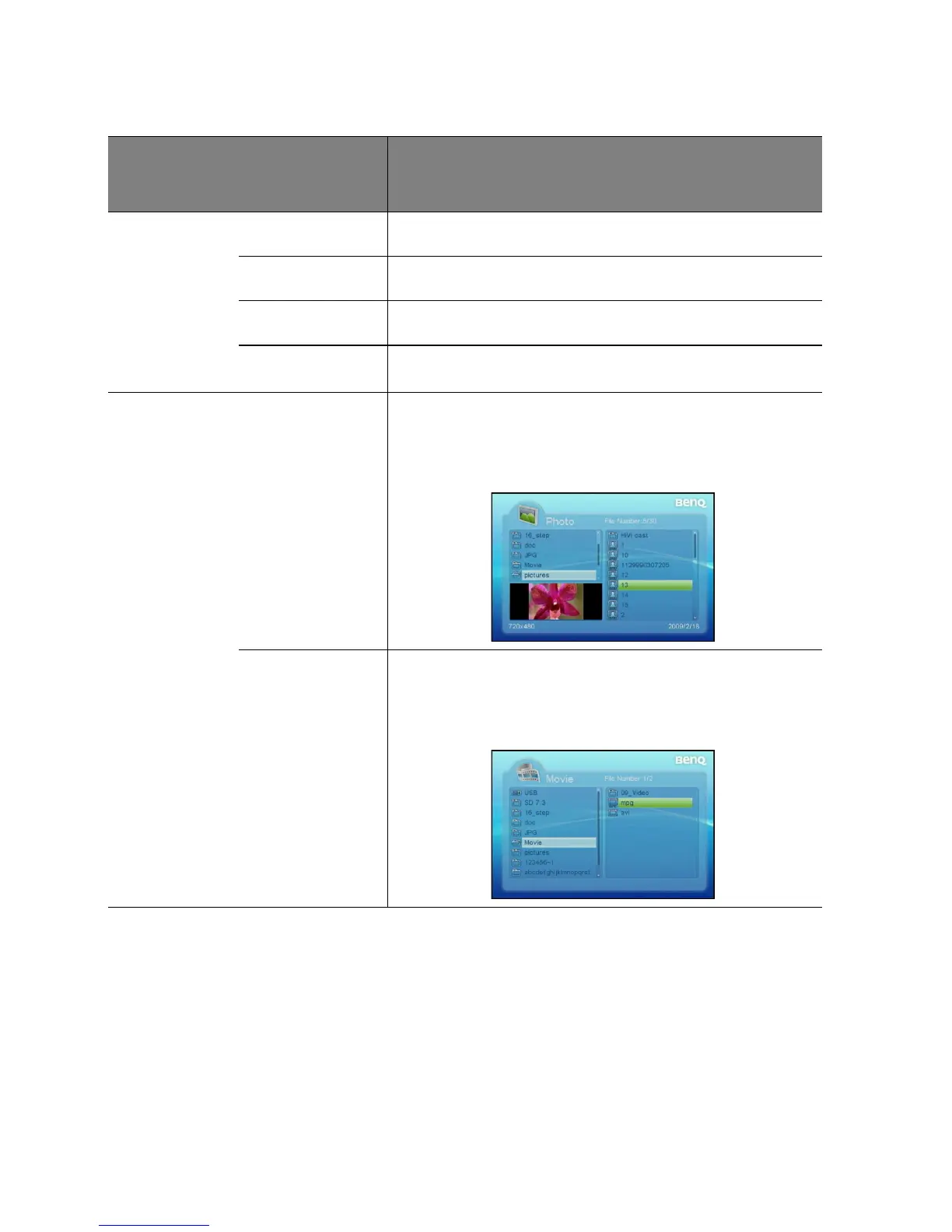
Photo
(Off)
Sets to whether to activate the automatic display function
after entering the "Photo" mode. If this option is set to
"On", then the system will enter "Slide show mode" after you
enter "Photo" mode; if it is set to "Off ", then the system will
enter File Manager mode.
Movie
(Off)
Sets to whether to initiate the automatic play function after
entering "Movie" mode. If this setting is set to "On", the
system will automatically play the video after entering
"Movie"; if it is set to "Off ", then the system will enter File
Manager mode.



 To Next Page