Projection with iPod Dock (Optional Accessory) 51
Projection with iPod Dock (Optional Accessory)
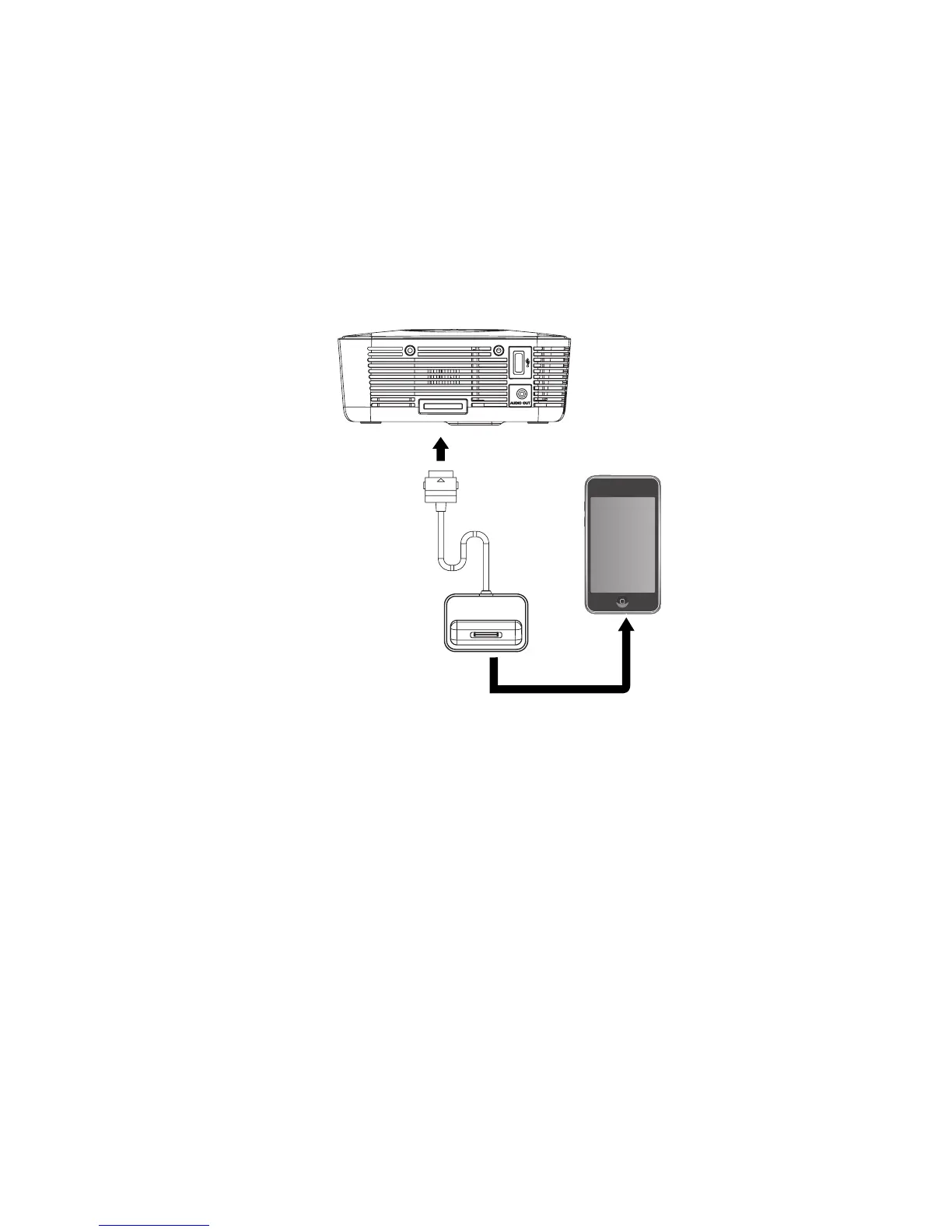
Read this chapter if the model you purchased is included with iPod Dock.
Multimedia base features iPod Dock, which brings your music, videos and photos together.
1. Dock your iPod to fit the iPod connector.
2. Connect the iPod Dock cable into the multi-input socket on the projector.
3. Turn on your iPod and projector.
4. Select your music, videos and photos from your iPod.
iPod Dock device



 To Next Page