Presenting From a USB Reader46
USB Reader menu operation
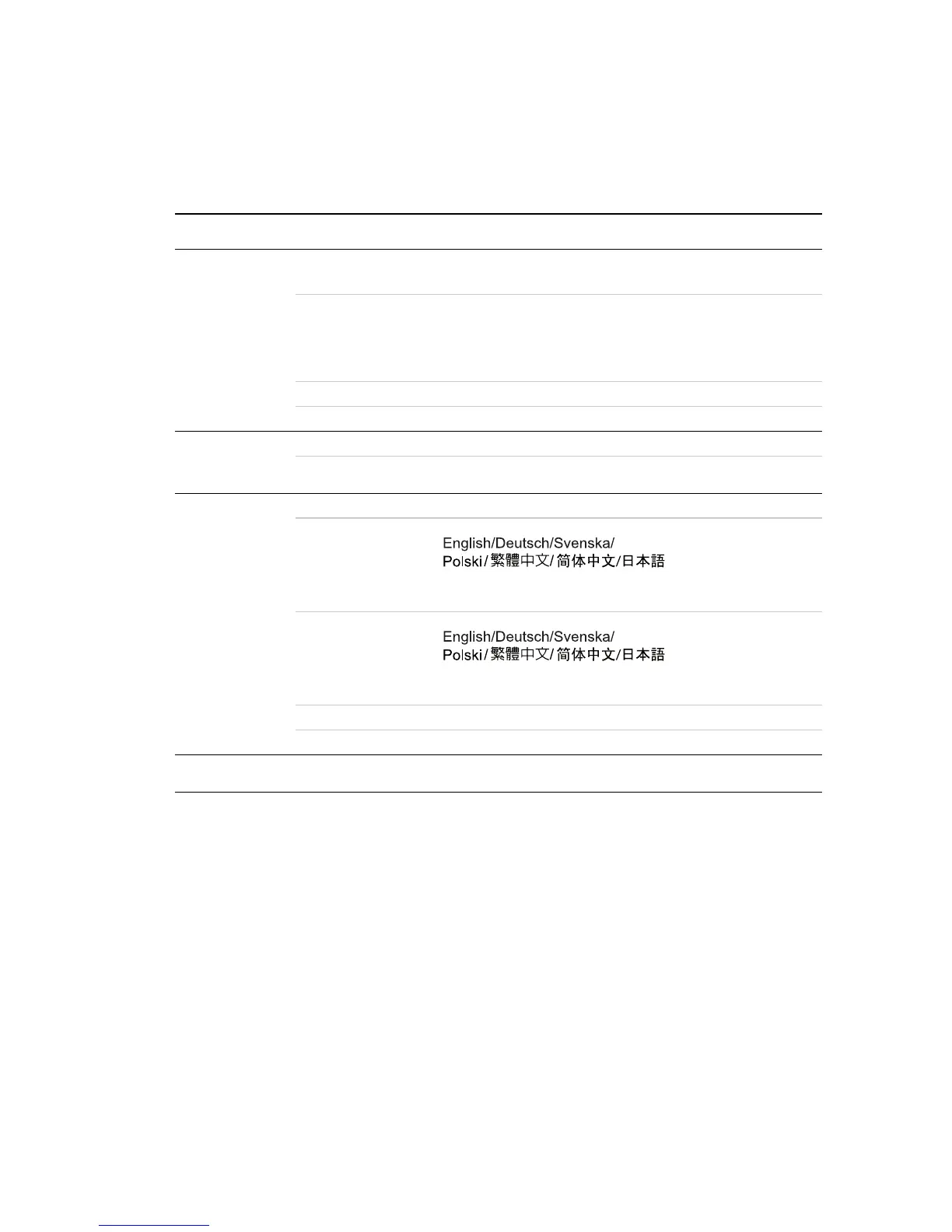
USB Reader menu system
Please note that the on-screen display (OSD) menus vary according to the signal type
selected.
Main menu Sub-menu Options
1.
Photo
Setting
Interval Time
5 Sec./10 Sec./30 Sec./1Min./3
Min./Off
Transition Effect
No Effect/Blind Vertical/Blind
Horizontal/Color Ration Ver/
Color Ration Hor/Block 1- 9/
Fade In Fade Out/Random
Show Type Fit Screen/Full Screen
Slide Mode Normal/Motion
2.
Auto Play
Photo On/Off
Movie On/Off
3. Custom
Setup
Volume 0 - 10
OSD Language
* The language options vary depending on regions.
Subtitle
Language
* The language options vary depending on regions.
Repeat Mode Off/One/Folder/All
Default Read
4. Exit



 To Next Page