Presenting From a USB Reader 43
4. To stop playback, press RETURN/.
"PC-less" presentations
This feature is ideal for business user to present sheets and graphics.
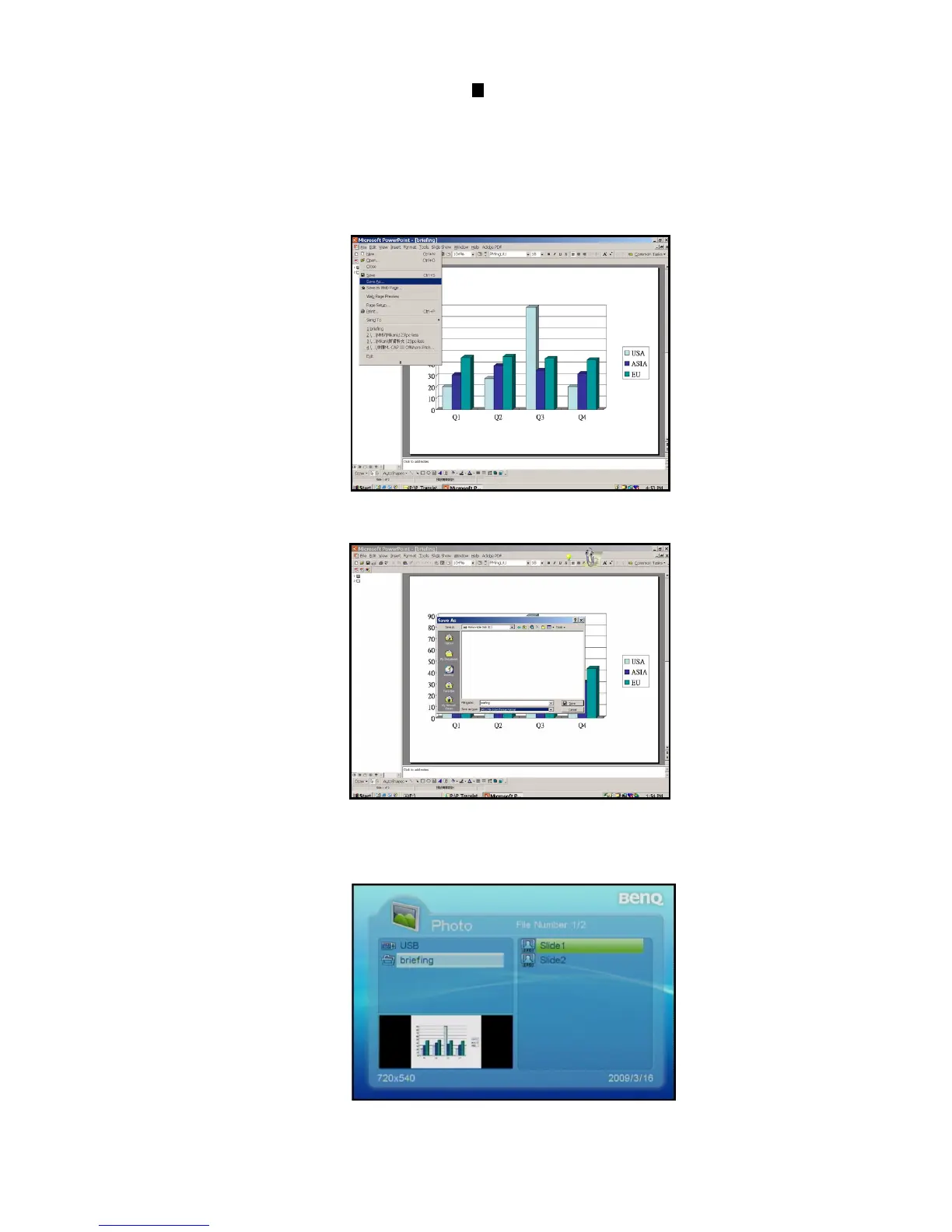
1. Open your PowerPoint file.
2. Click "File" and select "Save As".
3. Save the file in your USB Reader, select "*.jpg" as file type and then click "Save".
4. Insert your USB Reader into the USB Reader slot on the projector.
5. Execute "PC-less" presentations from your USB Reader.



 To Next Page