Presenting From a USB Reader44
Using USB Reader menus
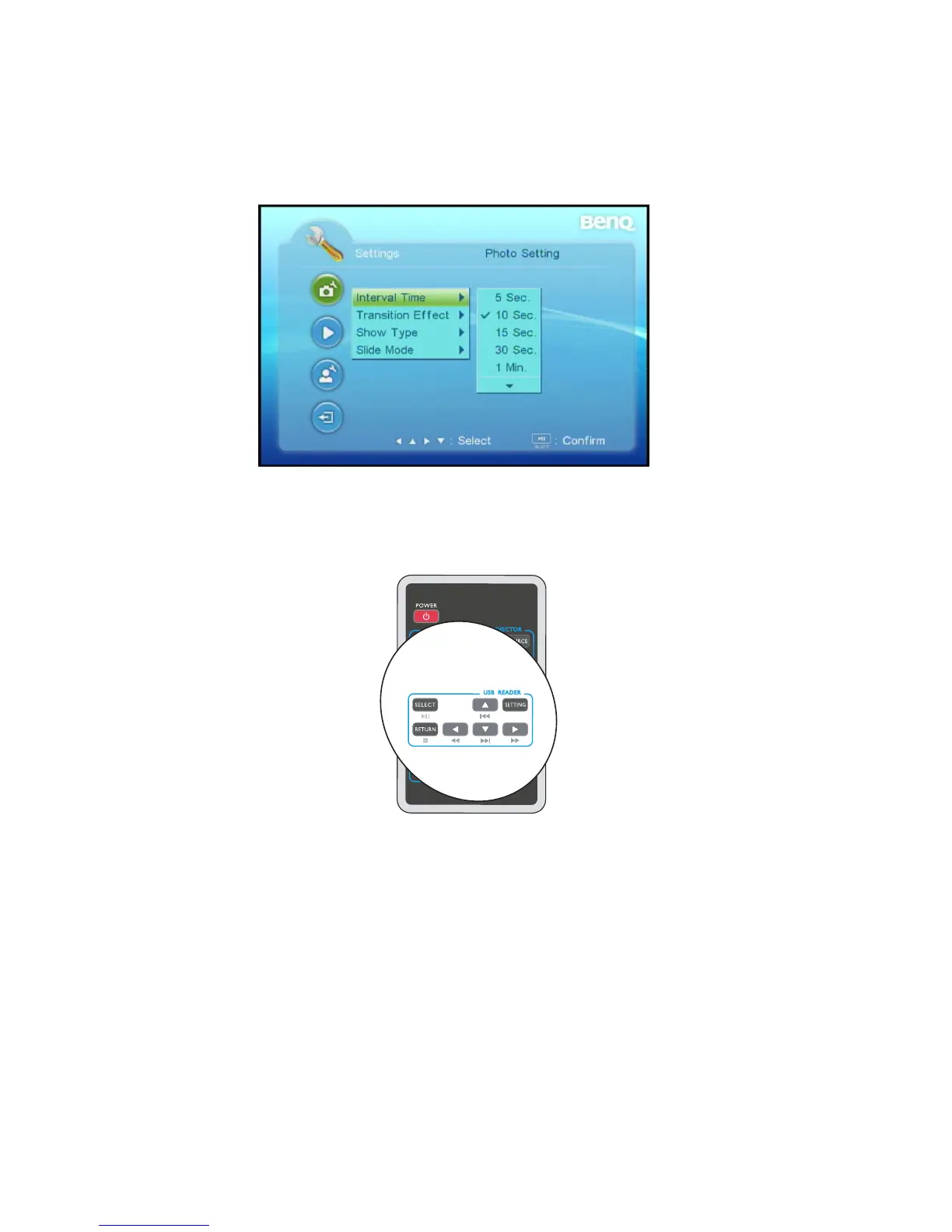
The Settings from the USB Reader main screen is equipped with On-Screen Display (OSD)
menus for making various adjustments and settings.
Below is the overview of the Photo Setting menu.
In USB Reader mode, be sure to use keys included in USB READER on the remote control
for function control and menu adjustments.



 To Next Page