Presenting From a USB Reader48
3. Custom
Setup menu
Volume Adjusts the volume level.
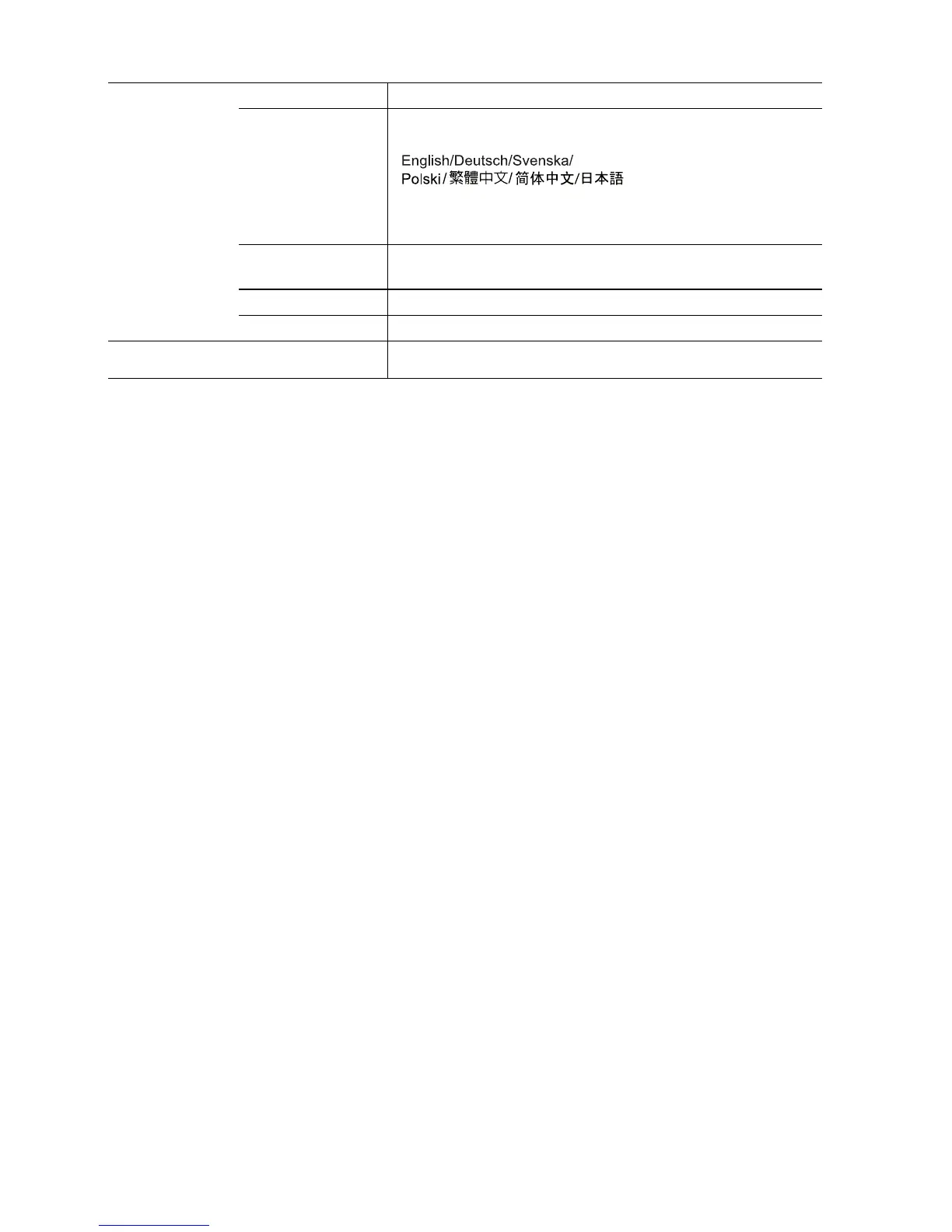
OSD Language
(English)
Sets the language for USB Reader On-Screen Display (OSD)
menus.
See "Using USB Reader menus" on page 44 for details.
* The language options vary depending on regions.
Subtitle
Language
Sets the character encoding of the languages.
Repeat Mode Sets the play repeat mode.
Default Returns all settings to the factory preset values.
4. Exit
Returns to USB Reader main screen.



 To Next Page