Operation 35
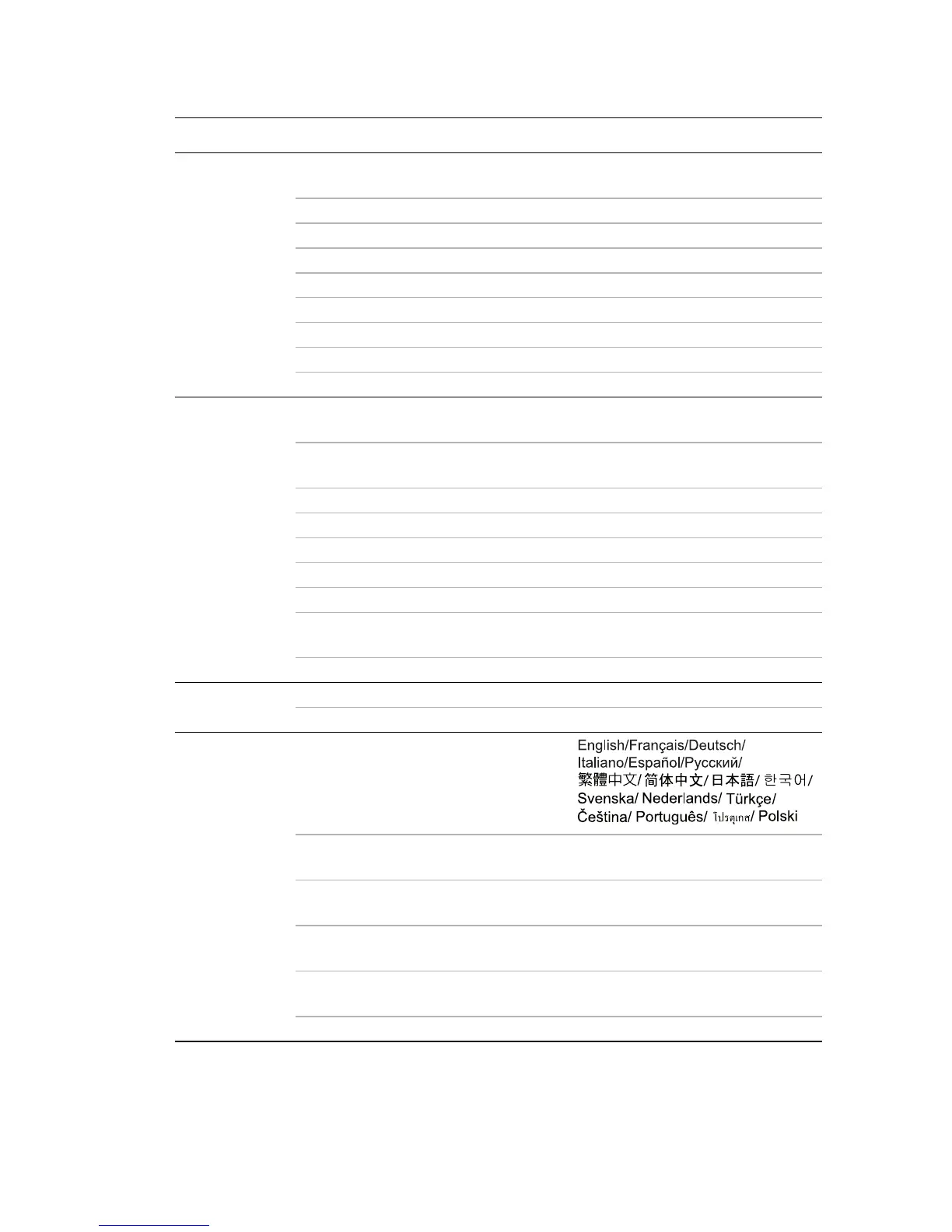
Complete menu system
Main menu Sub-menu Options
1.
DISPLAY
Wall Color
Off/Light Yellow/Pink/Light
Green/Blue/Blackboard
Aspect Ratio Full Screen/4:3/16:9/Auto/Real
Auto Keystone On/Off
Keystone
Auto
Position
Phase
H. Size
Digital Zoom
2.
PICTURE
Picture Mode
Brightest/PC/Movie/Photo/
User
• Reference
Mode
Brightest/PC/Movie/Photo/
User
• Brightness
• Contrast
• Color
• Tint
• Sharpness
• Color
Temperature
T1/T2/T3
Save Settings
3. SOURCE
Quick Auto Search On/Off
Test Pattern On/Off
4.
SYSTEM
SETUP:
Basic
Language
Projector Position
Front Table/Rear Table/Rear
Ceiling/Front Ceiling
Auto Power Off
Disable/5 min/10 min/15 min/20
min/25 min/30 min
Blank Timer
Disable/5 min/10 min/15 min/20
min/25 min/30 min
Sleep Timer
Disable/30 min/1 hr/2 hr/3 hr/4
hr/8 hr/12 hr
Splash Screen BenQ/Black/Blue



 To Next Page