Operation
44
7. The video will be projected on a big screen.
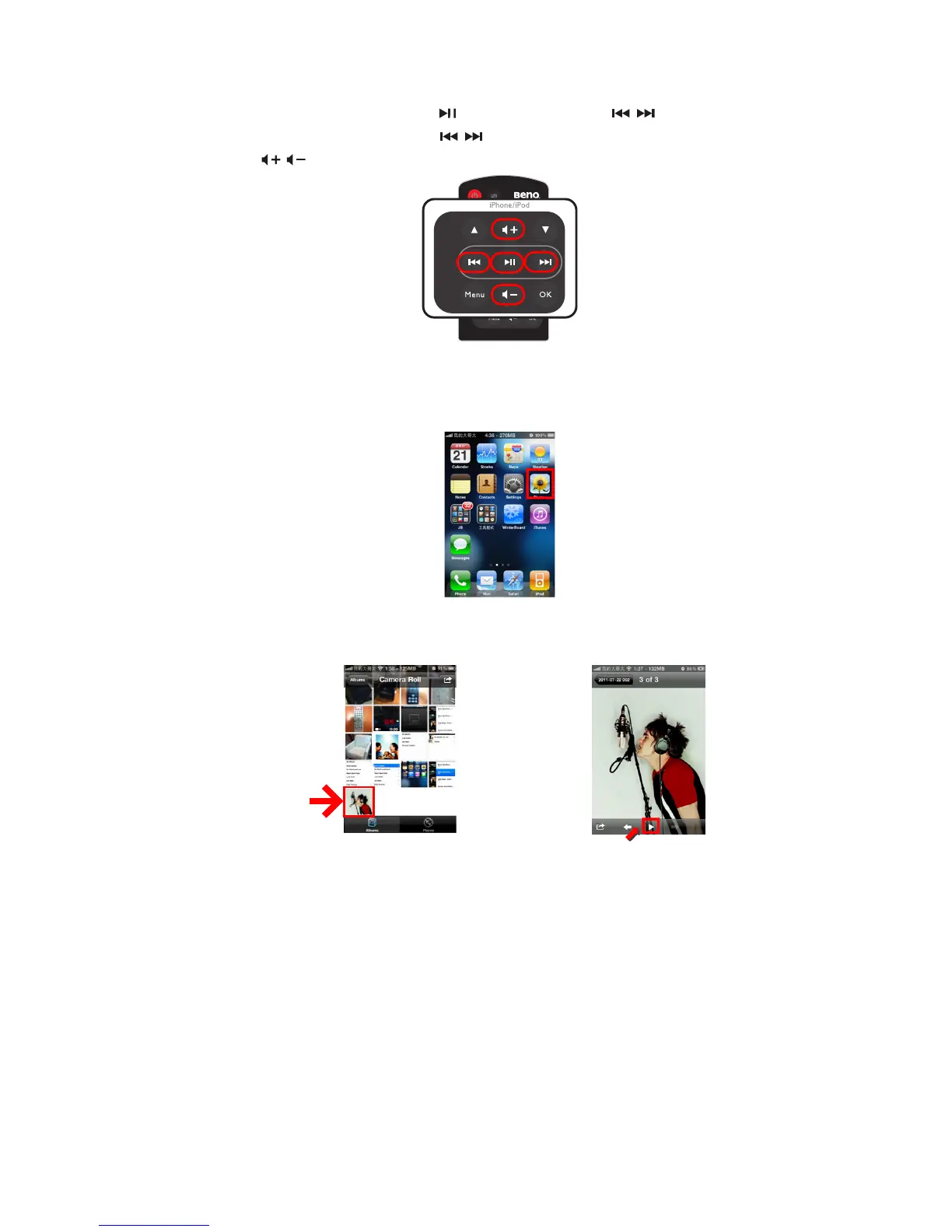
8. When a video is playing, press for Pause/Play. Press / for replay or skip to
next video. Have long press on / to make the playing file rewind or fast-forward.
Press / to control the volume.
Projecting photo slideshow via iPhone or iPod native app
1. Select the “Photos” manually icon on iPhone or iPod main menu. Photos can only
be projected as a slideshow. (Here take an example of iPhone 4)
2. Choose the photo you want to view in photo album . Press Play in iPhone or iPod
album menu to start slideshow and the slideshow will instantly be projected on a big
screen.



 To Next Page