Operation
37
image distortion or loss of picture clarity. See "Selecting the aspect ratio" on page 37 for
details.
Changing Color Space
In the unlikely event that you connect the projector to a DVD player via the projector's
HDMI input and the projected picture displays wrong colors, please change the color space
to YUV.
1. Press MENU/EXIT and then press / until the SOURCE menu is selected.
2. Press to select Color Space Conversion and press / to select a suitable
color space.
This function is only available when the HDMI 1/HDMI 2 input port is in use.
Magnifying and searching for details
If you need to find the details on the projected picture, magnify the picture. Use the
direction arrow keys for navigating the picture.
•Using the OSD menu
1. Press MENU/EXIT and then press / until the DISPLAY menu is selected.
2. Press
to select Digital Zoom and press MODE/ENTER. The Zoom bar
displays.
3. Press on the projector repeatedly to magnify the picture to a desired size.
4. To navigate the picture, press MODE/ENTER to switch to the paning mode and
press the directional arrows ( , , , ) to navigate the picture.
5. To reduce size of the picture, press MODE/ENTER to switch back to the zoom in/
out functionality, and press AUTO to restore the picture to its original size. You can
also press repeatedly until it is restored to the original size.
The picture can only be navigated after the picture is magnified. You can further magnify the
picture while searching for details.
Selecting the aspect ratio
The 'aspect ratio' is the ratio of the image width to the image height.
With the advent of digital signal processing, digital display devices like this projector can
dynamically stretch and scale the image output to a different aspect than that of the image
input signal.
To change the projected image ratio (no matter what aspect the source is):
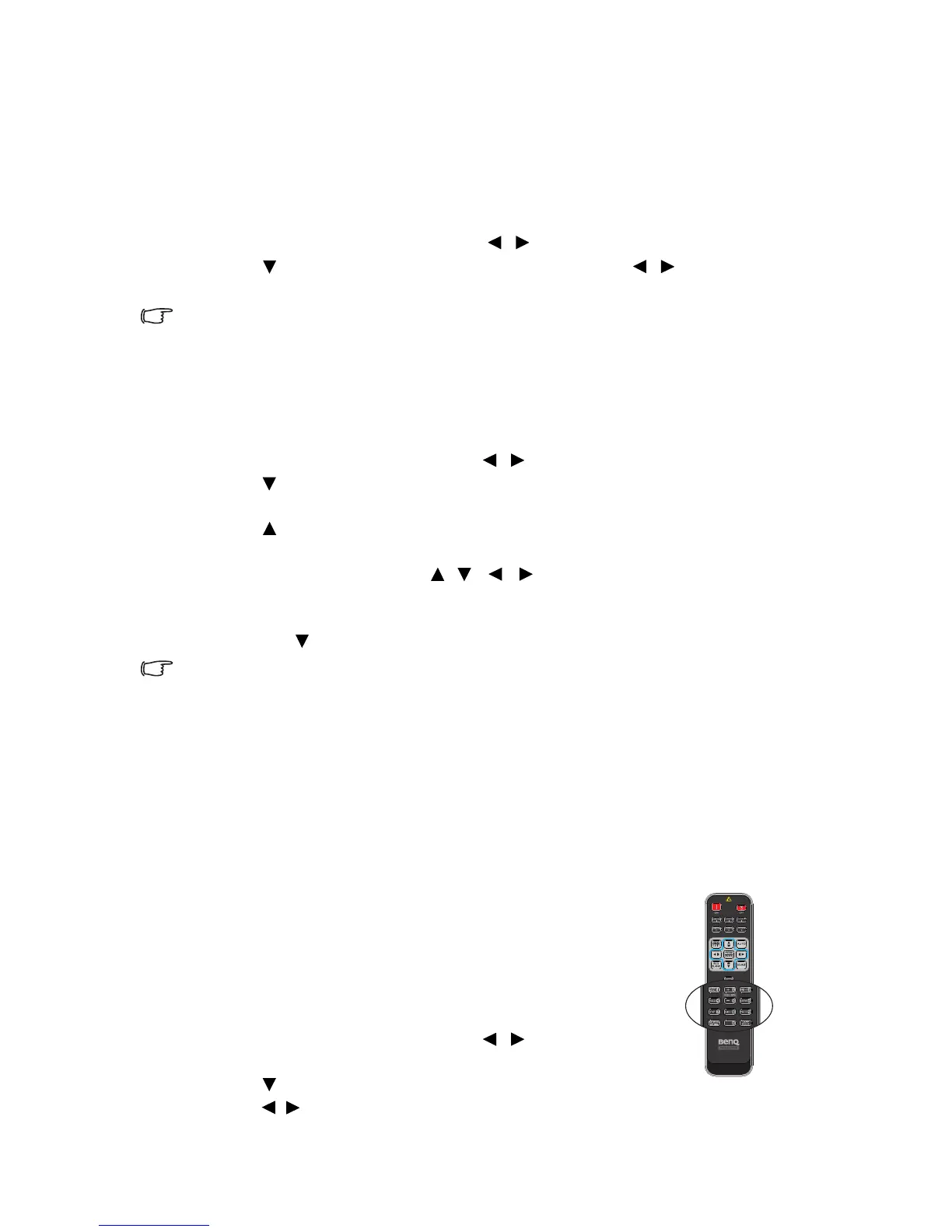
• Using the remote control
1. Press ASPECT to show the current setting.
2. Press ASPECT repeatedly to select an aspect ratio to
suit the format of the video signal and your display
requirements.
•Using the OSD menu
1. Press MENU/EXIT and then press / until the
DISPLAY menu is selected.
2. Press
to select Aspect Ratio.
3. Press / to select an aspect ratio to suit the format of the video signal and your
display requirements.



 To Next Page