Operation
32
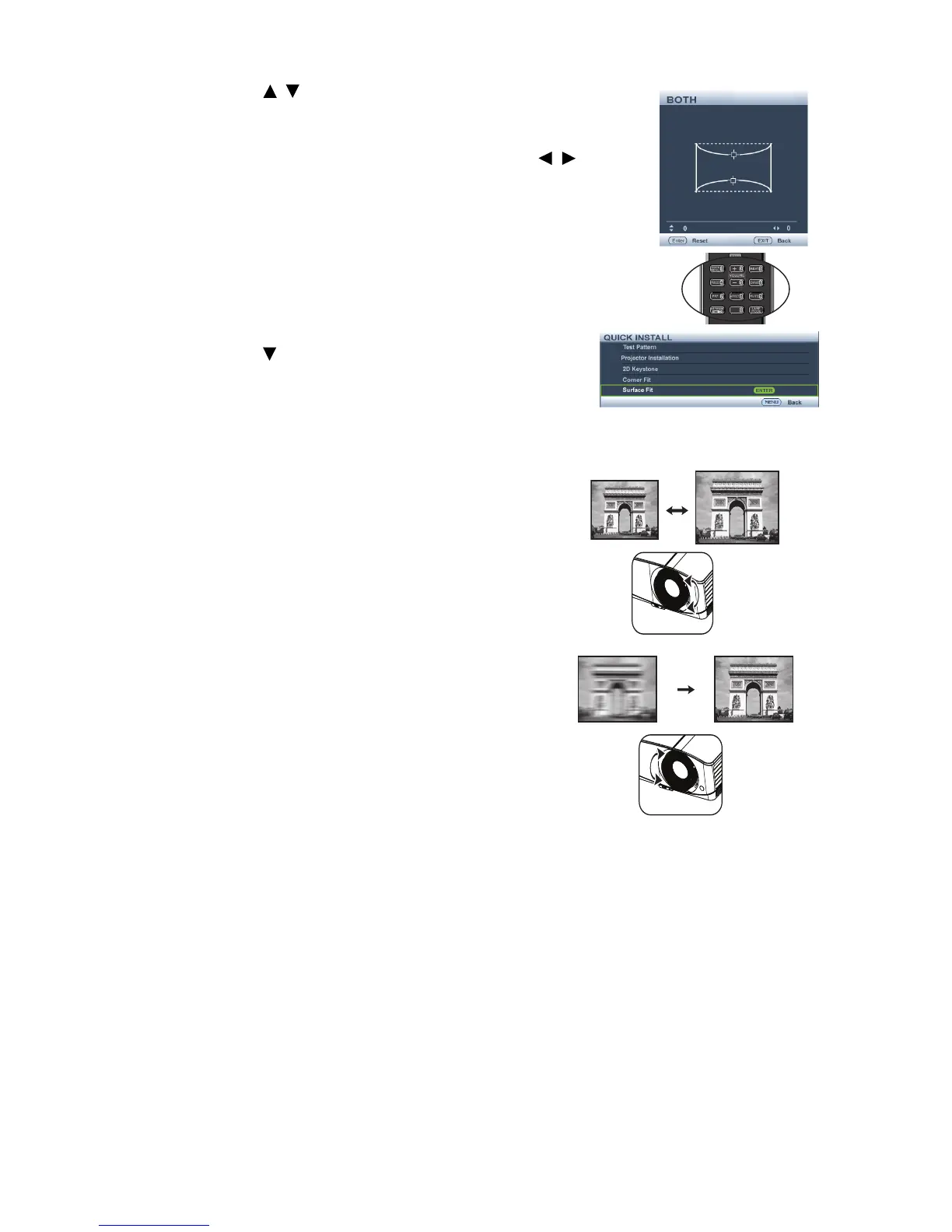
8. Press / to adjust the top or/and bottom side convex
or concave. Default is 0 and value is -40~0~40. Single side
adjustment is only for distortion.
9. For both sides of the vertical surface fit, use / to
adjust the center of the curve because it is not always at
the center. Default is 0 and value is -40~0~40.
•Using the QUICK INSTALL key
1. Press QUICK INSTALL on the remote control.
2. Press to select
Surface Fit and press MODE/
ENTER.
3. Follow the steps 2~9 in the above section.
Fine-tuning the image size and clarity
1. Adjust the projected image to the size that
you need using the zoom slide lever.
2. Then sharpen the image by using the focus
ring.



 To Next Page