Operation
55
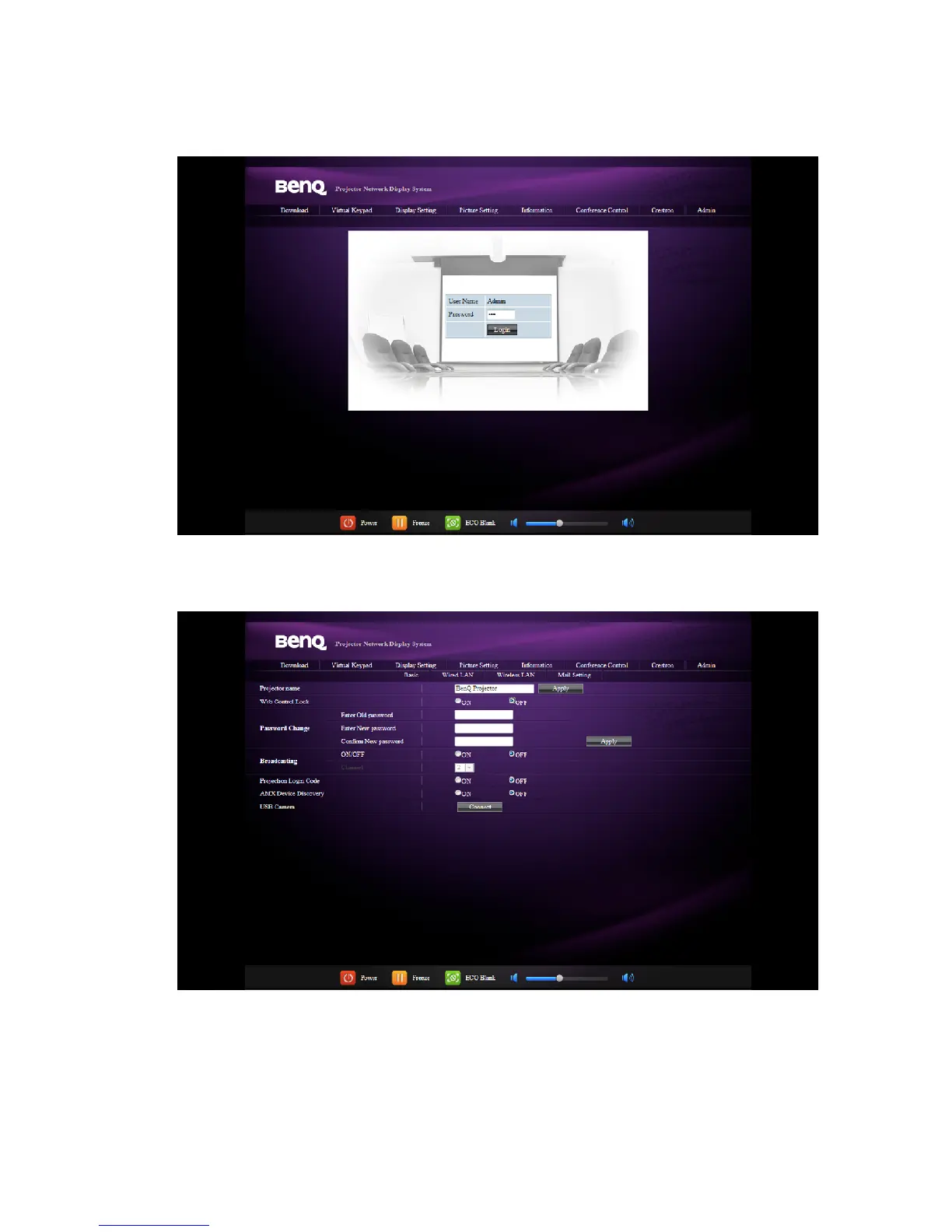
The Admin page allows you to enter Basic, Wired LAN, Wireless LAN and Mail pages
once the password is entered. The default password is “0000”. If you want to change the
password, please enter Basic page.
The Basic page allows you to change the password and select connected persons. The
number of connected persons may affect the network display performance.



 To Next Page