Operation
65
To view your pictures as a slideshow, follow these steps:
1. Connect a USB flash drive to your computer and copy files from your computer to
the USB flash drive.
2. Turn on your projector if needed.
3. Remove the USB flash drive from your computer and plug it into the USB TYPE-A
jack of the projector.
4. Select USB Reader from the source selection bar.
5. Press MODE/ENTER to enter the thumbnail display.
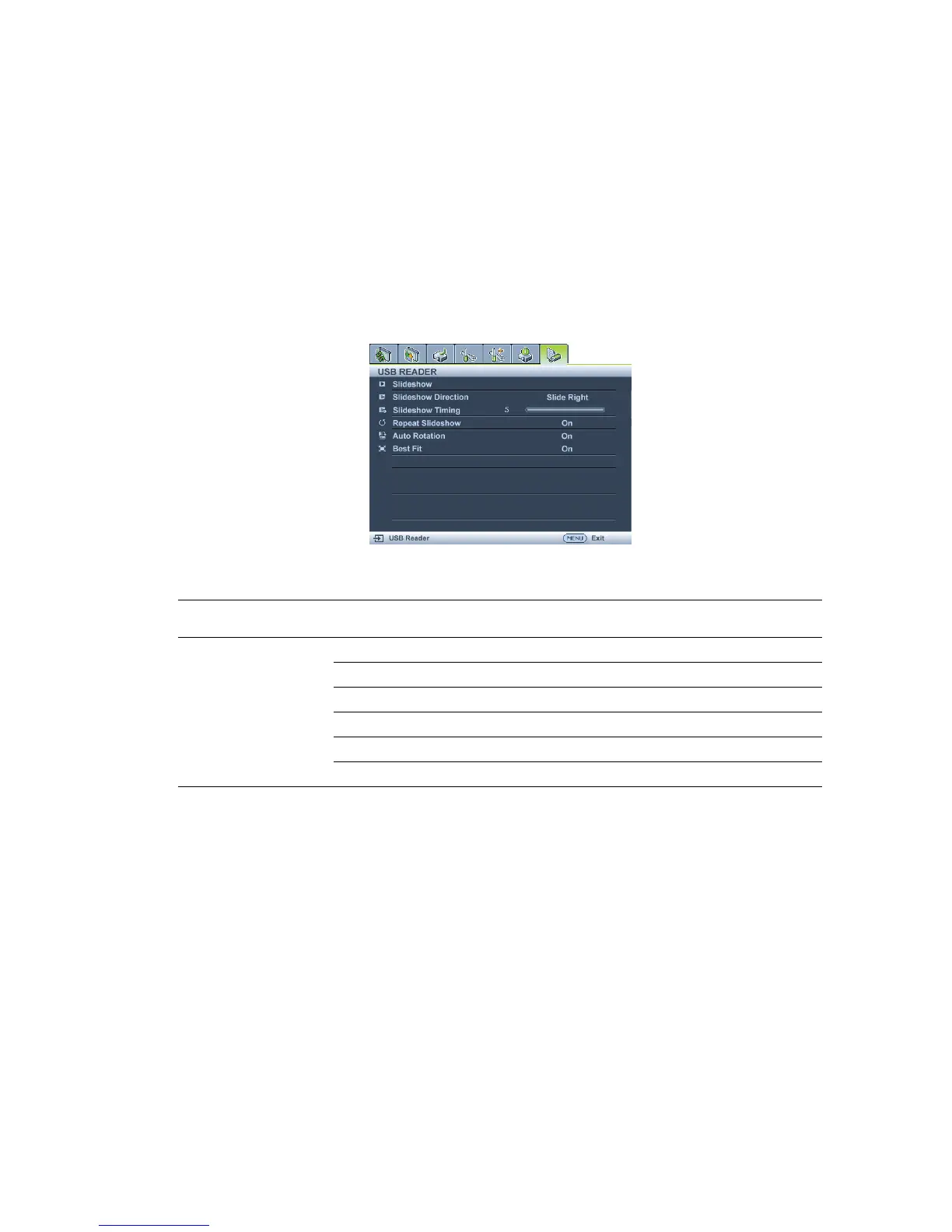
USB Reader menu
The USB Reader menu will display only when USB Reader source is selected. This menu is
includes with a slideshow feature for making various settings.
Main menu Sub-menu Options
USB Reader
Slideshow
Slideshow Direction Slide Right/Slide Down
Slideshow Timing 3 /4 /5
Repeat Slideshow On/Off
Auto Rotation On/Off
Best Fit On/Off



 To Next Page