The OSD (On-Screen Display) menu 33
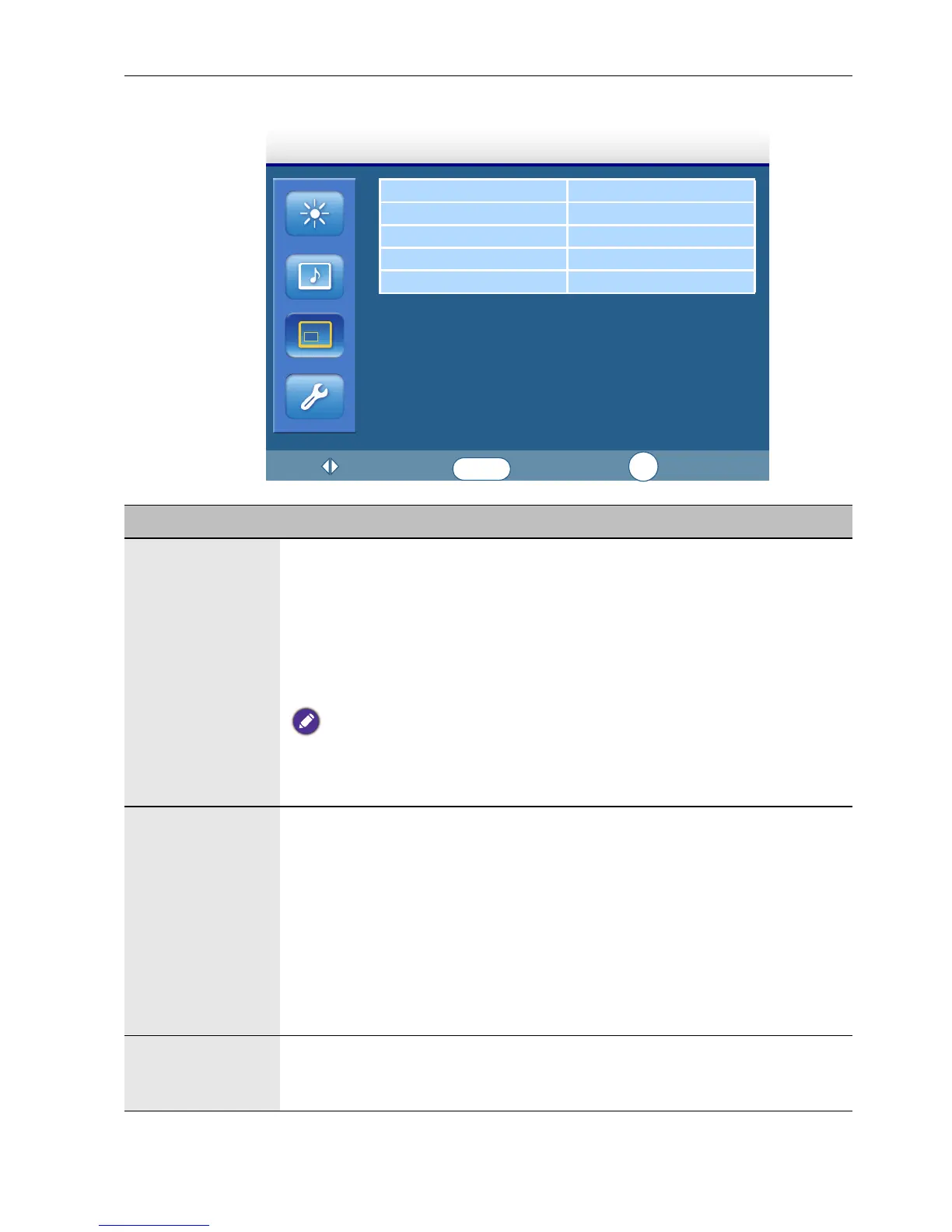
Screen menu
PAP Setting
Display Wall
Aspect Full
Adjust Screen
Freeze Off
Screen
:Move
:Enter
:Exit
ENTER
EXIT
Name Description
PAP Setting
(Picture and
Picture)
• PAP: Turns on or off the PIP (Picture in Picture) and PBP (Picture by
Picture) functions.
• Active Picture: For the PIP, selects the main or sub picture to operate.
For the PBP, selects the left or right picture to operate. Swaps the main/
sub or left/right pictures.
• Picture Size: Changes the size of the sub picture.
• Picture Position: (PIP only) Changes the position of the sub picture.
• PAP is not available for all signal source combinations. See Supported PAP input signal
combination on page 45 for more information on supported combinations.
• In PAP mode, only sound from the active picture will be available.
Display Wall • H. Monitors/V. Monitors: Sets the number of displays used in the
horizontal/vertical direction.
• H. Position/V. Position: Sets the horizontal/vertical position of the
display wall matrix.
• Frame Comp.: Adjusts images near the display edges for optimal
demonstration across the display wall.
• LED: Turns the power indicator on the display on or off.
• Power On Delay: Choose to enable or disable a sequence in turning
on the screen matrix. If enabled, the display will turn on with a maximum
of 10-second delay.
Aspect Sets the picture’s aspect ratio.
• Wide Zoom: Enlarges to fill screen with minimum distortion.
• Zoom: Enlarges the picture, keeping the same aspect ratio.



 To Next Page