Basic operations26
Initial setup
After you have connected the display to the power, you are ready to power on the
display. The first time you power on the display, you will be guided through a series of
setup screens. Follow the on-screen instructions or the steps below to start up your
display and complete the initial setup.
1. Turn on the display. Wait for the display to boot up with the BenQ screen. This may
take a moment.
2. Tap Next on the screen to begin. Follow the on-screen instructions to set up the
language, date and time, and network. Or your can skip some of these steps and
complete the setup later.
OSD Setting
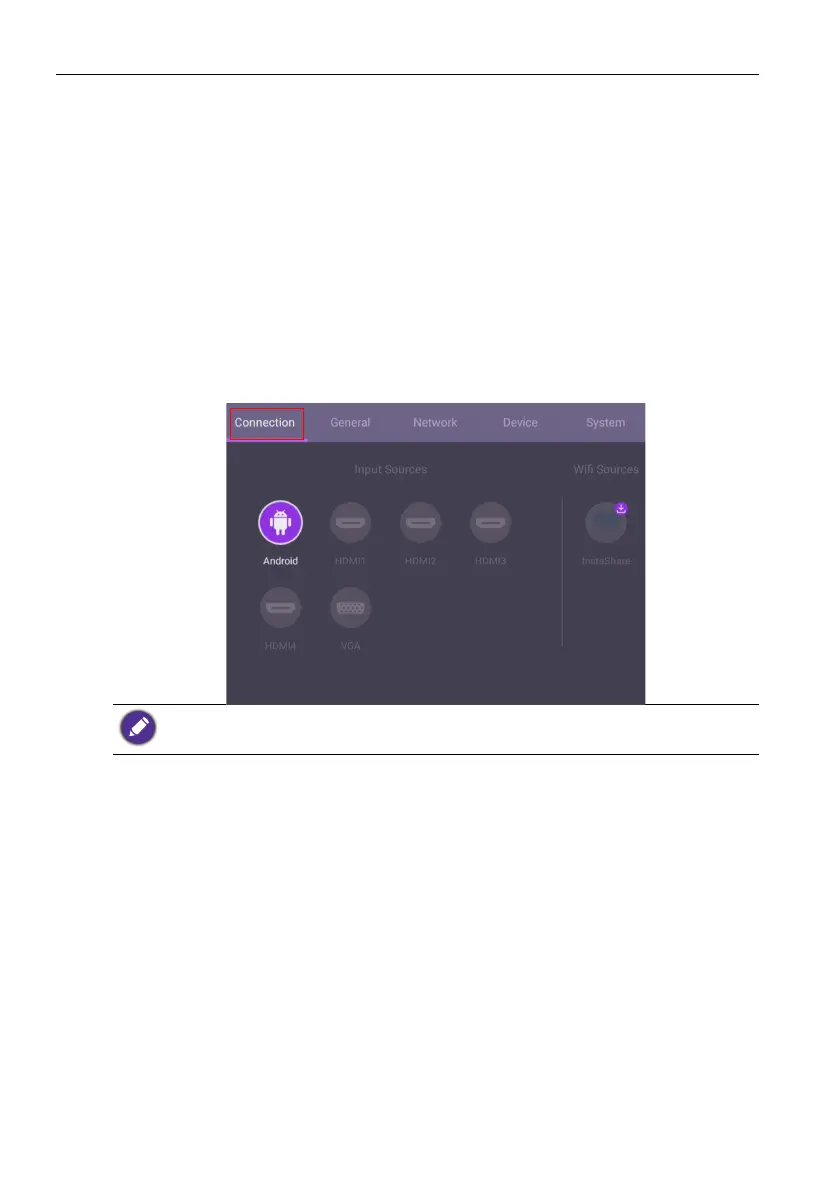
Under Connection, you can select a desired input source and adjust backlight. Refer to
Input settings on page 39 for more information.
InstaShare is not preloaded. You need to download the app via BenQ Suggests. Refer to
InstaShare on page 61 for more information.



 To Next Page