Android system interface 51
Android system interface
Main interface
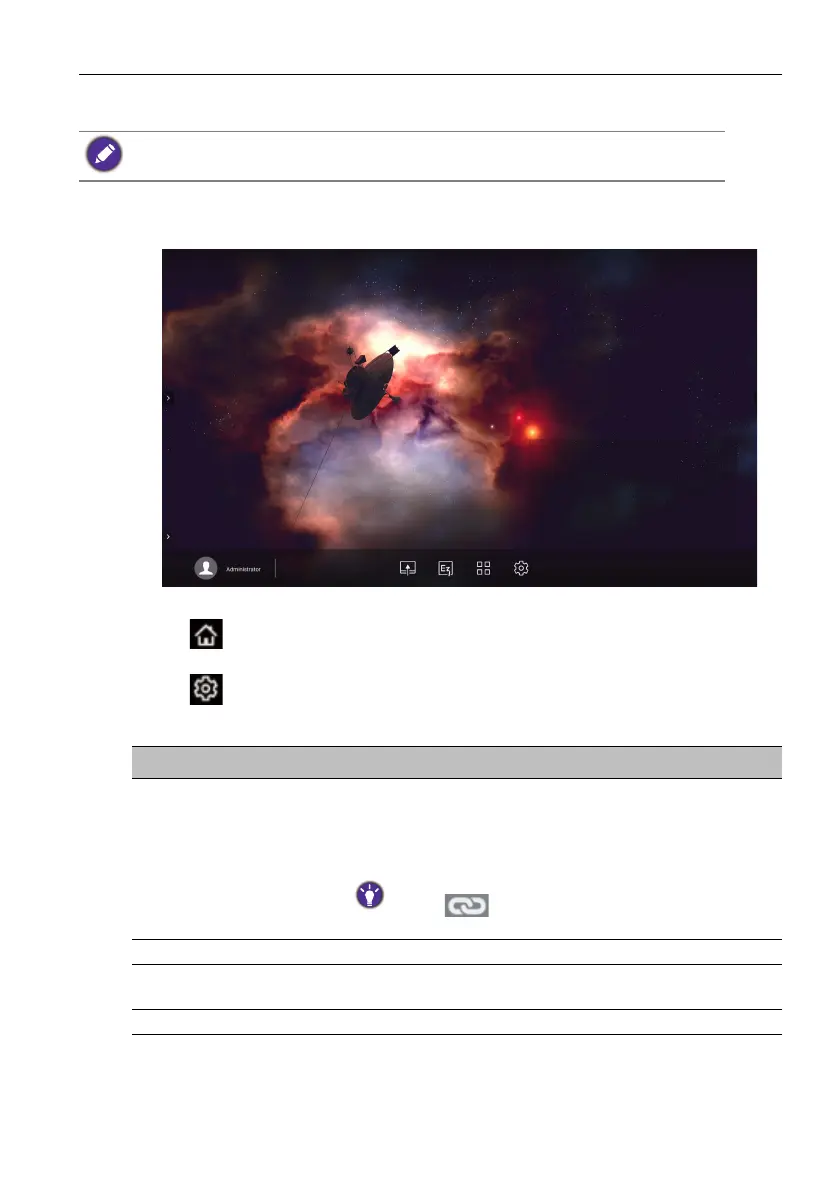
The display launches the Android main interface by default.
To navigate the Android main interface:
• Press on the remote control or Home button on the front panel to return to the
main interface.
• Press on the remote control or drag the OSD menu up from the bottom-center
of the screen to enter the OSD menu to select an input.
Note that this is a closed Android OS. Download and use of unauthorized apps on this system
are not available.
Item Description
1. Source Selection • You can open files from the cloud storage services like
Google Drive, Dropbox, or Samba.
• You can also open files from the local devices like
Internal, My Folder, or connected USBs.
The icon next to Google Drive, Dropbox shows that
the account is bound to AMS service.
2. Folder Path You can browse the file folder in this area.
3. Listing Files You can see a list of files from the storage device you
select.
4. Operating Tab You can edit the files using the operating tabs here.



 To Next Page