Apps62
- Operate the display by using your mobile device as a remote control.
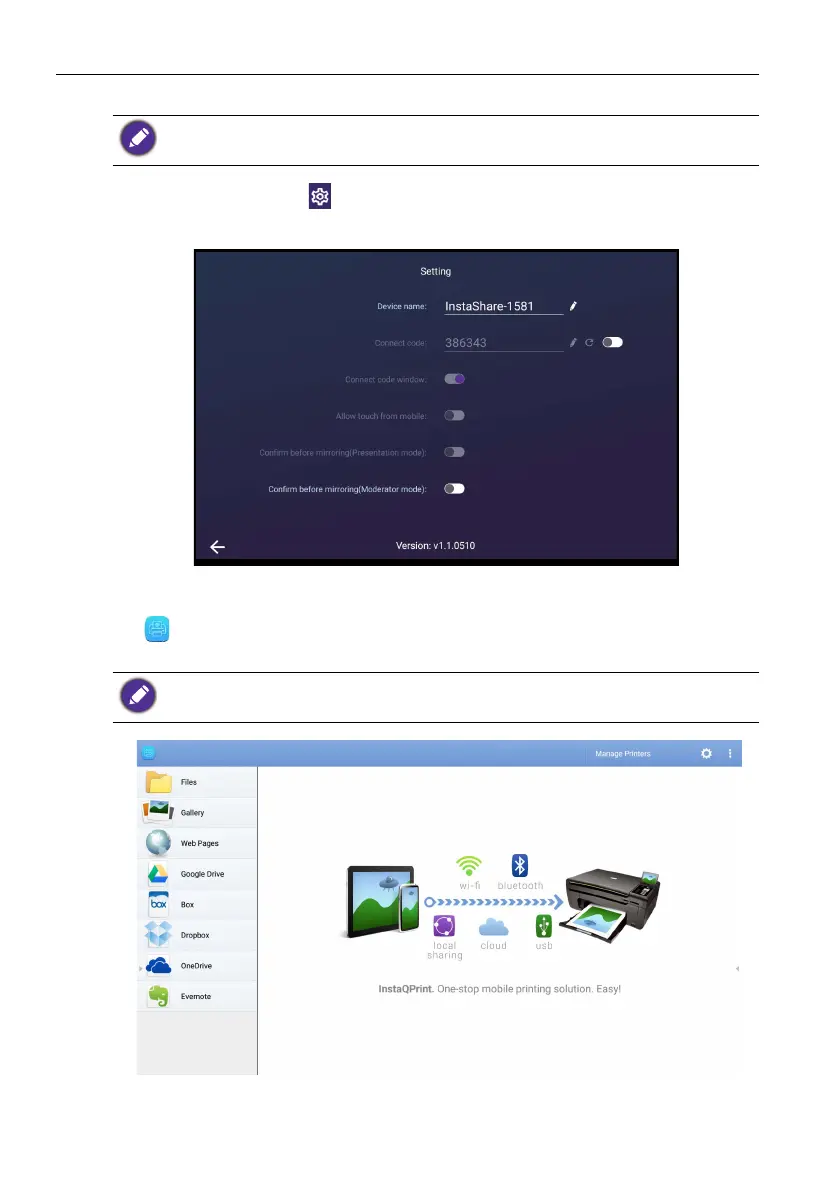
You can also tap Setting ( ) in the lower right corner of the display to modify the
settings for InstaShare, such as the InstaShare ID name, connect code, or mirroring
confirmation message.
InstaQPrint
Tap to launch InstaQPrint. With this application, you can print a file or website
image using a Wi-Fi or remote printer.
1. Tap the option on the left panel and browse and select the desired file, photo, page,
or image you want to print.
Once connected, any operations on the display or mobile device will also show up on your
mobile device and display.
• Before launching the application, make sure your display is properly connected to lnternet.
• For the list of supported printers, see https://printhand.com/list_of_supported_printers.php.



 To Next Page