Working with Android OS 67
Blizz
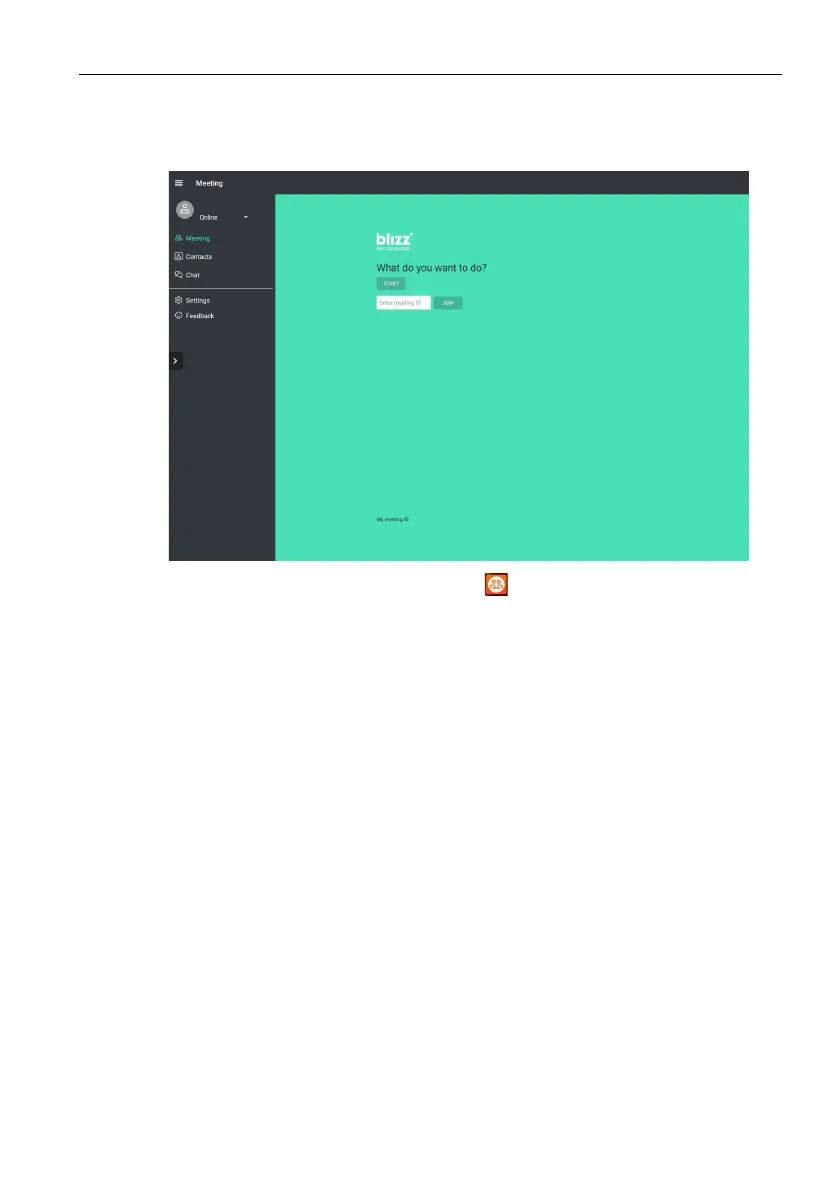
Blizz is a video-conferencing app that is installed in the display by default. It allows you to
conveniently conduct video conference meetings with any other Blizz users.
1. On the home screen, select Apps >Blizz ()
2. Select Sign In if you want to create a new meeting, select Join a Meeting if you
want to join an already created meeting.
- After signing in, create a meeting ID which will be the meeting ID other users will
enter to join the meeting.
- If joining a meeting, enter the meeting ID provided by the creator of the meeting in
the Join a Meeting page.



 To Next Page