Basic operations 29
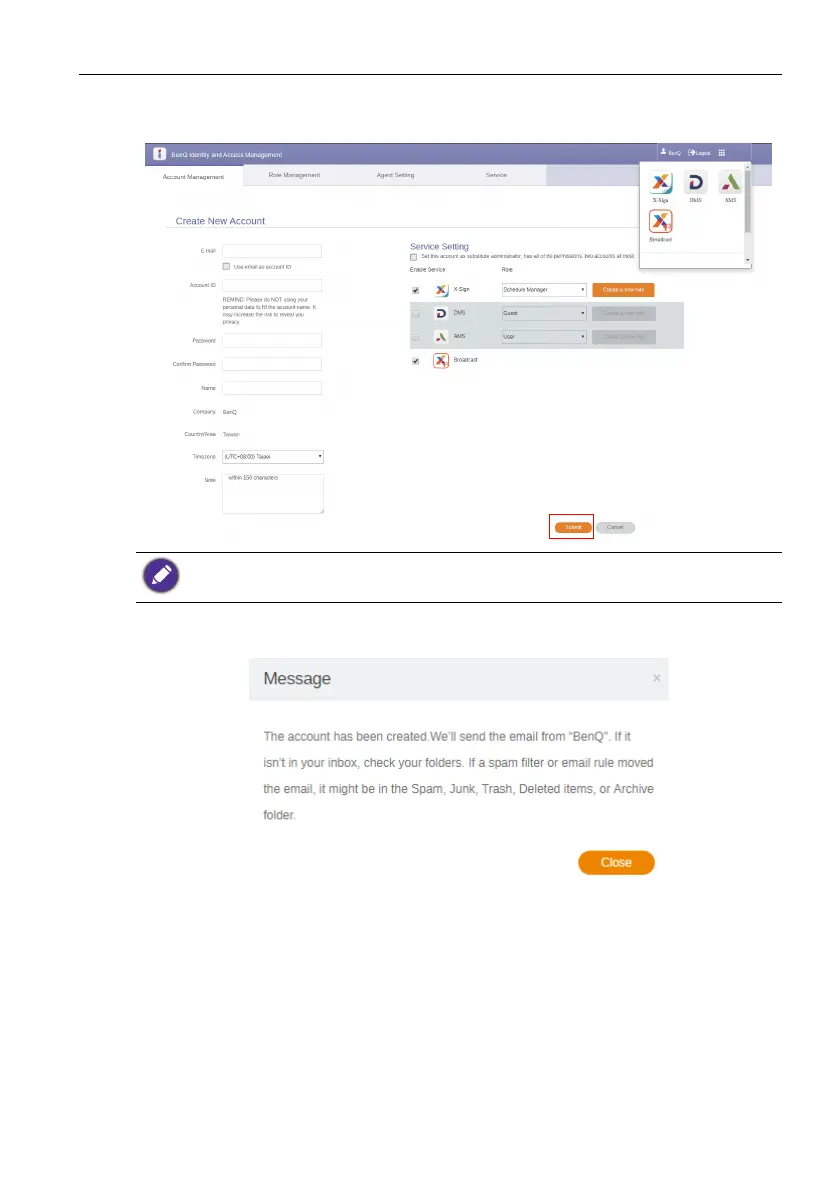
4. Fill in the following fields. Be sure to enter the correct email address and activate
the X-Sign and Broadcast service. Click Submit to create a new account.
5. The account has been created and a verifying email is sent to the new account
owner.
You can esaily switch to different services, X-Sign, DMS, AMS, Broadcast, by clicking the icon
on the upper right corner.



 To Next Page