Menu operations40
General settings
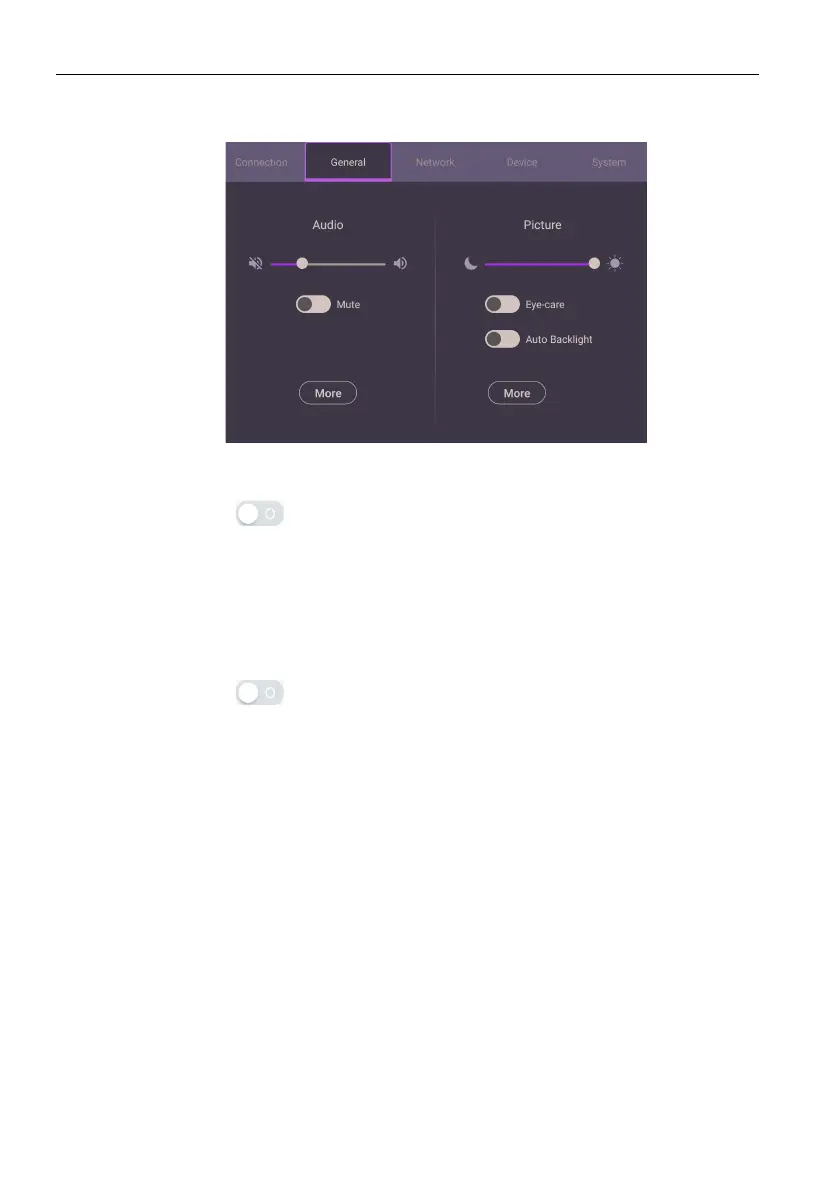
Go to General to access the Audio and Picture settings.
Audio
• Under Audio, Use the volume bar to adjust the volume for the display.
• Directly swipe to enable or disable Mute.
• Go to More to enter Audio menu.
Picture
• Under Picture, use the brightness bar to adjust the brightness for the display.
• You can enable the Eye-Care function on the OSD menu. Eye-Care switches the
display’s low blue light mode and activates the flicker free function.
• Directly swipe to enable or disable Auto Backlight.
• Go to More to enter Picture menu.



 To Next Page