Menu operations 47
Proxy setting
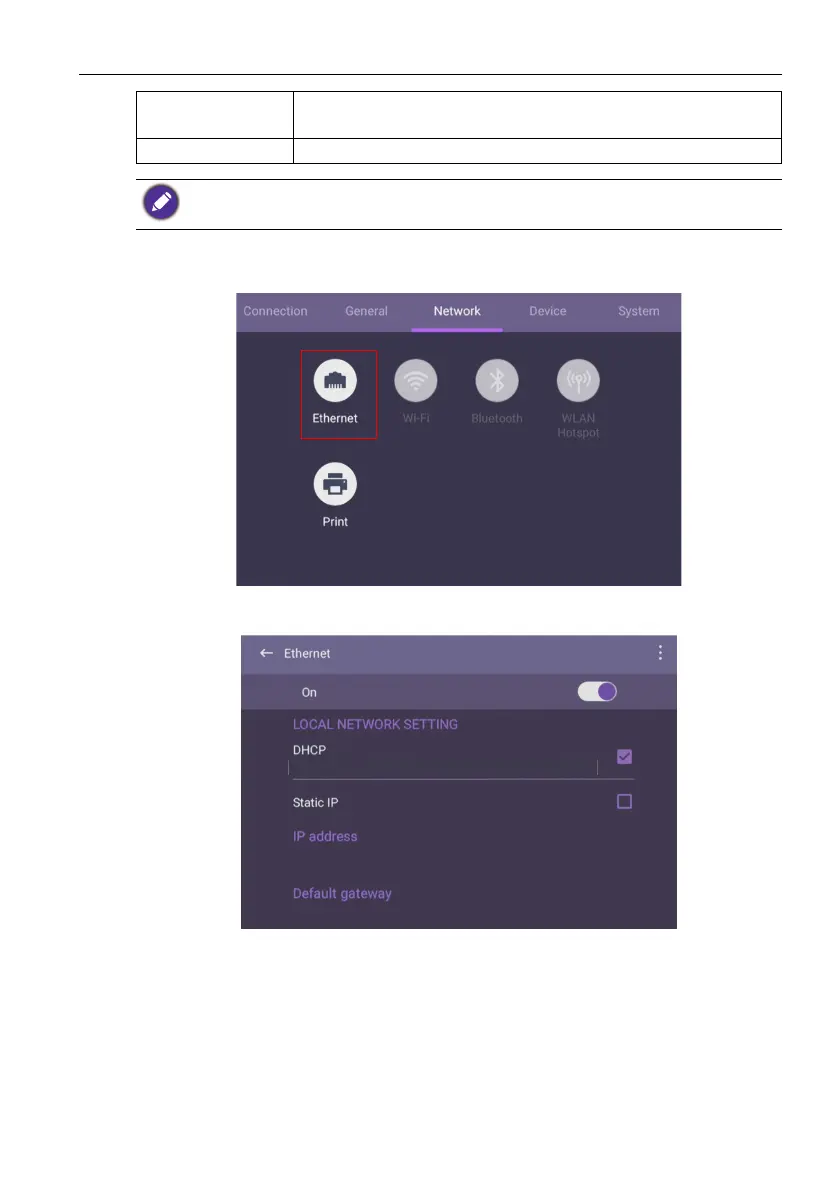
• Go to Network > Ethernet.
• Press Proxy to go to the proxy setting. You can choose None, Manual, and Proxy
Auto-Config.
Floating tool Click to open and close the floating tool. Refer to AMS file
manager overview on page 53 for more information.
About Click to view system information in Android.
The amount of available storage space for the user varies according to the amount of pre-installed
apps and images occupying the total storage space.



 To Next Page