Android system interface 55
Supported image format (maximum resolution)
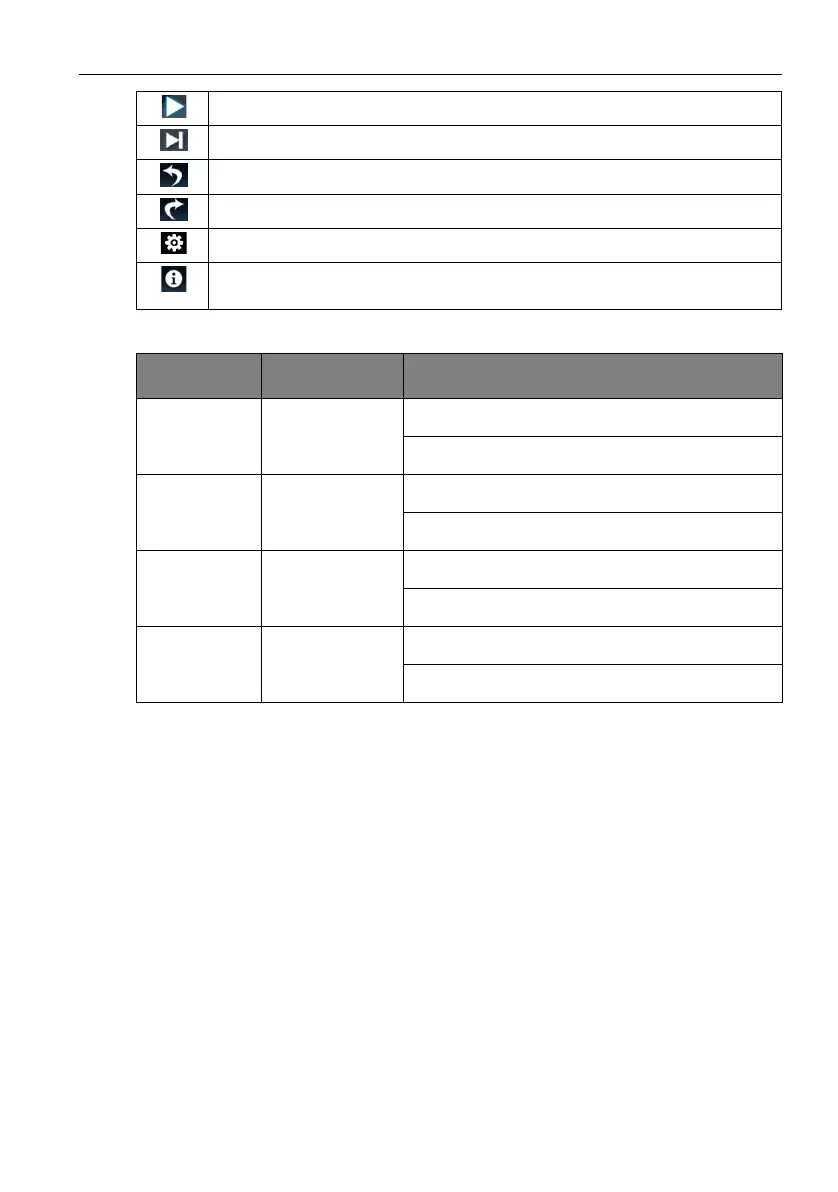
Play/pause the current playback.
Play the next image.
Rotate the current image counter-clockwise.
Rotate the current image clockwise.
Go to the settings.
See the information about the file name, creation time, file size, and the file
format.
File
Image Supported range
.bmp BMP Max Resolution: 8000 × 8000
Min Resolution: 4 x 4
.gif GIF Max Resolution: 8000 × 8000
Min Resolution: 4 x 4
.jpeg/.jpg JPEG/JPG Max Resolution: 8000 × 8000
Min Resolution: 4 x 4
.png PNG Max Resolution: 8000 × 8000
Min Resolution: 4 x 4



 To Next Page