60 Web management
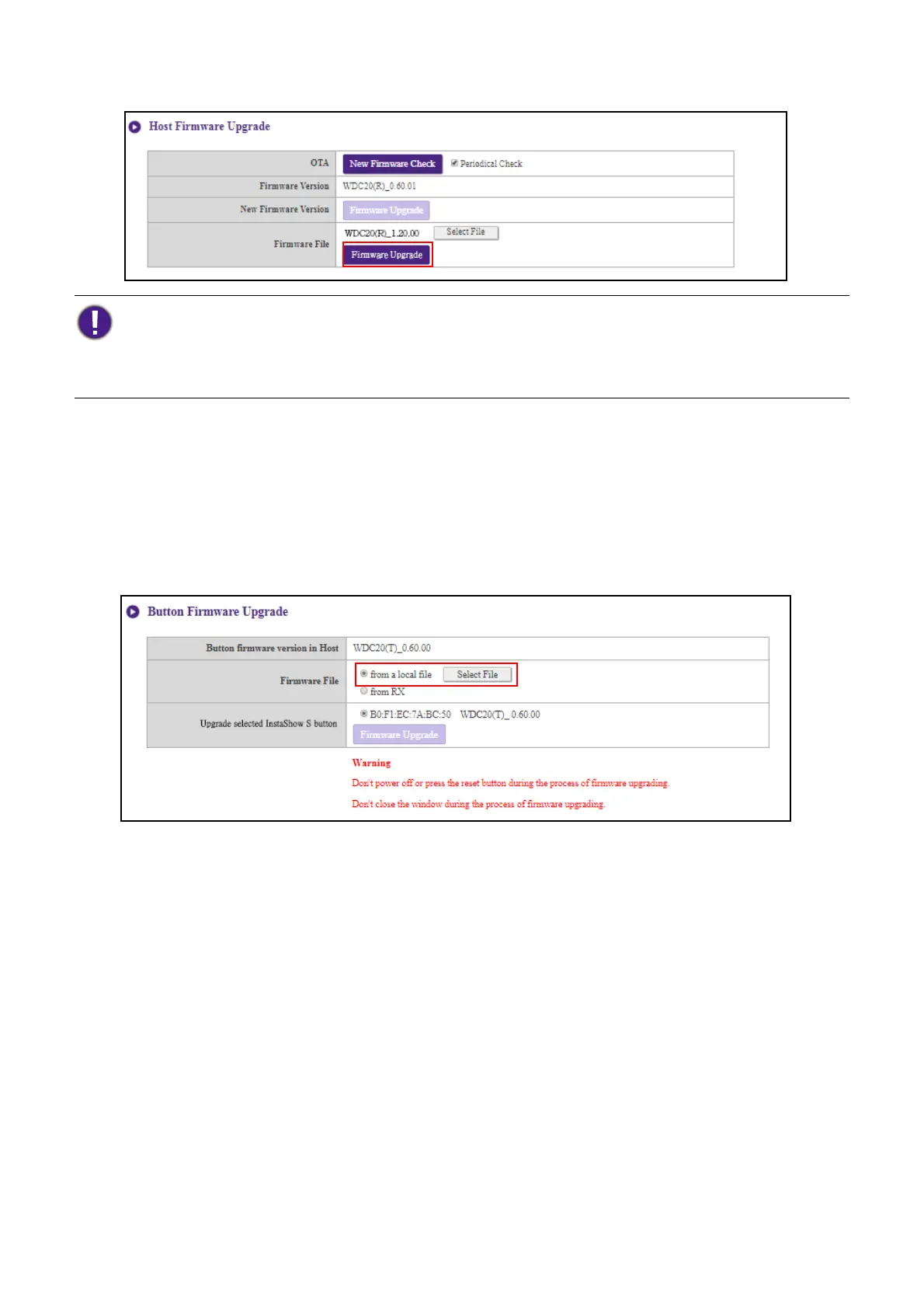
3. Click the Firmware Upgrade button in the Firmware File field.
• Upgrading the Button’s Firmware
You can upgrade the Button’s firmware using an upgrade file located on your local computer or
directly from your Host via the connection between the Button and Host.
To upgrade the Button’s firmware using an upgrade file located on your local computer follow the
steps below:
1. Select from a local file in the Firmware File field and then click the Select File button.
2. Navigate to and select the firmware upgrade file.
When performing any type of upgrade DO NOT do any of the following:
• Power off or press the reset button on the Host or Button.
• Close the browser window of the web management interface.
Failure to follow these warnings will result in firmware upgrade failure and subsequent product failure.



 To Next Page