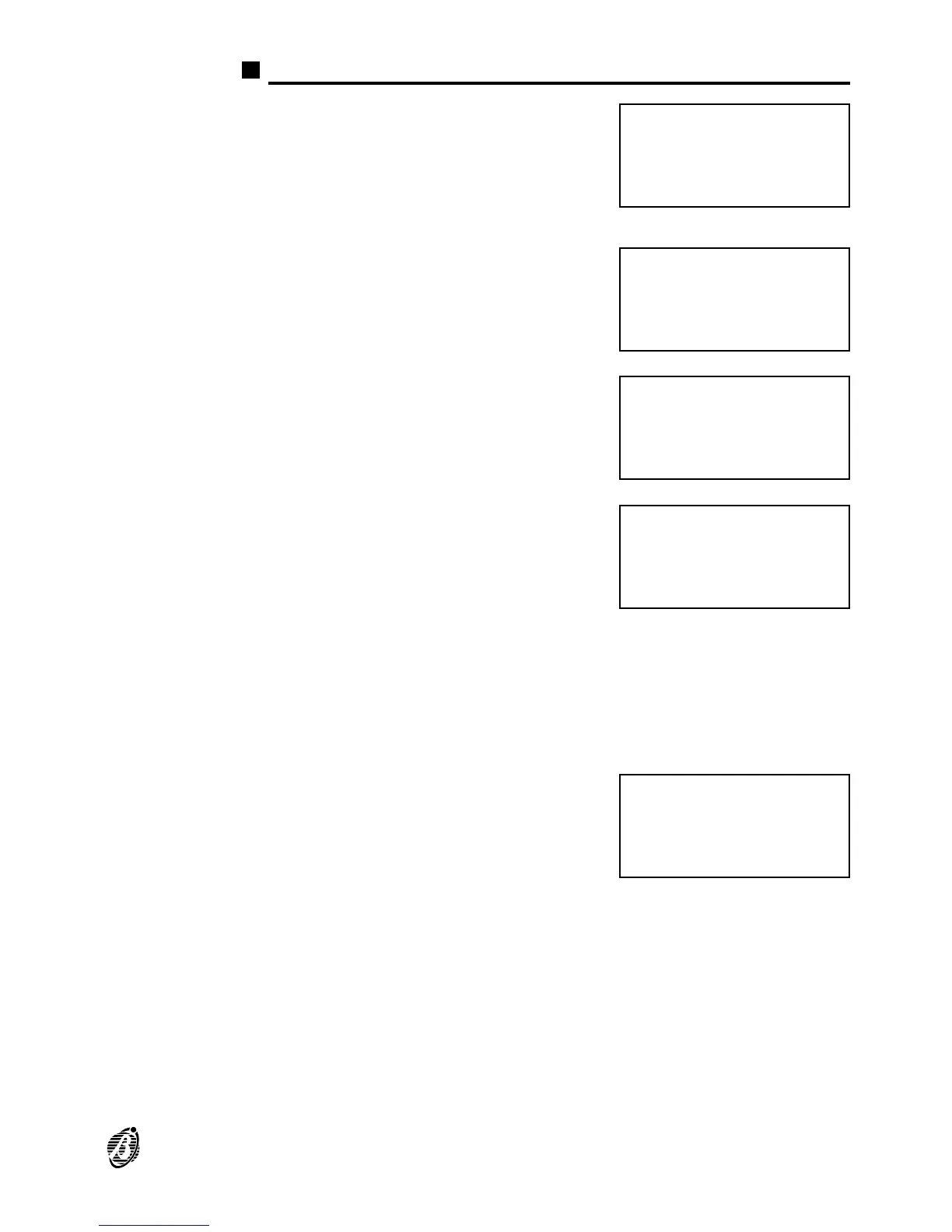
Display
STANDBY
status
The message opposite signals STANDBY
status.
The first row shows the control panel La-
bel (programmed by the Installer).
The fourth row shows the Time, date and
day of the week.
WARNING
status
The message opposite signals WARNING
status. An Input Point has exceeded the
WARNING threshold, and there is risk of
ALARM status.
PREALARM
status
The message opposite signals PREA-
LARM status. The control panel will go into
ALARM status when the programmed
PREALARM Time ends.
ALARM status The message opposite signals ALARM
status:
First Alarm shows the address of the first
Point or Zone to go into ALARM status;
Last Alarm shows the address of the last
Point or Zone to go into ALARM status;
Total Alarms shows the number of Points
and Zones in ALARM status;
Up/Down move indicates that by using
the ↑ and ↓ keys it will be possible to scroll
the addresses of all the Points and Zones
in ALARM status.
FAULT status The message opposite signals the presen-
ce of at least one FAULT:
First Fault shows the address of the first
Point to go into FAULT status, or the code
of the first FAULT;
Last Fault shows the address of the last
Point to go into FAULT status, or the code
of the last FAULT;
Total Faults shows the total number of
FAULTs;
Up/Down move indicates that by using
the ↑ and ↓ keys it will be possible to scroll
the addresses and codes of all the
FAULTs.
FIRE CLASS 1ØØ
Scanning Loop
>> >> >>
16:23 Ø2/Ø8/99 Mon
Panel
in
WARNING
state !
Panel
in
PREALARM
state !
First Alarm : ####
Last Alarm : ####
Total Alarms : ###
Up/Down move : ####
First Fault : ####
Last Fault : ####
Total Faults : ###
Up/Down move : ####
OVERVIEW 9









 To Next Page