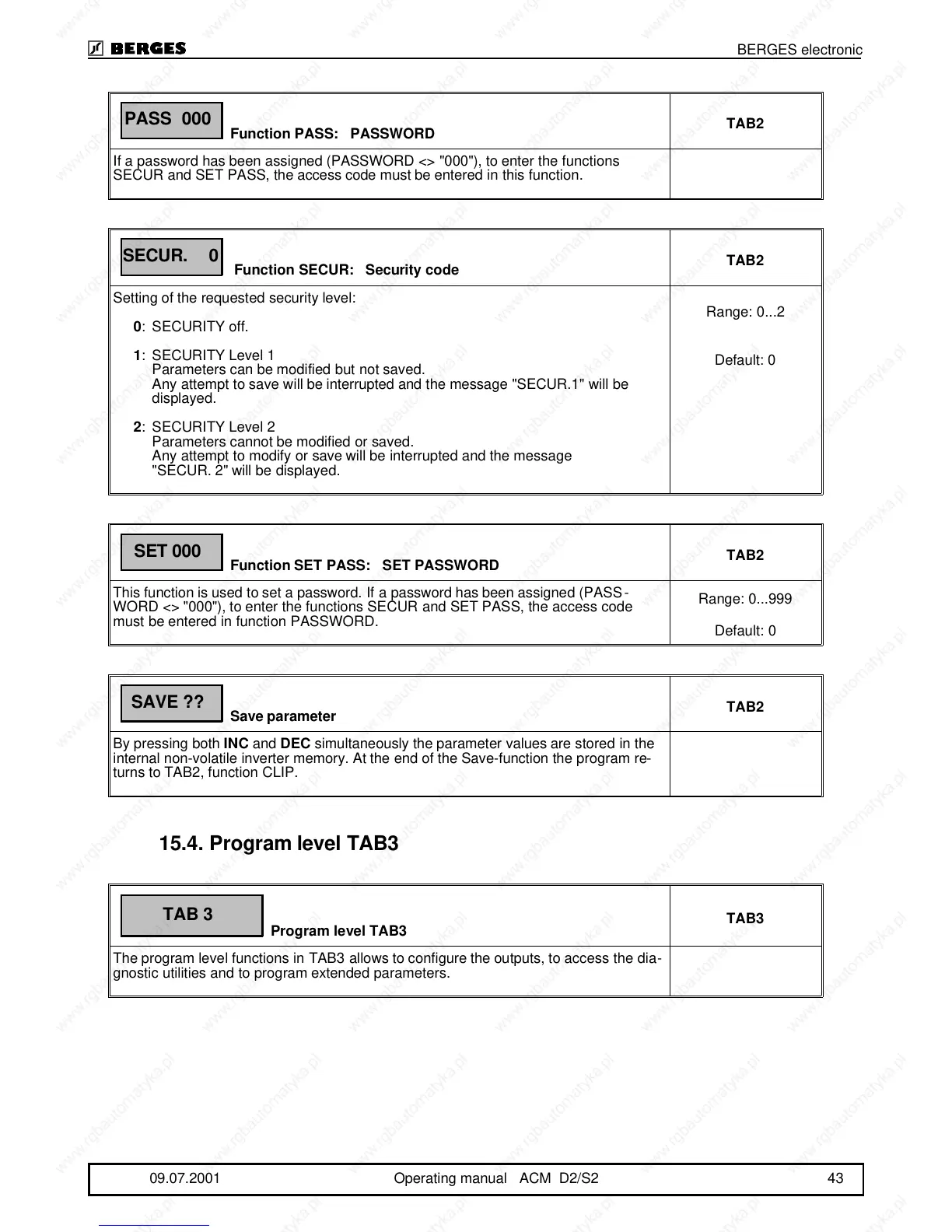
Function PASS: PASSWORD
TAB2
If a password has been assigned (PASSWORD <> "000"), to enter the functions
SECUR and SET PASS, the access code must be entered in this function.
Function SECUR: Security code
TAB2
Setting of the requested security level:
0:SECURITY off.
1:SECURITY Level 1
Parameters can be modified but not saved.
Any attempt to save will be interrupted and the message "SECUR.1" will be
displayed.
2:SECURITY Level 2
Parameters cannot be modified or saved.
Any attempt to modify or save will be interrupted and the message
"SECUR. 2" will be displayed.
Range: 0...2
Default: 0
Function SET PASS: SET PASSWORD
TAB2
This function is used to set a password. If a password has been assigned (PASS-
WORD <> "000"), to enter the functions SECUR and SET PASS, the access code
must be entered in function PASSWORD.
Range: 0...999
Default: 0
Save parameter
TAB2
By pressing both INC and DEC simultaneously the parameter values are stored in the
internal non-volatile inverter memory. At the end of the Save-function the program re-
turns to TAB2, function CLIP.
15.4.Program level TAB3
Program level TAB3
TAB3
The program level functions in TAB3 allows to configure the outputs, to access the dia-
gnostic utilities and to program extended parameters.
PASS 000
SECUR. 0
SET 000
SAVE ??
TAB 3
BERGES electronic
09.07.2001 Operating manual ACM D2/S2 43



 To Next Page