LB 124 Scint 6. Software Functions
39
6. Software Functions
You will find a detailed description of the software operation in
chapter 4 (how to select the System Menu, how to select menu
items, how to edit things etc.).
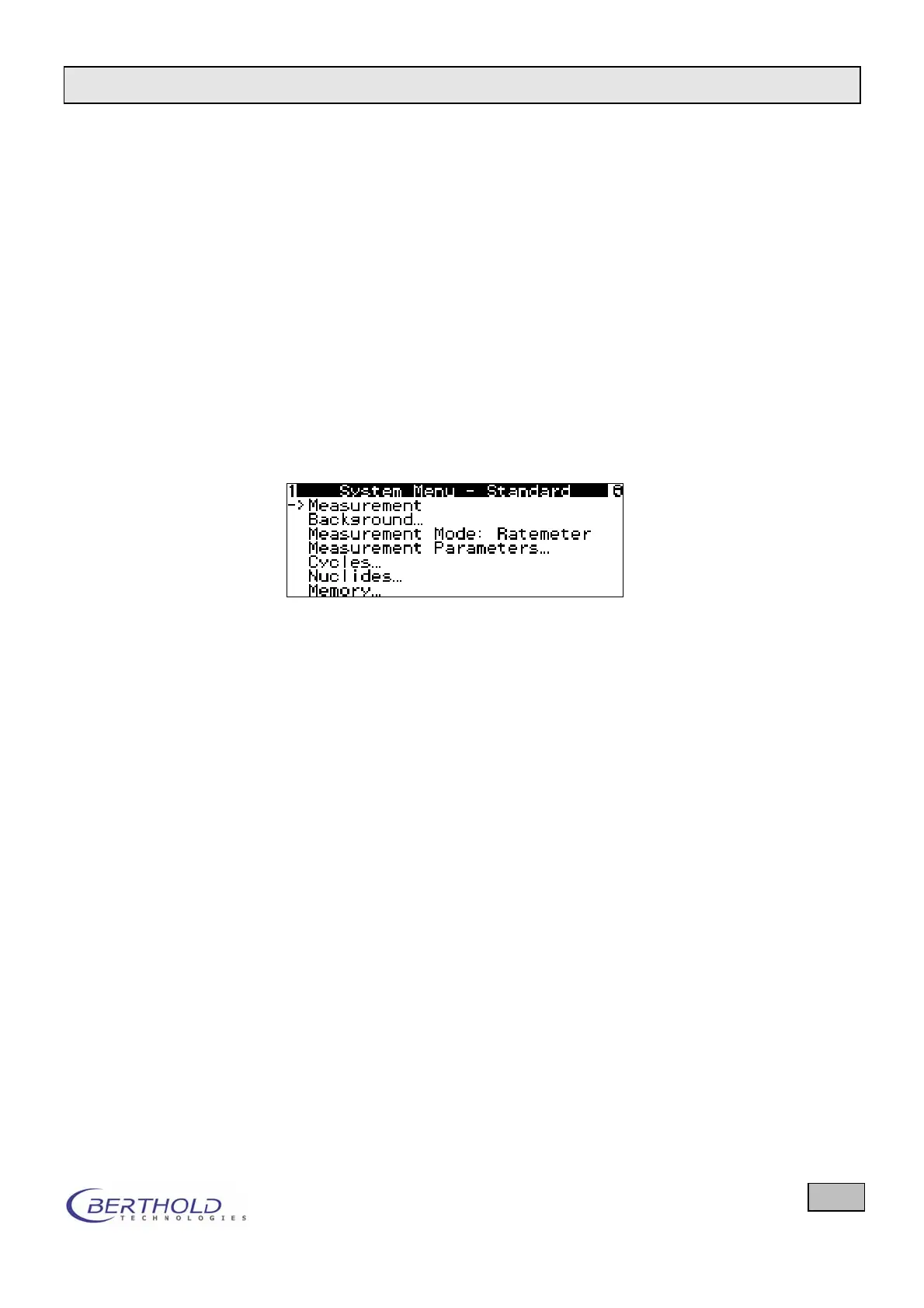
All menu items can be selected from the System Menu.
Only those menu items are displayed for which the user has a
respective reading or editing authorization. The user rights are
defined and stored in user-specific profiles. In the top line of the
display, the current profile is indicated. Only the owner of the
PIN number has the right to define and modify a profile (see
chapter 6.9). When you turn on the device, the profile is loaded
which had been active when the device was switched off. To
change profiles, select the Profile menu.
Figure 20: System menu
The individual menus and options are explained on the follow-
ing pages.


 To Next Page