LB 124 Scint 6. Software Functions
73
To quit the profile editing mode, select the Profile menu
once more and there the item Edit Profile. You will get to
the Profile | Edit Profile menu. Select Modify Profile and
push the
button. The device switches from the modi-
fying mode to the normal working mode. The device auto-
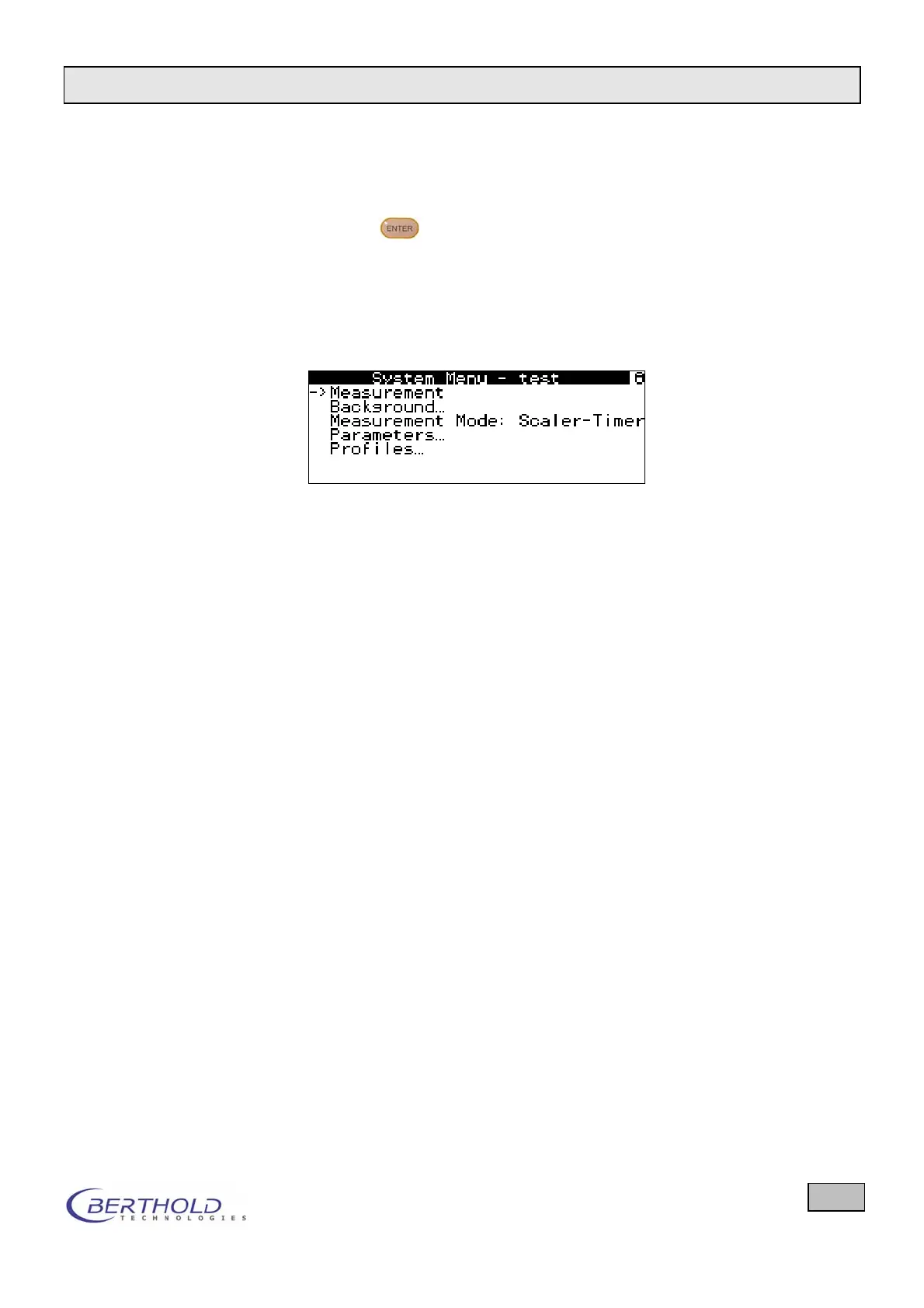
matically jumps to the System Menu. The illustrations be-
low show a reduced System Menu in which only those me-
nus are displayed for which reading and/or editing rights
have been assigned.
Figure 56: Rights allocation for test profile
In order to switch back to the EXPERT profile, select the
menu Profiles and set the EXPERT profile in Select Pro-
file.
6.9.3 Preset Profiles
The profiles EASY, STANDARD and EXPERT are already pre-
defined by the manufacturer and provided with the most useful
parameters. The default settings for these three profiles can be
found in the appendix.
6.9.4 Factory Settings
Here all settings can be reset to the factory-set values. This
function deletes all profile settings defined by the user.


 To Next Page
 Loading...

