6. Software Functions LB 124 Scint
74
6.9.5 Transmit/Receive Setup
This function allows you to transmit all device settings to an-
other LB 124 Scint device with the same software version num-
ber. An error message appears if both devices have different
version numbers and the transmission cannot be started.
The transmission is protected in various ways.
Please keep in mind that in case of failed transmission the
measured values will be lost on the receiving device.
Therefore, do not interrupt data transmission!
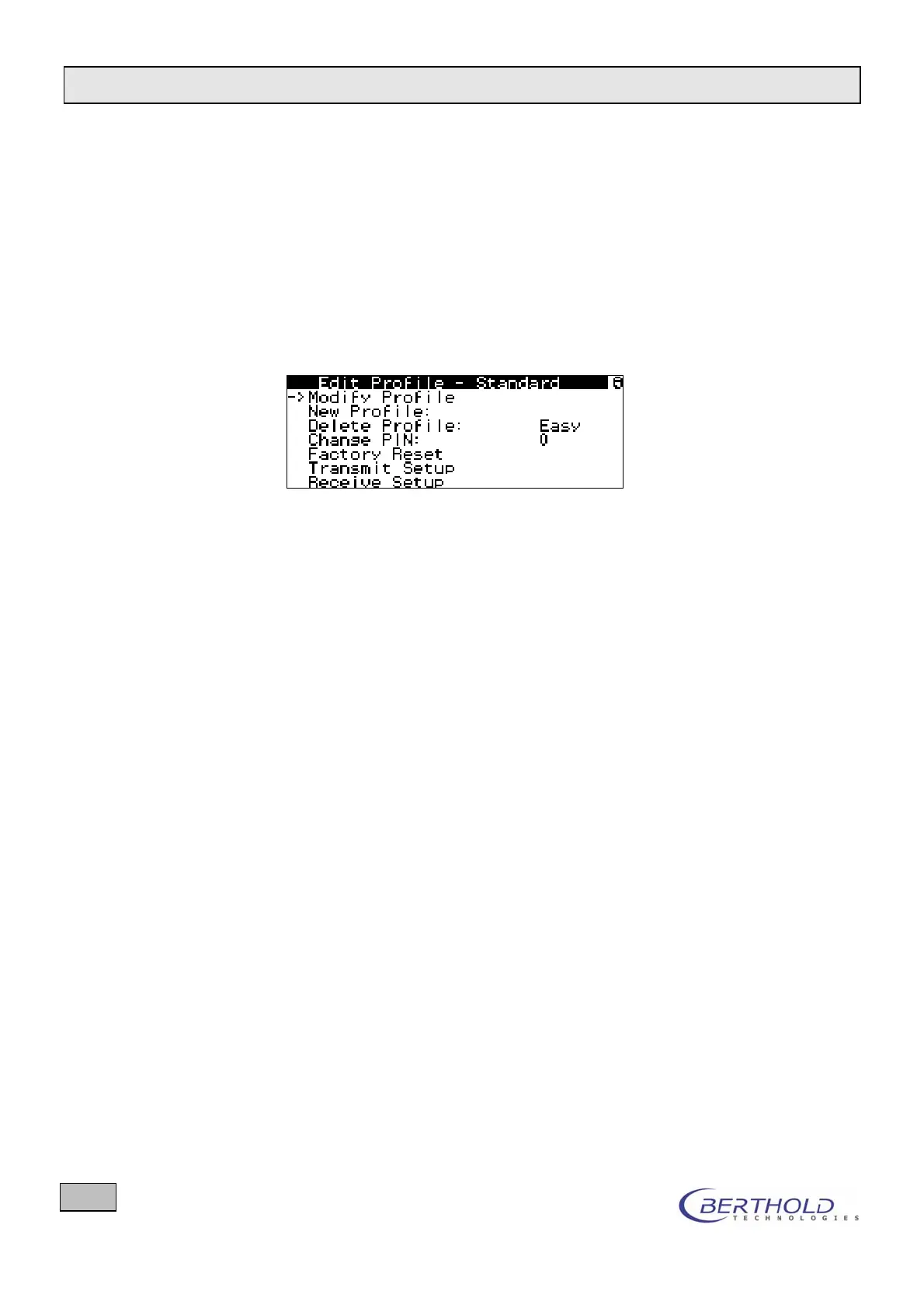
Figure 57: Transmit/Receive Setup
Proceed as follows
Connect both LB124 Scint devices via a regular null modem
cable (RS232 interface).
Turn both devices on.
At the receiving device, select the menu item Profile/Edit
Profile and then Receive Setup.
At the transmitting device, select the menu item Profile/Edit
Profile and then Transmit Setup.
Data transmission starts as soon as you have confirmed a
safety dialog. During this time the LED is flashing on both
devices.
Successful data transmission is indicated by a correspond-
ing message on the display.


 To Next Page