BC615 Installation and User Manual 19
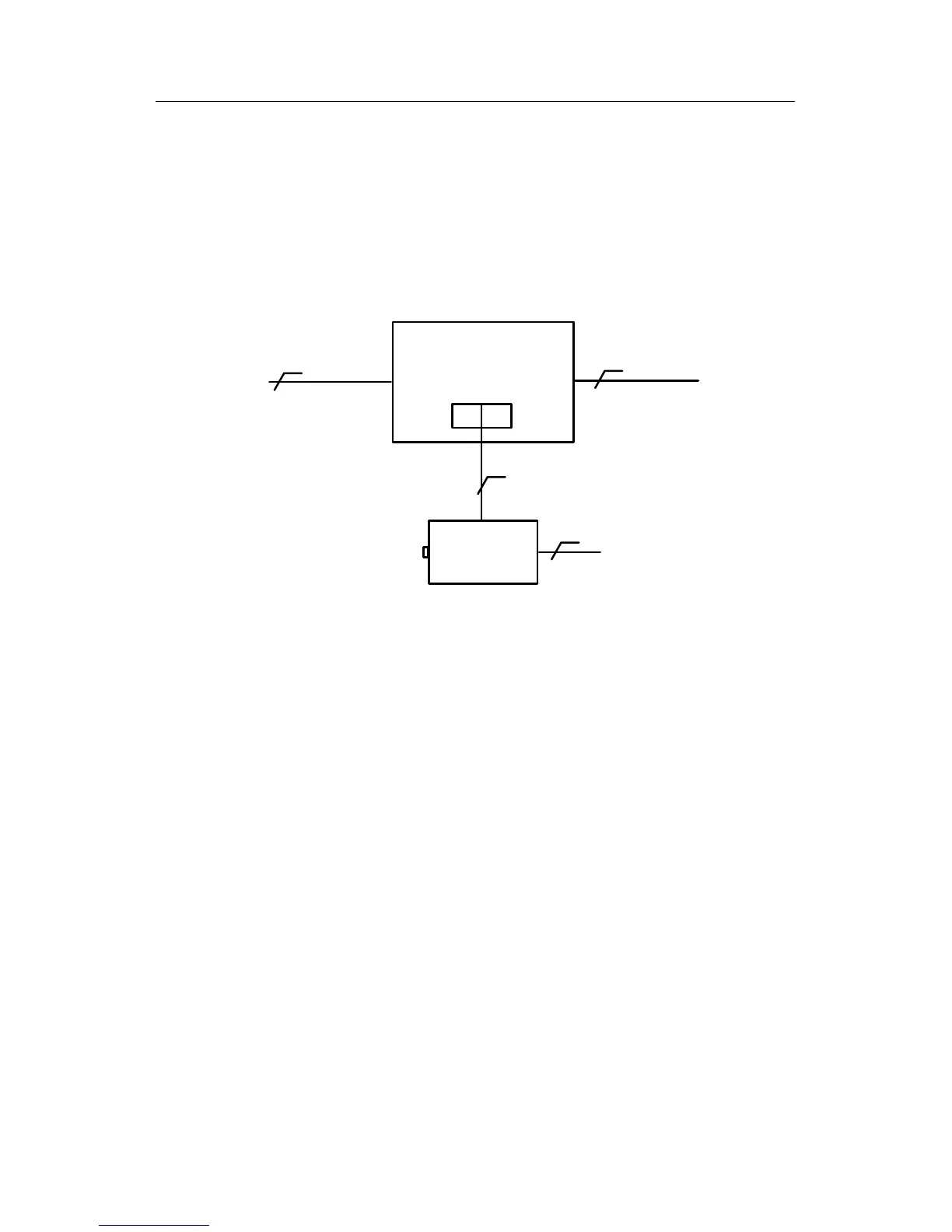
Connecting the power supplies
Connect the power supply according to the instructions below, but do
not connect the power to outgoing cables. Apply power when you start
the system (see the Check the communications circuit section).
Battery
backup
2
4 + screen
4 + screen
2 + protective earth
220 V
CR1
1 2
The system cables screen can be earthed at the power supply. Connect
the screen to protective earth, but remember that the system cables’
screen must be earthed at one point only in the system.
Also remember that metal parts in doors or vehicle barriers can be in
contact with earth. For readers installed on these surfaces, the screen
must not be connected to the metalwork.


 To Next Page